

Answered
Unable to Select PSE15 as Default Program for File Types
This is probably more of a Win 10 issue but it concerns PSE 15 so here goes.
I am on Win 10 Home 64 bit
I had PSE 11 installed
I installed PSE 15
I set PSE 15 and the default app to open all the images types.
After using the new version for a while and deciding I was satisfied with it I uninstalled PSE 11
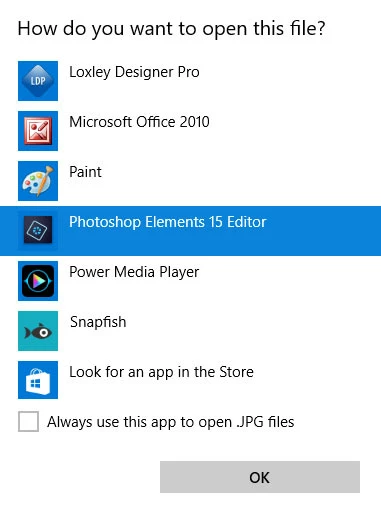
The association of file types to PSE 15 disappeared immediately and PSE 15 is not available as a program to select, nor is there a 'select another program' option
Also, if i right click an image in File Explorer and select Open With, PSE 15 is not listed
I am beginning to think I might need to reinstall PSE 15. That's not a big issue because I don't use Organiser but before I do so, is there a quick fix for my issue please?
Many thanks
- Paul
 AdChoices