
Participant
April 11, 2020
Question

Colorize Photo not working quite right

  • April 11, 2020
  • 1 reply
  • 1103 views

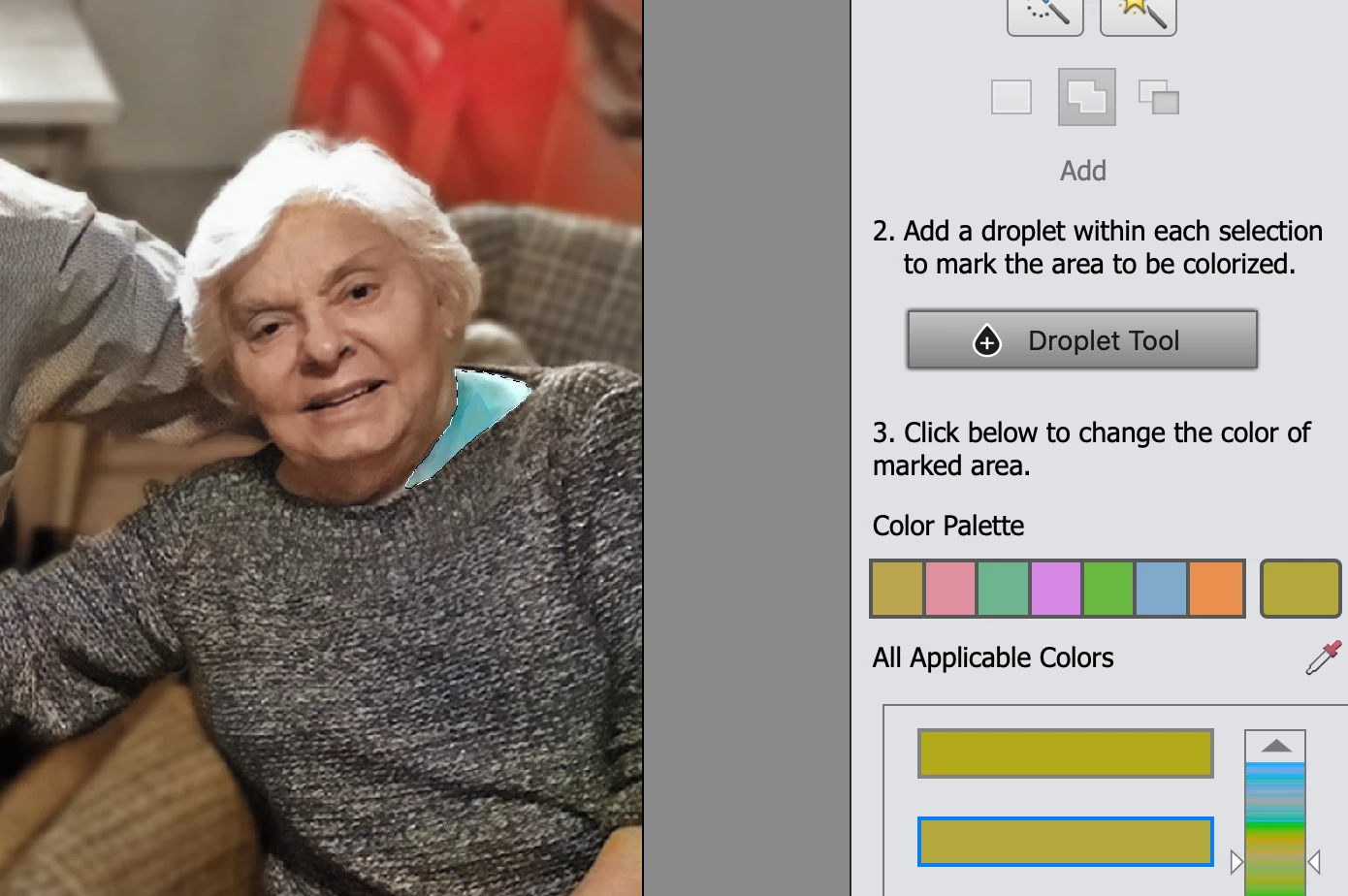
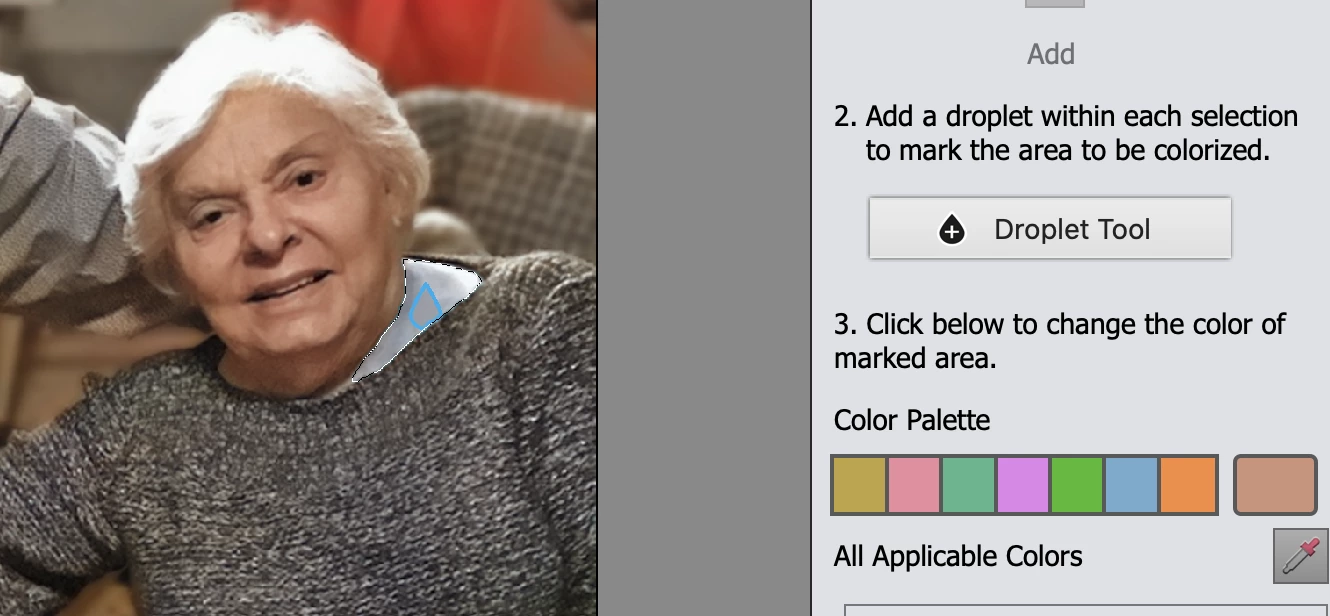
Suddenly when I use the colorize photo option the droplet tool isn't working correctly. No matter what color I choose, the result is blue. (The droplet symbol is also now blue rather than black.) I'm including a photo and you can see I chose a skin color (above the droplet tool) but when it's applied it came out a light blue. I tried a different color and it came out a darker blue. Anyone know how to fix this? (Oh and I'm on a Macbook Pro, Catalina, and have udated the app)
This topic has been closed for replies.

1 reply

Greg_S.
Community Expert
Community Expert
April 11, 2020
  • The droplet symbol has always been blue, not black.
  • What happens if you use the color eyedropper to select a color from the image? 
  • Have you tried the All Applicable Colors slider and clicked on a custom box?

The only thing I can suggest is try resetting the preferences file. Go to Edit>Preferences>General tab and click the Reset Preferences on next launch button.

Participant
April 11, 2020

I did try many other colors, which didn't make a difference. BUT what did make a difference was resetting the preferences! Thank you so much for that suggestion.

Greg_S.
Community Expert
Community Expert
April 11, 2020

👍