
Answered
Adjusting brush preview icon sizes in Photoshop
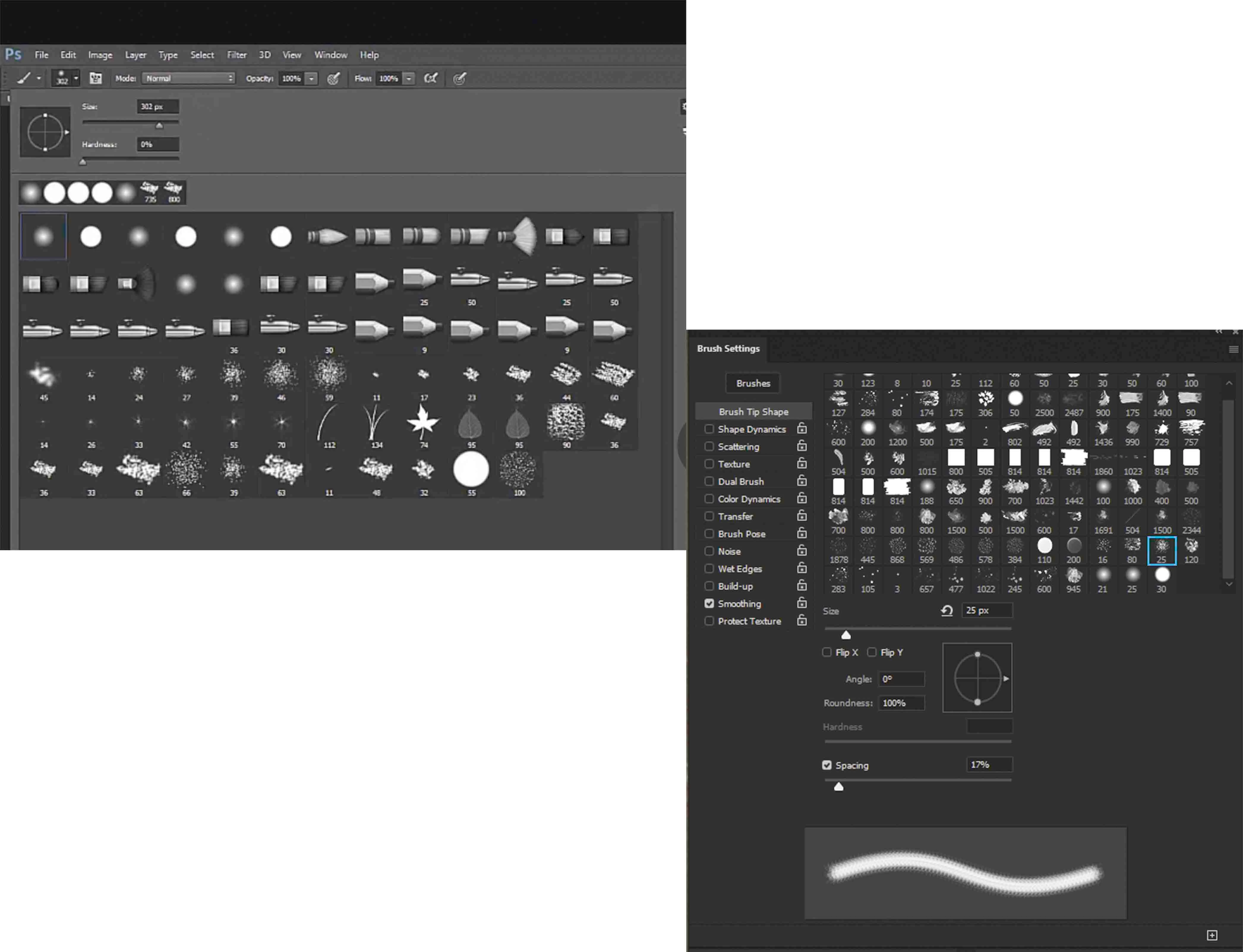
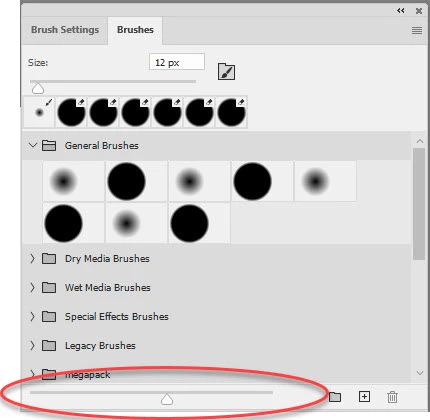
Hello and thanks very much for viewing my post, HOPEFULLY, someone can help me resolve what should be a simple issue.I am using Photoshop Version: 21.0.3 20200115.r.91 2020/01/15 and my issue is tied to brushes. I do not see where I can adjust the size of the brush icons like they are seen in the image on the LEFT. My icons are on the RIGHT and they are simply too small for me.
Please share where I need to go to make teh adjustment, I have looked EVERYWHERE!!
Thanks
 AdChoices