


Participant
September 15, 2017
해결됨

Best way to blend cut off image edges into dark shirt?

  • September 15, 2017
  • 3 답변들
  • 1802 조회

I got a desire to make a custom shirt from uberprints and looking for advice with the images I want to use since its going to cost $30 dollars for the shirt. Im new to photoshop and spent hours learning/trying to do this and this is what I got so far:

Unedited images:
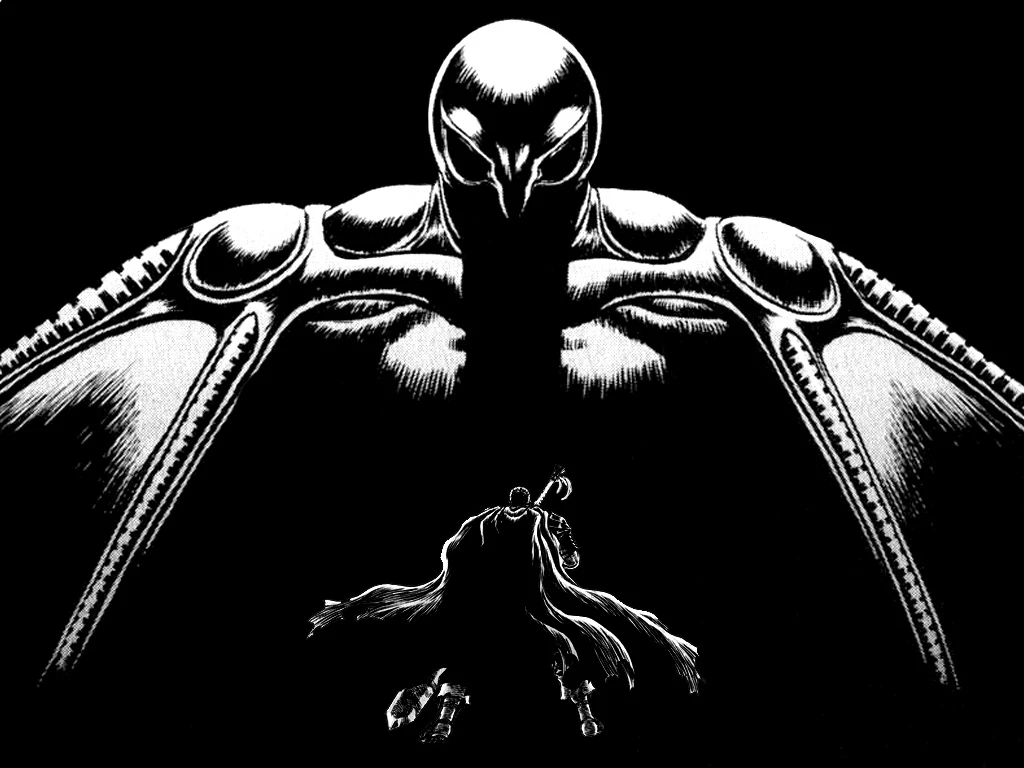
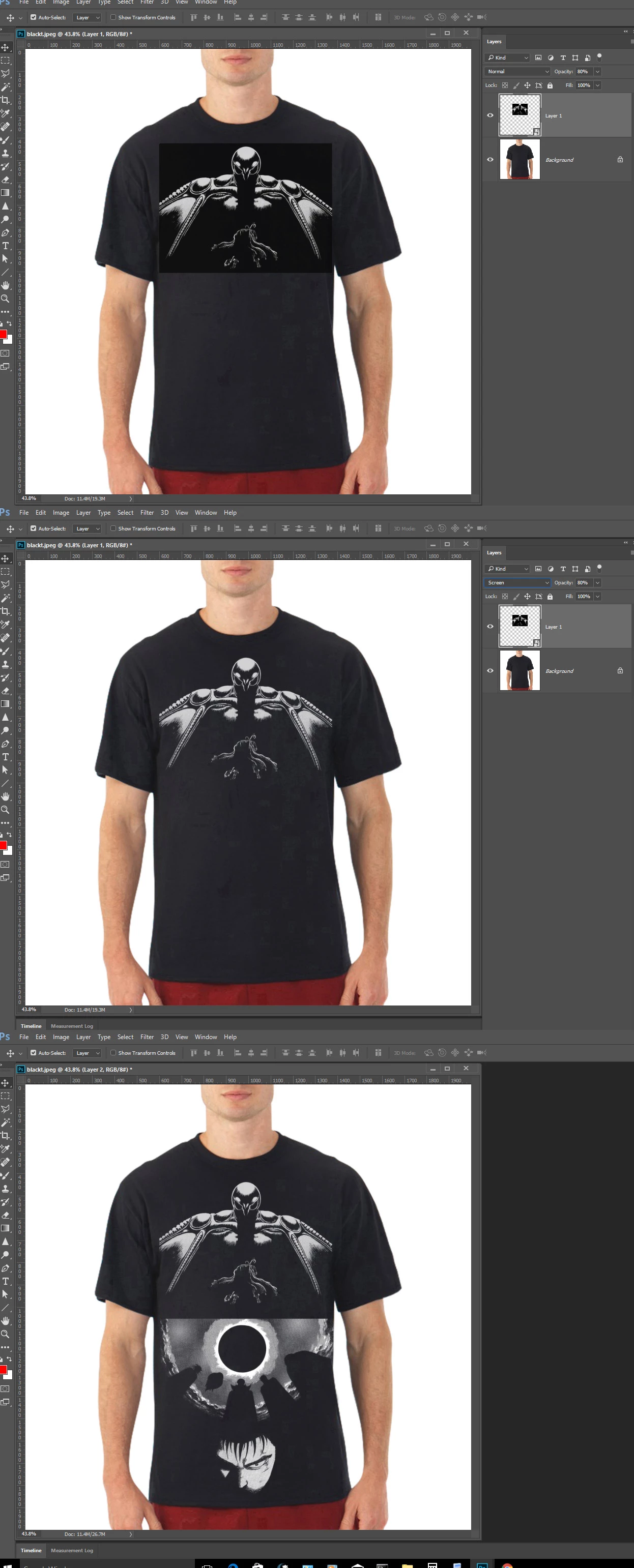
As you can see the cut off portions of the top wings of first photograph and cut off top of second photograph will look like crap on a shirt. Using gradient tool, I darkened these cutoff points, I then used magic eraser with 1 tolerance and erased enough to fade them in better. Here is my best results:

http://www.uberprints.com/studio?tdid=739297&tdtok=6axgpechalmusio5t1ha

Are there in other ways and what would be the most effective being aesthetically pleasing?
    이 주제는 답변이 닫혔습니다.
    최고의 답변: JJMack

    Did you try screen?

    3 답변

    Shizmoo작성자
    Participant
    September 16, 2017

    The border is a good idea being one of the solutions I read about. Just a little challenging finding something satisfying. Although I think I may have accomplished my goal:

    What I did was use a color burn gradient and spammed magic eraser on 1 tolerance and it looks like it chipped away in a more random matter where there is no visible straight outline. Im going to keep playing around with different approaches like at an angle, only edge selected, etc.. Im only two days old using photoshop and there is a lot to learn.

    mglush
    Community Expert
    Community Expert
    September 16, 2017

    If you are working with Black and White artwork like you've shown here--JJ's suggestion of using screen is a wonderful solution. Anything that is black will disappear and everything white or lighter than black will show. Try it and let us know how it works!

    Michelle

    davescm
    Community Expert
    Community Expert
    September 15, 2017

    I would probably go with a gradient the same as you showed. However if you want to do something different, you could paint a "torn" border :

    JJMack
    Community Expert
    JJMackCommunity Expert답변
    Community Expert
    September 15, 2017

    Did you try screen?

    JJMack