Participant
January 8, 2020
質問

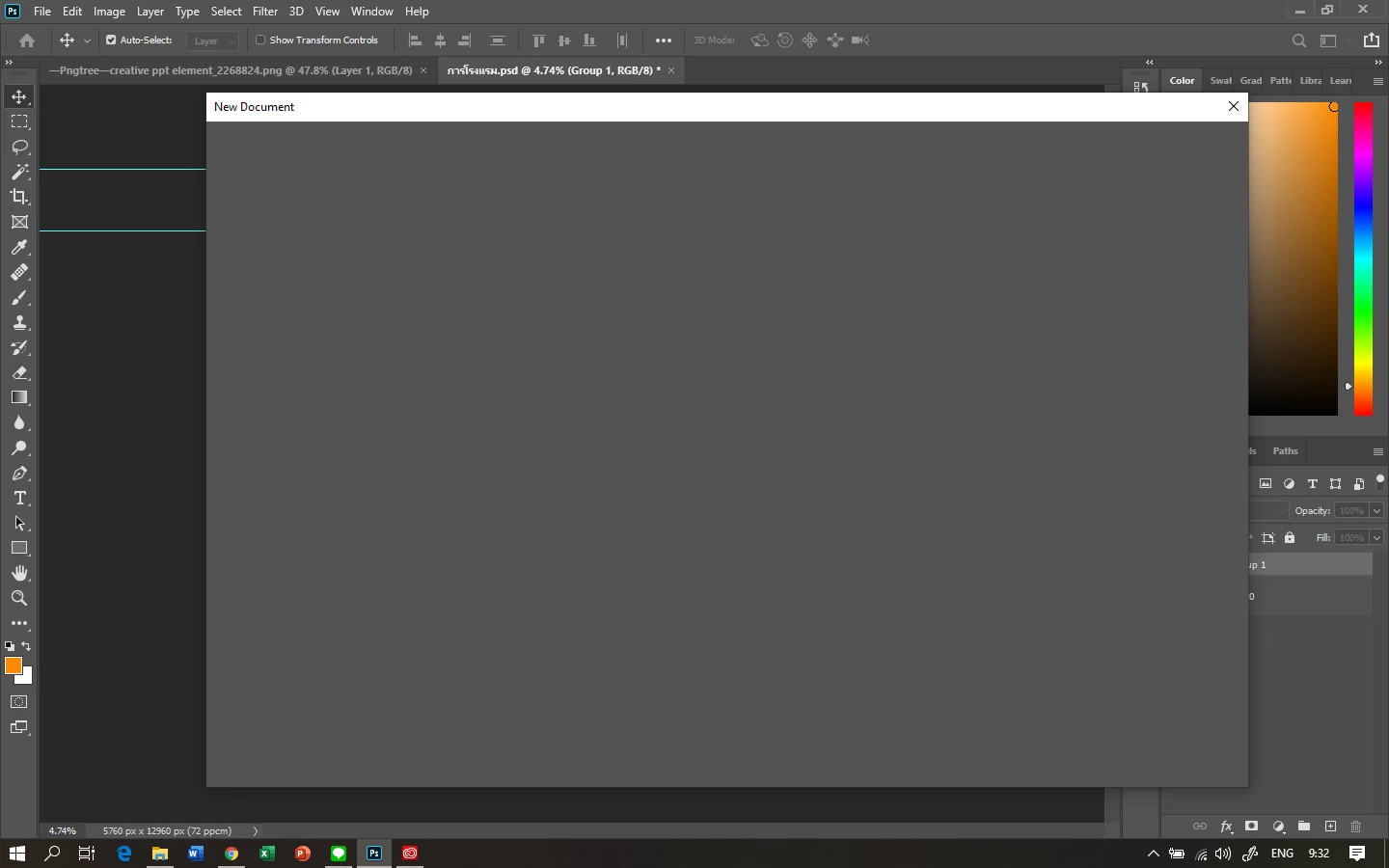
Can't create / Open new file Photoshop 2020

  • January 8, 2020
  • 返信数 2.
  • 20375 ビュー

I can't create new document on Photoshop 2020 


このトピックへの返信は締め切られました。

返信数 2

marcial12567567
Participant
January 30, 2021

Same problem using 22.1.1.  on Catalina and old lady not well versed in repairing software.  Please be patient and help me.

Akash Sharma
Legend
January 8, 2020

Hi there,


Sorry that you cannot create a new file in Photoshop 2020, let us help make it right. Would you mind checking the solution mentioned in this similar article https://community.adobe.com/t5/photoshop/can-t-create-open-new-file-photoshop-cc/td-p/5467343 and let us know if that helps? 


Thanks,

Akash

Participant
January 8, 2020

I have the same problem and the workaround with the old interface works. I hope Adobe will fix the problem because the "new" interface already worked.

Akash Sharma
Legend
January 9, 2020

It seems like the monitor color profile is corrupt. Please checkout the steps below:


  • Open Control panel on your Windwos computer. and locate the Color Management option.
  • In the Color Management dialog > Devices tab, make sure that the check box option Use my settings for this device is selected.
  • Click Add.
  • In the Associate Color Profile dialog that appears, locate the color profile sRGB IEC61966-2.1 in the list and
  • click OK.

  • In the Color Management dialog, the color profile sRGB IEC61966-2.1 now appears under the section Profiles associated with this device.
  • Select this color profile and click Set as Default Profile.
  • Re-launch Lightroom.


Let us know how it goes.

Thanks,

Akash
