
Answered
Can't disable Right-to-Left Hebrew/Arabic Text
I enabled right-to-left Hebrew text orientation for a project, and now I can't disable it to restore left-to-right English typing.
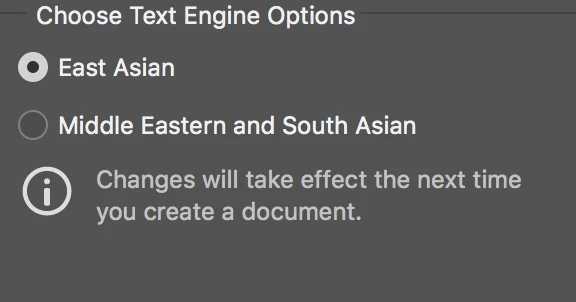
1. Preferences>Text shows only two options under "Choose Text Engine Options": East Asian and Middle Eastern.
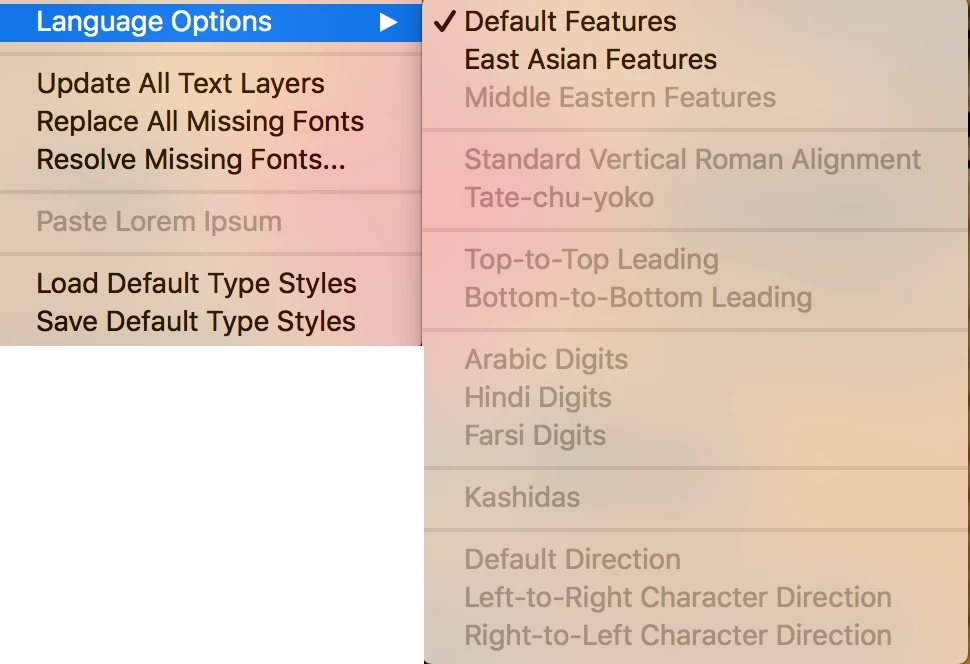
2. Type Menu > Language Options shows Left-to-Right Character Direction as grayed out.
3. Paragraph panel does not have an option to change paragraph direction .
4. Character menu is set to English: USA
Can anyone please help?
 AdChoices