Participant
March 29, 2020
Question

Clone Stamp Issue - Dark Lines Appearing.

  • March 29, 2020
  • 1 reply
  • 1471 views

Hi Adobe Support Community. 


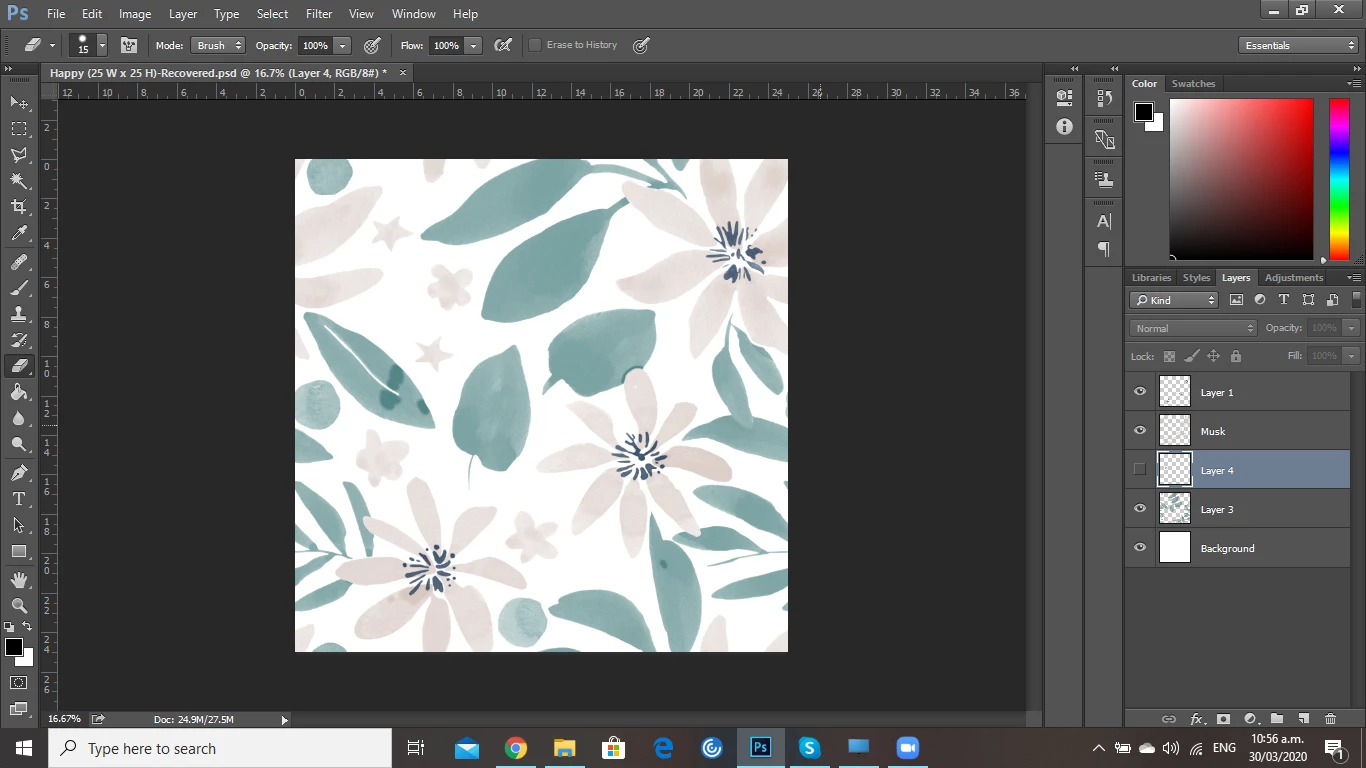
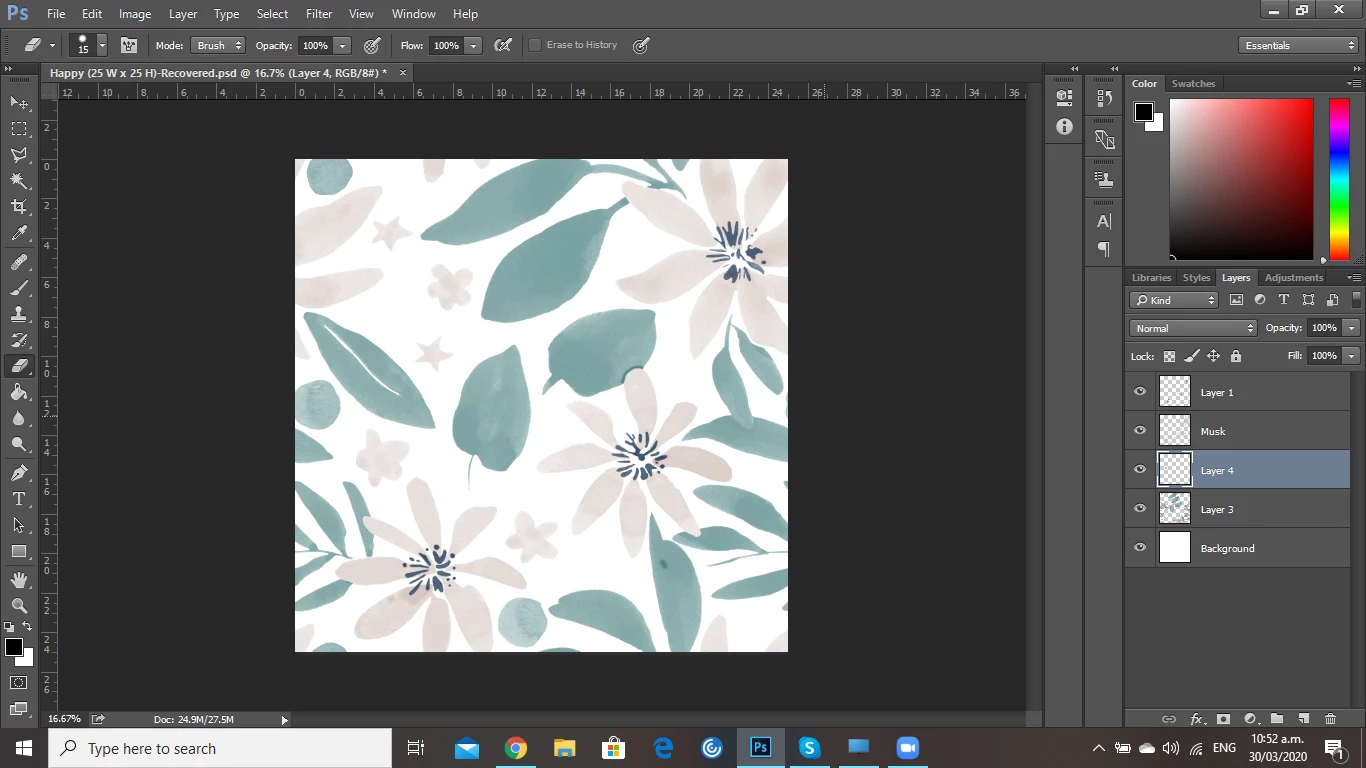
First time posting as I have been unable to find a solution online. I am having trouble with the Clone Stamp tool. It seems to be working correctly when I blend the tool on the layer I am using it on, however when I create a copy of the layer via Focus Area dark lines appear in the sections I have used the clone tool. I am unsure why this is happening and would appreciate some help in resolving this issue. 
This topic has been closed for replies.

1 reply

c.pfaffenbichler
Community Expert
Community Expert
March 30, 2020

I am not sure what you mean, especially by »I create a copy of the layer via Focus Area«. 


How did yoi pick the Clone Source? 

What are the »Layer 3«’s Opacity, Fill and Blend Mode? 

Participant
March 30, 2020

Hi. Thanks for you comment. 


Using Select on the top tool bar I utilise Focus Area and this creates a selection of the layer. I then create a new layer and using the selection from above I fill this with a colour. This is when the lines from the previous layer appear, which show where I have used the Clone Stamp. 


I pick the clone source using Alt. On the oringinal layer it blends fine and no lines appear, however I have to load them to a website and this is when they occur also as when I stated above. 


I have tried blending on a seperate layer however the same lines occur. 


Layer 3 (Main Layer) Normal and 100% Opacity. 


Apologies if I am not explaining this clearly as it is an odd thing that is happening. 

c.pfaffenbichler
Community Expert
Community Expert
March 31, 2020

I do not understand your procedure, can you provide the actual file?