このトピックへの返信は締め切られました。

返信数 1

Stephen Marsh
Community Expert
Community Expert
November 5, 2020

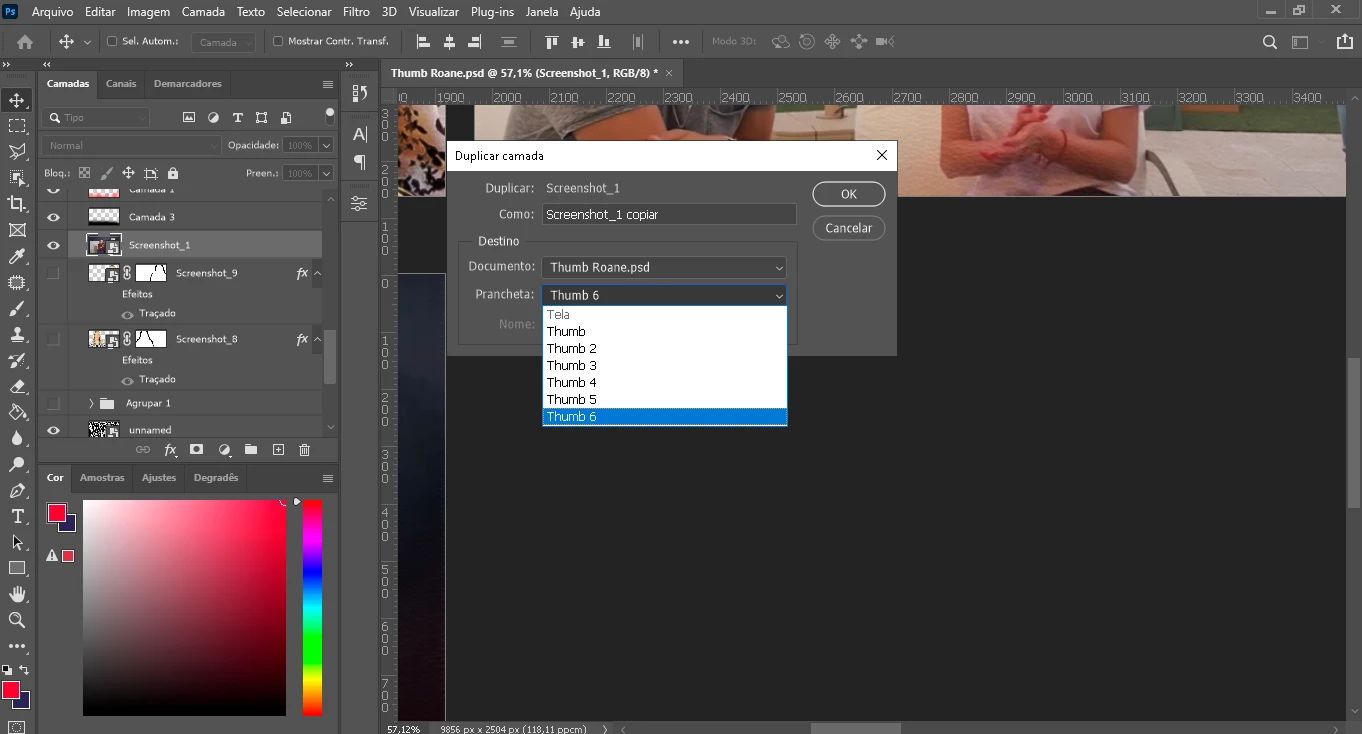
There is a script for that:


https://stackoverflow.com/questions/57050942/duplicate-layers-in-multiple-artboards-photoshop-2019


I made a quick edit to the script to use the active layer as the original script assumed a single layer only... I have not put it through exhaustive testing so I'm not sure if my hack is bullet-proof or not:


var doc = app.activeDocument;

// assumes your bottom most artboard in the layer tree contains the layer you want to copy from AKA Artboard 1
var artBoardToCopyFrom = doc.layerSets[doc.layerSets.length - 1];

/*
// assumes there is only 1 layer in this artboard that we need to target
var layerToCopy = artBoardToCopyFrom.layers[0];
*/
var layerToCopy = app.activeDocument.activeLayer;

// set that layer as the active layer
doc.activeLayer = layerToCopy;

// select all 
doc.selection.selectAll();

// copy the selection
doc.selection.copy();


// loop through each layerSet aka artboard except the last one -- no need to paste an additional copy into the bottom most layerSet
for (var g = 0; g < doc.layerSets.length - 1; g++) {

    // set layer 0 in this group as the active layer -- again assumes there is only one layer in each artboard
    doc.activeLayer = doc.layerSets[g].artLayers[0];

        // select all
    doc.selection.selectAll();

    // paste into selection aka create new layer and paste with mask
    doc.paste(true);
}


Depending on artboard properties and layers in each artboard, layer positioning and layer stack order may or may not be correct.


https://prepression.blogspot.com/2017/11/downloading-and-installing-adobe-scripts.html