
Known Participant
December 9, 2019
Answered

How to mockup perspective magazine ?

  • December 9, 2019
  • 2 replies
  • 8377 views

Hi, I am trying to create a magazine in perspective in order to use it as a mock up and apply different content to its spreads. I checked a little bit on and I really like this one: 
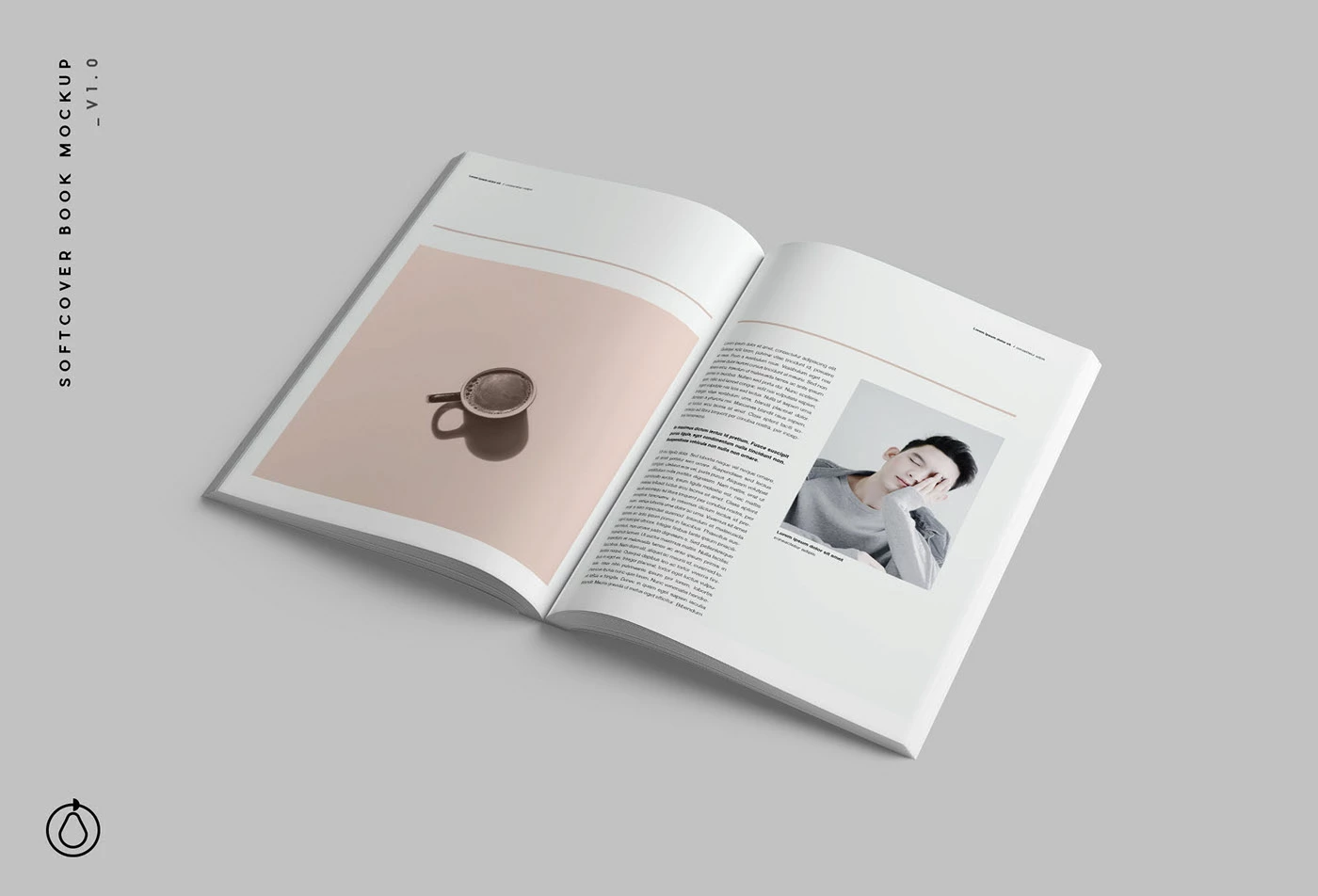
Made by: https://www.behance.net/gallery/67697501/Softcover-Book-Mockup-PSD


I am wondering how do I get my content to bend like the pages. I checked a free mockup and I can seee that there is a way to make the content fit those shapes in order to make it flexible for the user. 

Do you have any idea ? Thank you a lot

This topic has been closed for replies.
Correct answer davescm

There are two ways to approach this.

1. In 2D. Create the magazine as an image with a blank page. Put the content into a smart object. Then transform warp the smart object to fit the page. Using the multiply blend mode will allow the page shadows to show on the image.


or


2. In 3D. Create the mock up as a 3D model. Put the page content into a smart object and position it as a material on the surface of the model. Render the 3D scene.


Dave

2 replies

JJMack
Community Expert
Community Expert
December 9, 2019

Normally Mockup templates have that built into the PSD.  All you need do is Replace the images that are in the template with your images.  This is done using  Layer>Smart Objects>Replace Content or by double clicking on the smart layers contents thumbnail in the layers palette to open the smart Object so you can edit the contents in a work document to replace the contents. When you save the changes in the in the work document and close it. Photoshop will update the contents of the Smart Object layer you opened with your updated object. When you replace a smart object layers content.  The object need to be exactly the same Aspect Ratio, Size, and Resolution as the object in the template for the smart object layers associated layer transform is not edit or changed when you replace a smart object layers content. The object will be  positioned , sized and warped to the perspective original object had in the mockup composite.


Free Photoshop Photo Collage and Mockup Toolkit 


Smart Object layer are not Photoshop 3D  Layers  they are more like a photoshop raster layer a flat image.  If they need to be wrapped around a  Photoshop 3D layer.  It will not be in the 3D layer so if change the position of the 3D Photoshop layer the smart object would not be transformed to match the 3D Layer.  IMO you should not use Photoshop  3D layer that need to surface materials replace in mockups.   They would be too complex to populated.   The template example you posted the book has a 3D Perspective look that is part of a flat image.  The Books pages  and cover may be warped Photoshop images layers.

JJMack
davescm
Community Expert
Community Expert
December 9, 2019

Actually using 3D in this manner is very easy. You use the smart object containing the page info on the 3D material which is applied to the object. That way if the model is moved the material does move with it.


Dave

JJMack
Community Expert
Community Expert
December 9, 2019

I not writing that you can not use 3D in this manner.   The question I have is how do you use 3D Layers that need materials replacements in a Mockup templates.  I do not do 3D stuff it too much like work for me not fun.  You are the 3D guy around here.  How does one know where the Materials assets are or if they need to be any shape or conform to some UV overlay. One a document a particular size. How does one replace Material in a Mockup PSD layered template the user 3D layers?


JJMack
davescm
Community Expert
davescmCommunity ExpertCorrect answer
Community Expert
December 9, 2019

There are two ways to approach this.

1. In 2D. Create the magazine as an image with a blank page. Put the content into a smart object. Then transform warp the smart object to fit the page. Using the multiply blend mode will allow the page shadows to show on the image.


or


2. In 3D. Create the mock up as a 3D model. Put the page content into a smart object and position it as a material on the surface of the model. Render the 3D scene.


Dave

brunosdkAuthor
Known Participant
December 9, 2019

Thanks so much! I will go with the 2D alternative since the file is a PSD. I was planning to build it in 3D, but figure it out was faster to do it straight in PSD-

Thanks thanks