
Answered
how to re-install older version of Photoshop in Creative Cloud
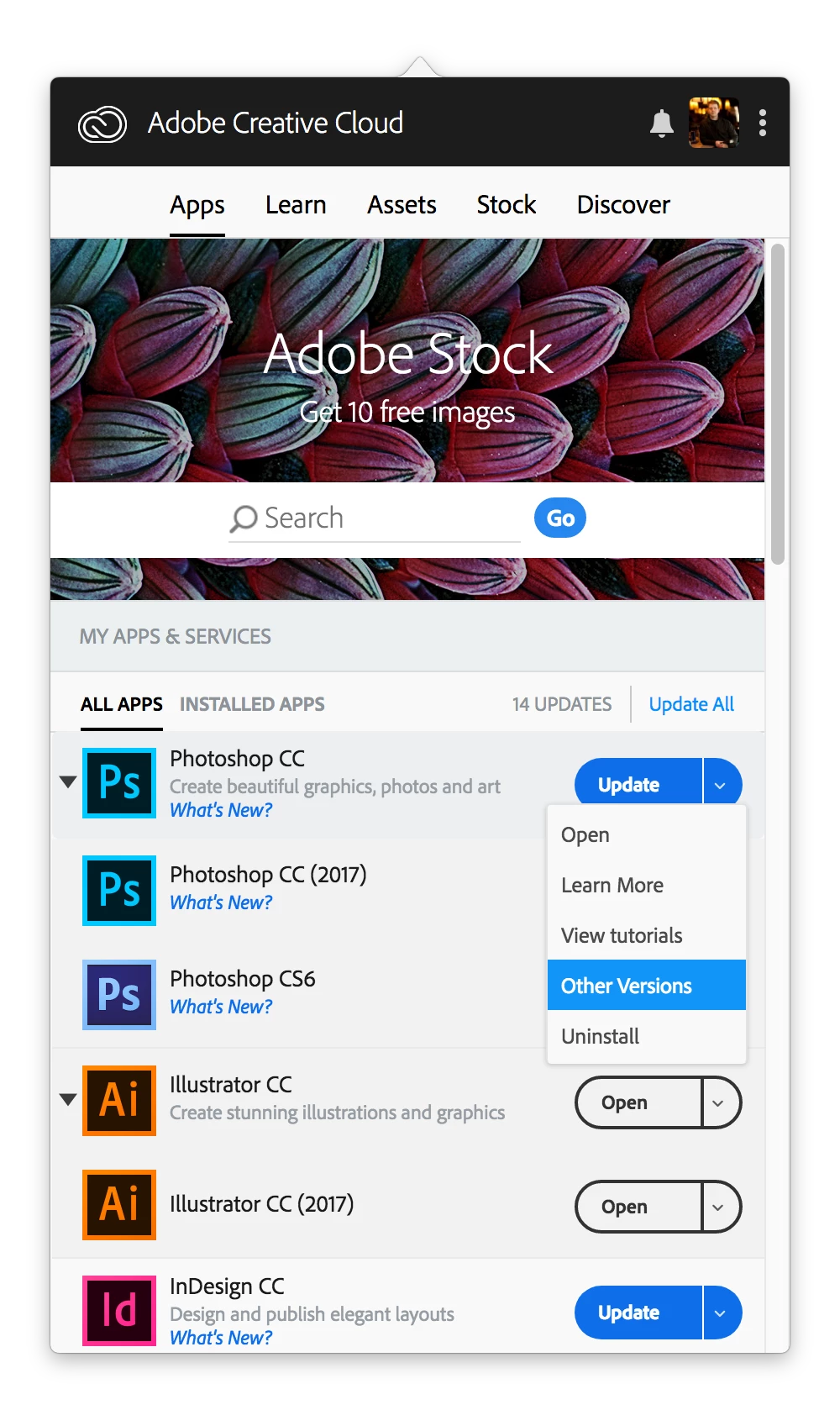
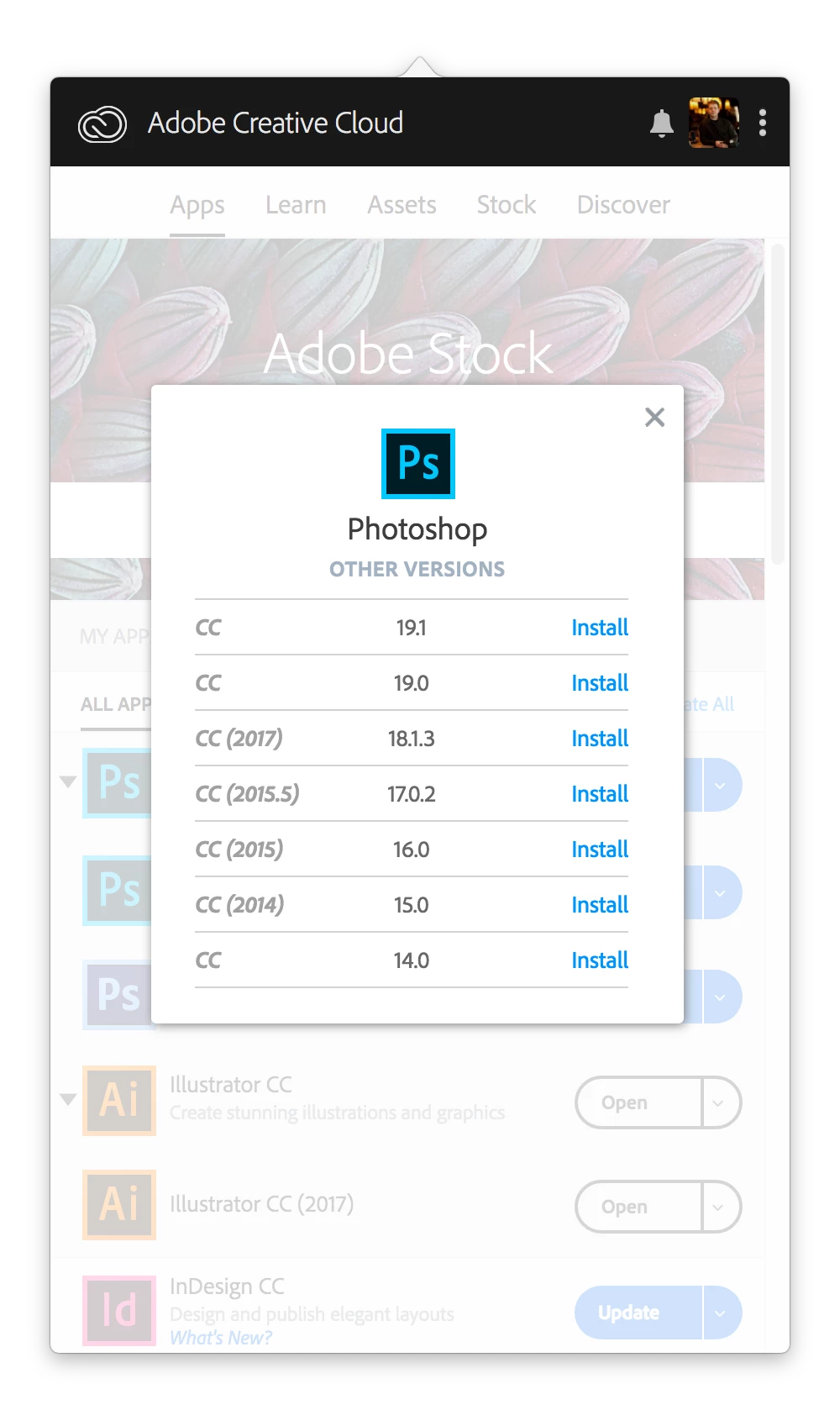
In Creative Cloud I had both Photoshop CC 2017 and 2018. I had a problem with 2017 , so I uninstalled it, and was hoping to re-install it. Unfortunately I cannot figure out how to re-install. I've read that I should be able to find "Additional Apps" Under "Apps" in Creative Cloud, but that isn't there. I also read that I should be able to find "Previous Versions" as well. That isn't there either. Even though I am logged into my account, I cannot figure out how to re-load the 2017 version. I did find a support link that had the 2017 download, but when I try it, it opens 2018. That version does not work properly on my computer, and I don't have the time right now to try to figure it out. I need Photoshop CC 2017! Can anyone help?
!
 AdChoices