
How to transfer a style, fill or adjustment layer to another document
I have a file with an RGB image to which I've applied several fx and filter layers. Black & white, and Gradient.
See the screen grab below.
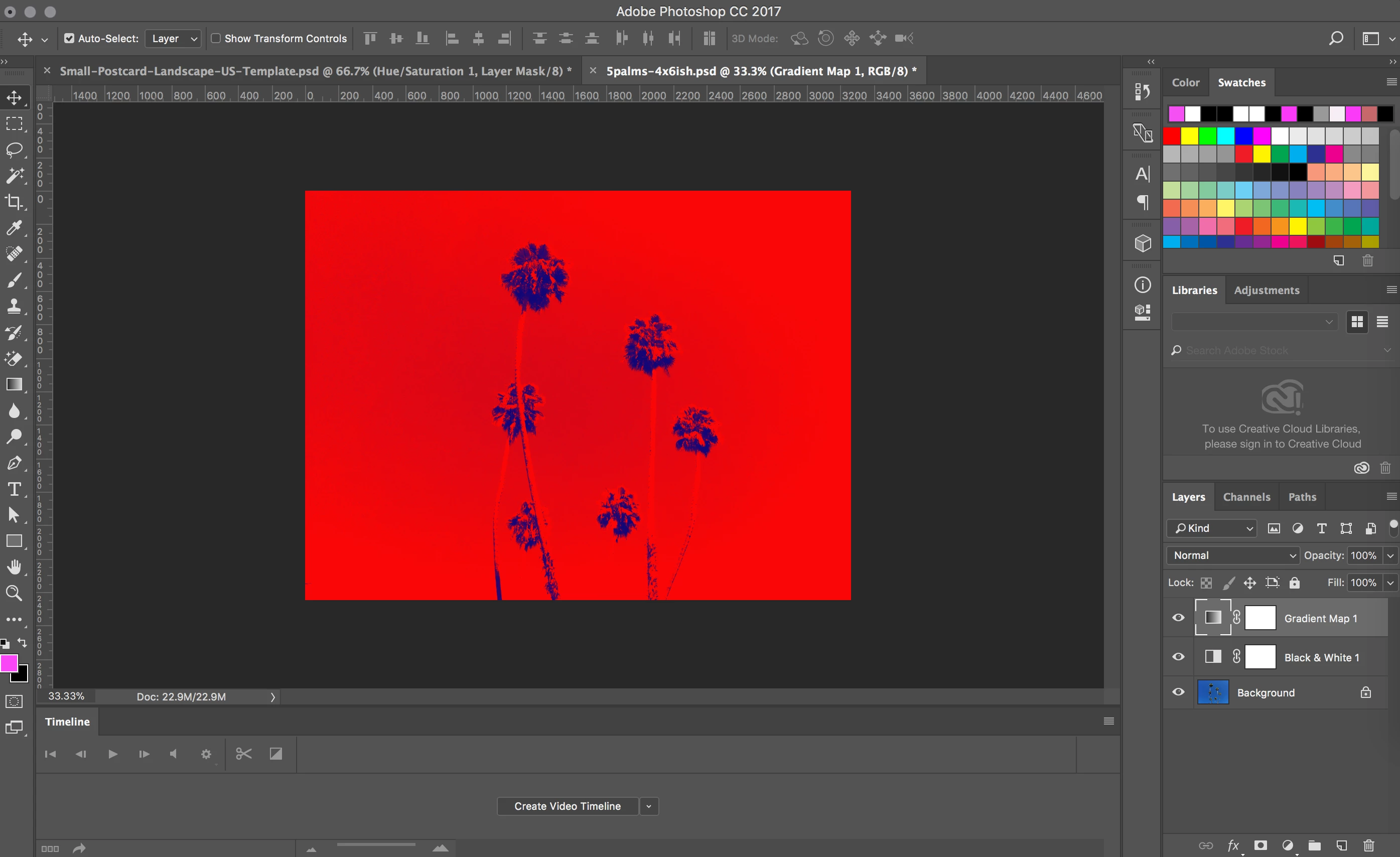
I need to have the same visual, but in CMYK, at a different DPI, and at a smaller size, but not an identical aspect ratio.
I'm not clear whether I should A) convert the RGB to CMKY, then resize the doc, or B) create a new CMYK file at the new dimensions, import the same source photo (layer Background in screen grab), and transfer the layers over. (I could also simply redo similar layers on the new doc, but I'm having a hard time recreating the same effects, as I can't find where the settings are detailed.)
For option A
When I try to convert RGB to CMYK, an alert says it won't be able to transfer one of the layers due to the change. I assume this is the Black & White effect because that one isn't available in CMYK files.
So if I lose that layer, then it doesn't solve my problem.
For option B
I've created a CMYK file with the new dimensions and dpi, and imported the source photo. All good there.
To bring the fx and adjustment layers over from the RGB file, I read an article stating to create a duplicate of each layer in the RGB file, and send it to the new CMYK file. However, the new document doesn't show up as an option. I'm assuming because of the different formatting.
So not sure if it's doable or not, but I'd like to be able to get the RGB file look to a CMYK file with minimal loss to image quality.
Any suggestions on the best way to do this would be greatly appreciated.
doug
 AdChoices