nathanh47377888
Participant
May 17, 2017
Answered

Import photo and is pixelated

  • May 17, 2017
  • 4 replies
  • 27718 views

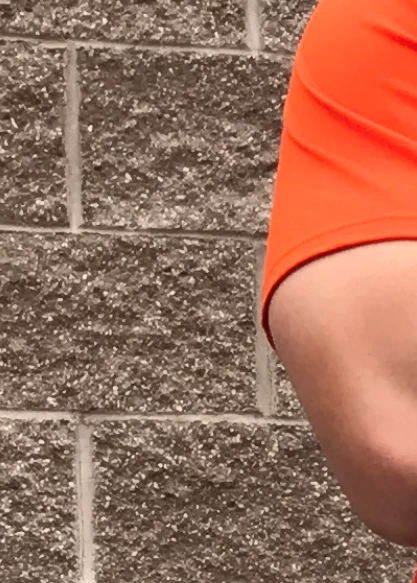
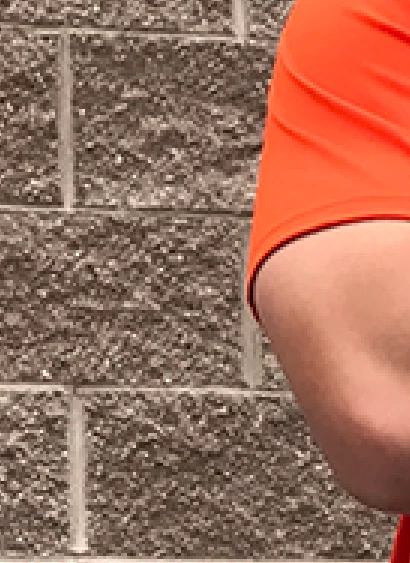
I import a hi-res photo into my workspace and it comes out pixelated.  Looks awful.  Looks awful after exporting as well.  Here's some examples:

Before import:
After import
Checked the cache and it is set to 4

    This topic has been closed for replies.
    Correct answer D Fosse

    melissapiccone​ All I did was drag from file explorer and drop it into PS.  Literally that's it.  I just created a new document and set it at 3000x3000 pixels, dropped it in, and it looks better, almost like the original.


    You can't work this way. Open the file properly. It's just a double-click.

    ...ah, I get it. By dragging you've opened as a Smart Object, at a smaller dimension. Which you shouldn't until you know how Smart Objects work, QED.

    4 replies

    Participant
    May 18, 2017

    Hello

    I think you can double-click it in your file browser

    Simmer1
    Community Expert
    Community Expert
    May 17, 2017

    Hi,

    What is the resolution of the image you are importing the photo into.

    For the best quality it should be 300 pixels per inch plus.

    Thanks,

    Sim

    nathanh47377888
    Participant
    May 17, 2017

    It was at 300

    D Fosse
    Community Expert
    Community Expert
    May 17, 2017

    Yes, the bottom example shows real pixels. This has been downsampled to much smaller pixel dimensions.

    So the question is: what are the pixel dimensions of each? Open Image Size and check.

    melissapiccone
    Community Expert
    Community Expert
    May 17, 2017

    These pics don't really tell the story. The bottom image looks like it was saved as a much smaller version of the top image. When you open the original image, what size is it? Hi res doesn't mean anything... pixel dimensions do. How are you viewing it in PS - at what %? post a screenshot at 100%...

    Melissa Piccone | Adobe Trainer | Online Courses Author | Fine Artist
    nathanh47377888
    Participant
    May 17, 2017

    Here's the data on the original:

    Going into PS and selecting Image > Image size... it gives me this:

    melissapiccone
    Community Expert
    Community Expert
    May 17, 2017

    This is clearly not the same... the top info is not what is showing up in the Image Size dialogue... the dialogue is showing a relatively small file - look at the pixels - 1000 x 1000. You claim the image is actually 3024 x 4032 pixels - there is a huge disconnect somewhere - you aren't opening the original or you have resized it.

    Melissa Piccone | Adobe Trainer | Online Courses Author | Fine Artist