
Answered
Layer Attribute Icons
Photoshop 2018 | MacBook Pro 2017 | OS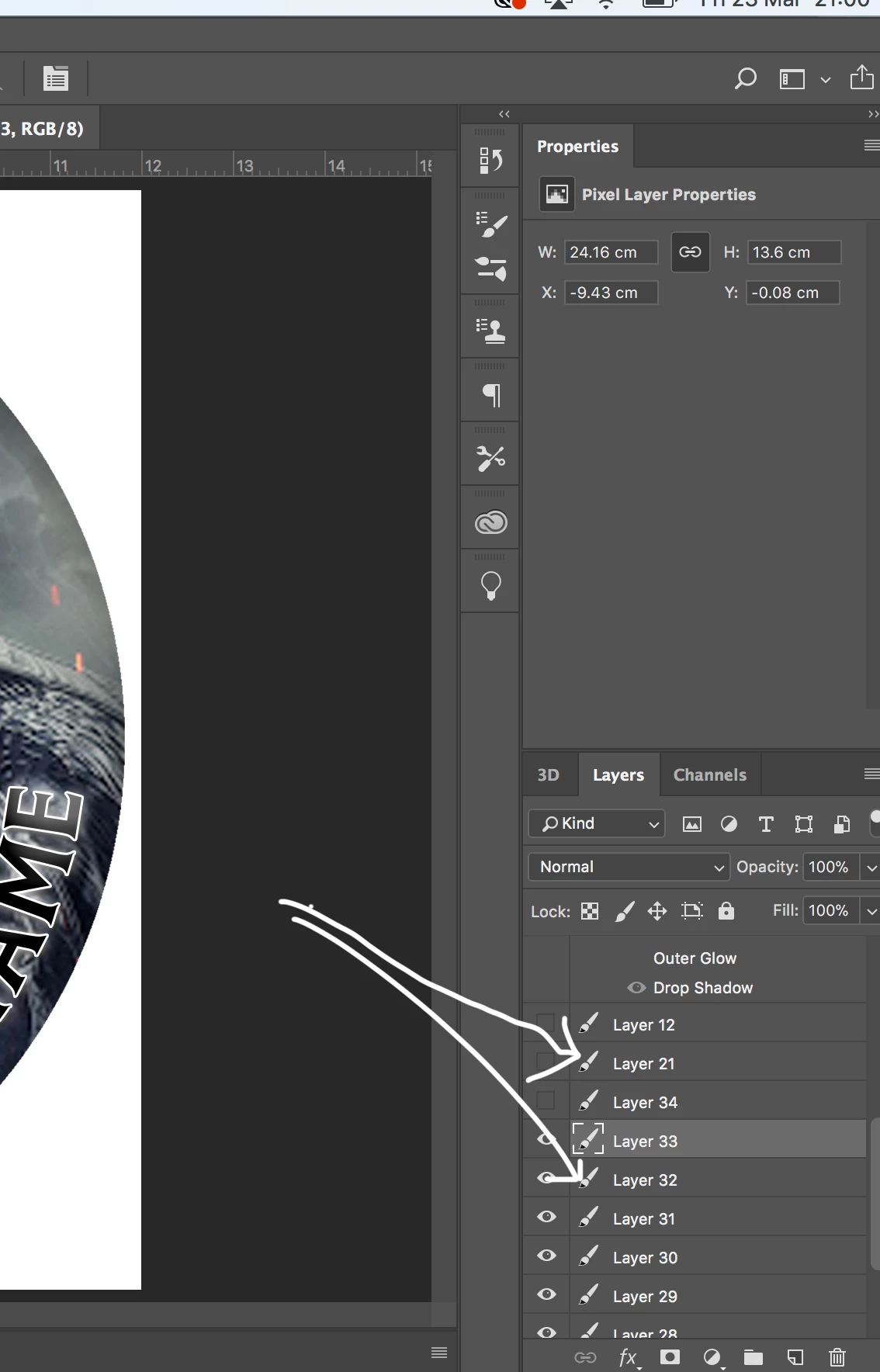 Hi Sierra
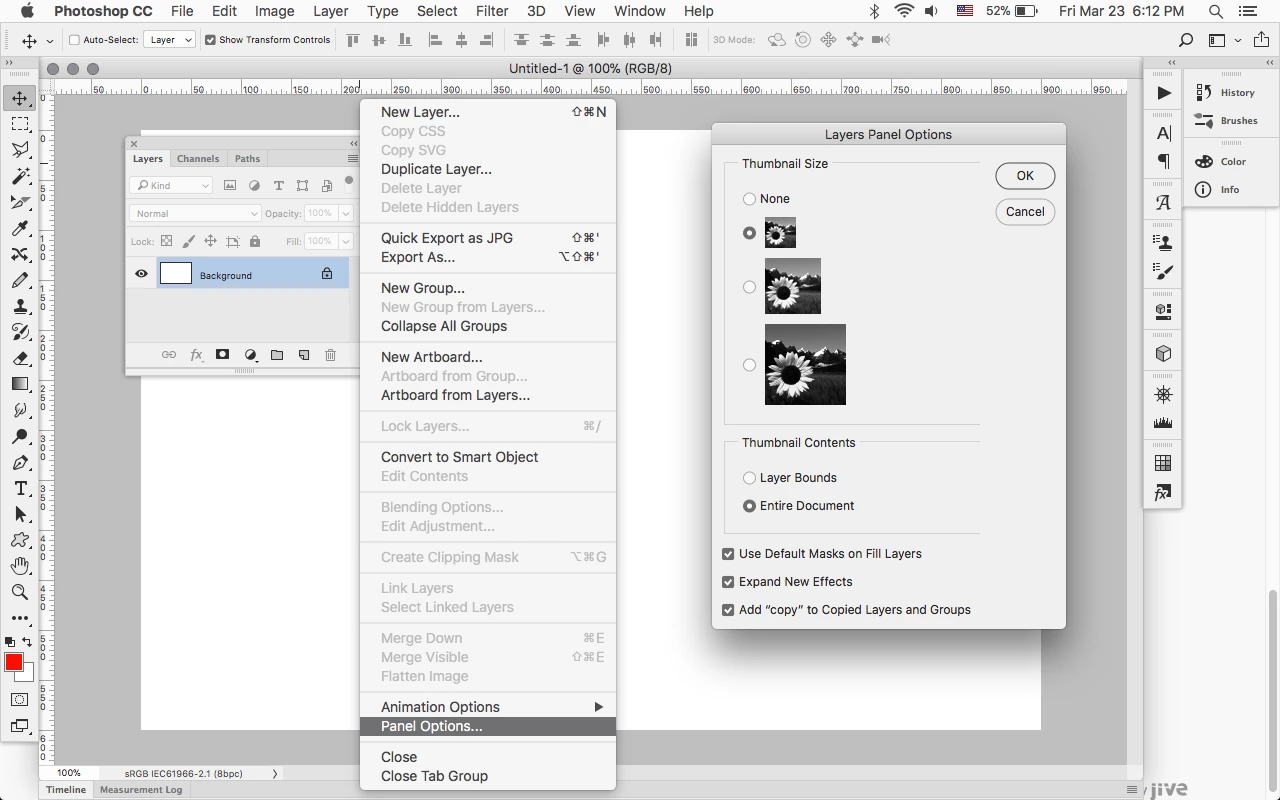
I have somehow managed to lose the layer attribute icons in the layer tools box - for example a PSD file with a number of layers which are images - would show up with a tiny thumbnail of the actual image in the layer. The little thumbnail image has gone. I pressed something, and cannot get it back ;(
Attached is an image showing the place where the tiny thumbnails used to show up.
Thanks for taking a look at my question.
Dave
[Here is the list of all Adobe forums... https://forums.adobe.com/welcome]
[Moved from generic Cloud/Setup forum to the specific Program forum... Mod]
 AdChoices