



Question
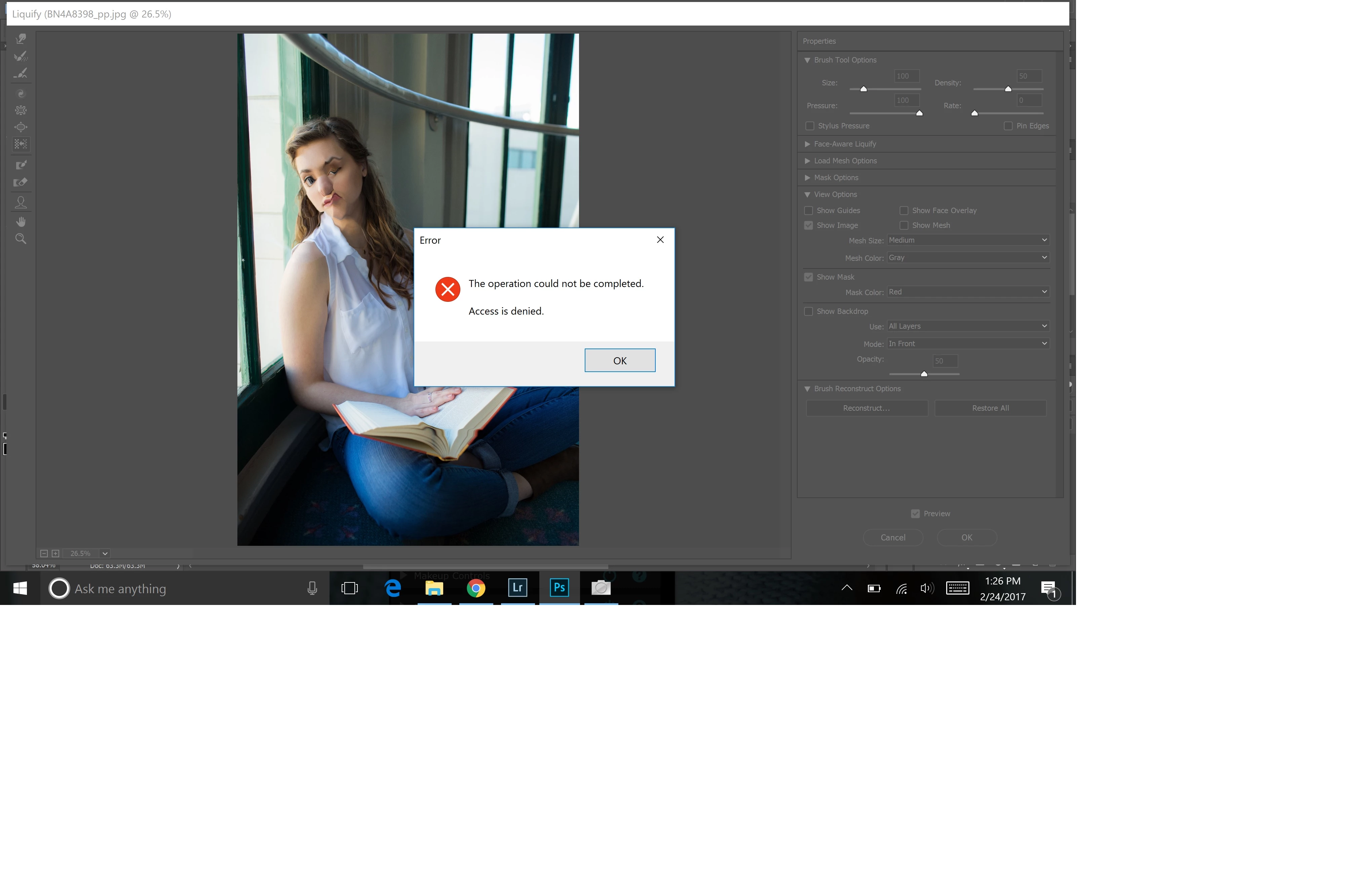
Liquify: Operation could not be completed, Access is denied.
Hey guys.
Thanks for taking the time to help me out. I apologize. I'm sure this is posted in the wrong location, so move it if need be. Whenever I try to use liquify in Photoshop CC, I keep getting an error message that says " Operation could not be completed, access is denied." I can open liquify and use its functions, but I get this message whenever I'm finished and hit "Ok". I've been all over google but haven't been able to find a solution to this specific problem. Any ideas how to solve this? I'm using Windows 10. Thank you in advance!
 AdChoices