



mycc3
Known Participant
June 8, 2021
해결됨

Photoshop 22.4.2 Meldung: "no virtual tiles"–German: "keine weiteren virtuellen Kacheln zugewiesen"

  • June 8, 2021
  • 2 답변들
  • 1467 조회

Hi,

had to rest my workstation (win/10) and the Adobe Suite (latest version, too).

But I can't use the filter galery:
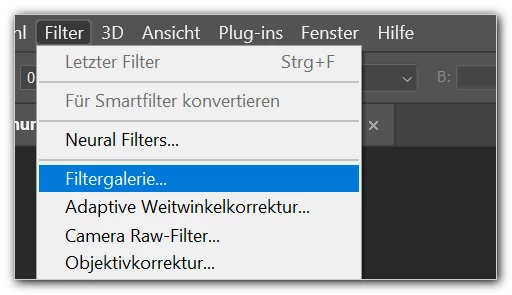
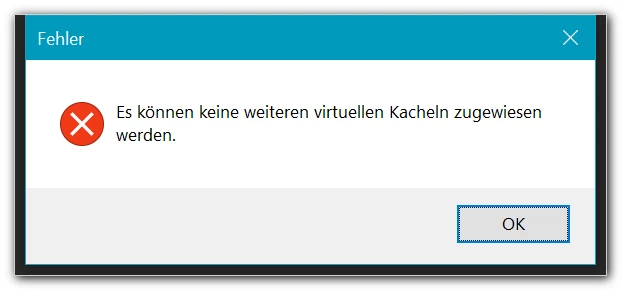
This message appears:

"Es können keine weiteren virtuellen Kacheln zugewiesen werden" (No more virtual tiles can be assigned)
 

Usually "we" have to increase this setting:
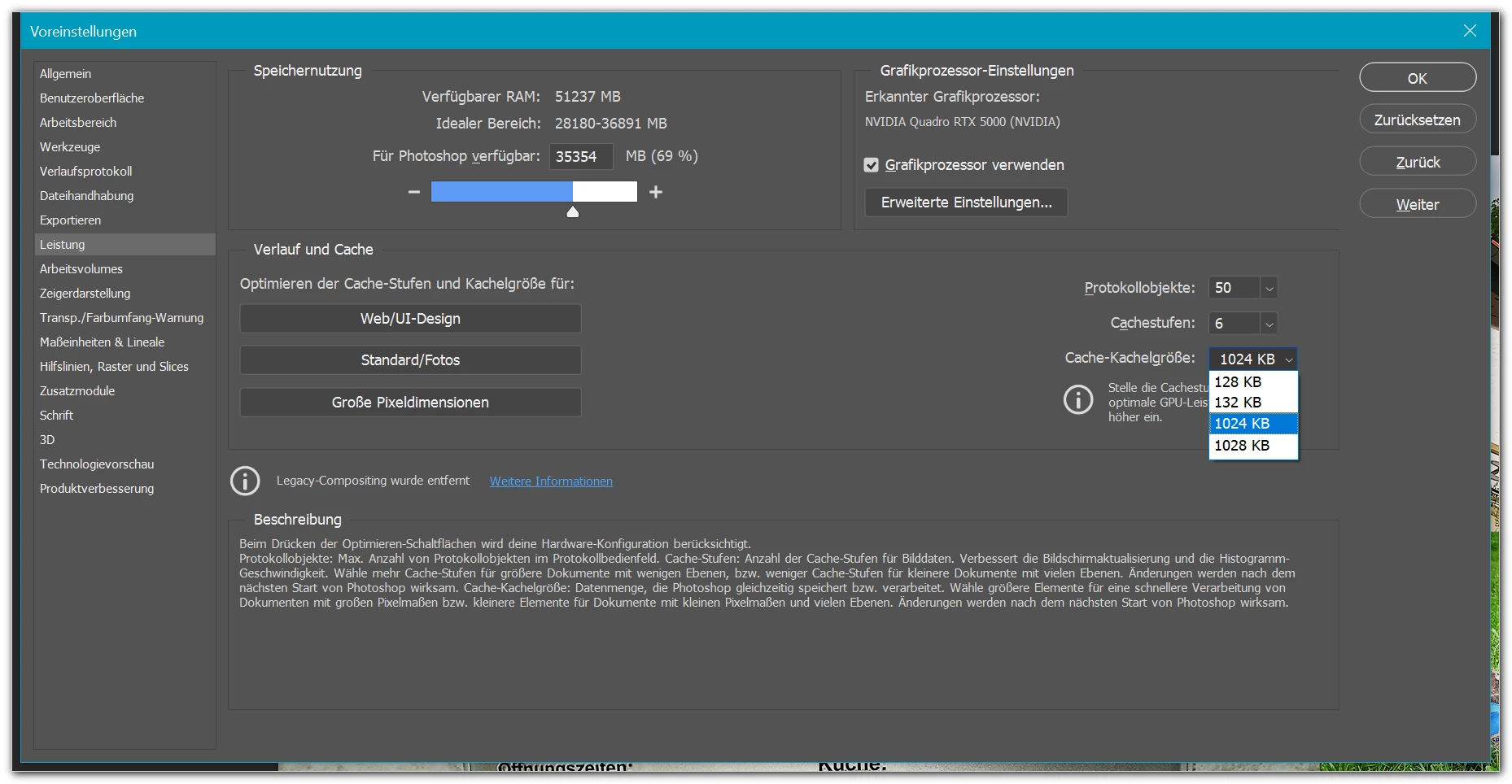
 

But this does not work for me.


What's the solution?

THANKS!


mycc


이 주제는 답변이 닫혔습니다.
최고의 답변: nikunj.m

Hi,


We're sorry about the error while trying to use the Filter Gallery in Photoshop 2021. Please ensure you have all available Windows updates installed on the computer.


You can try the steps suggested here: https://community.adobe.com/t5/photoshop/error-quot-no-more-virtual-tiles-can-be-allocated-quot/m-p/8074989


Since you have re-installed all the apps after resetting the operating system, Photoshop should be running on default prefereces but if the issue persists, you can try to reset the preferences of Photoshop using the steps mentioned here: https://adobe.ly/2Qzc0K3

Please backup your settings prior to resetting the preferences. You can check: https://adobe.ly/2vNz6FG


Let us know how it goes!

Regards,

Nikunj

2 답변

PECourtejoie
Community Expert
Community Expert
June 9, 2021

Hi, did you try to backup your preferences/recreate them?

nikunj.m
nikunj.m답변
Legend
June 9, 2021

Hi,


We're sorry about the error while trying to use the Filter Gallery in Photoshop 2021. Please ensure you have all available Windows updates installed on the computer.


You can try the steps suggested here: https://community.adobe.com/t5/photoshop/error-quot-no-more-virtual-tiles-can-be-allocated-quot/m-p/8074989


Since you have re-installed all the apps after resetting the operating system, Photoshop should be running on default prefereces but if the issue persists, you can try to reset the preferences of Photoshop using the steps mentioned here: https://adobe.ly/2Qzc0K3

Please backup your settings prior to resetting the preferences. You can check: https://adobe.ly/2vNz6FG


Let us know how it goes!

Regards,

Nikunj

mycc3
mycc3작성자
Known Participant
June 9, 2021

https://community.adobe.com/t5/photoshop/error-quot-no-more-virtual-tiles-can-be-allocated-quot/m-p/8074989 → in latest PS versionno distionction is made between primary and secondary scratch disks! Therefore I can not apply this tipp.


https://adobe.ly/2Qzc0K3 → I resetted PS,  but no effect.


I have updated the driver (only minimally newer version). Even this did not solve this mysterious problem.


Any further hints?


Ah, I found the solution – quite simple (?!): probably the free disc space of my M.2 SSD as the only scratch "partition" (drive C) was too small. I added the second partition (drive D) of the M.2. Now it works.