Participant
May 22, 2018
해결됨

Photoshop broke after latest Windows 10 update...

  • May 22, 2018
  • 4 답변들
  • 3725 조회

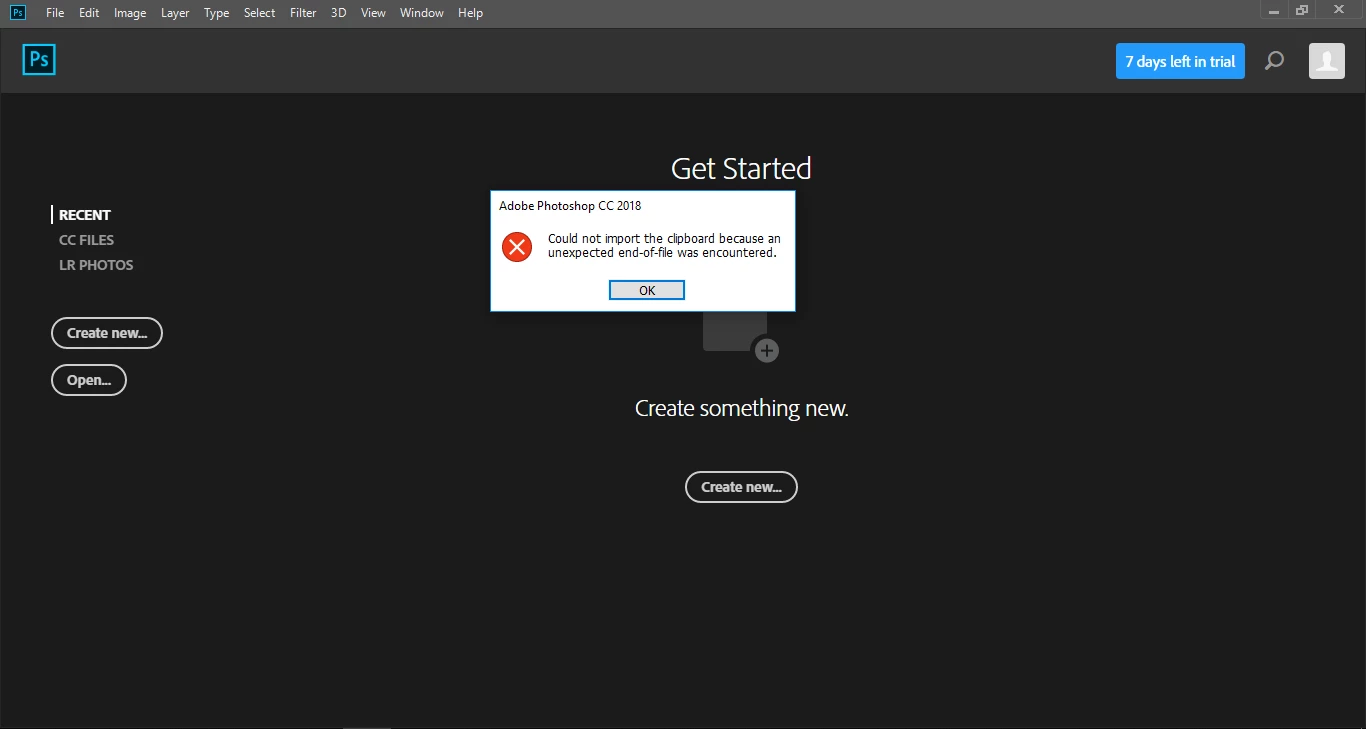
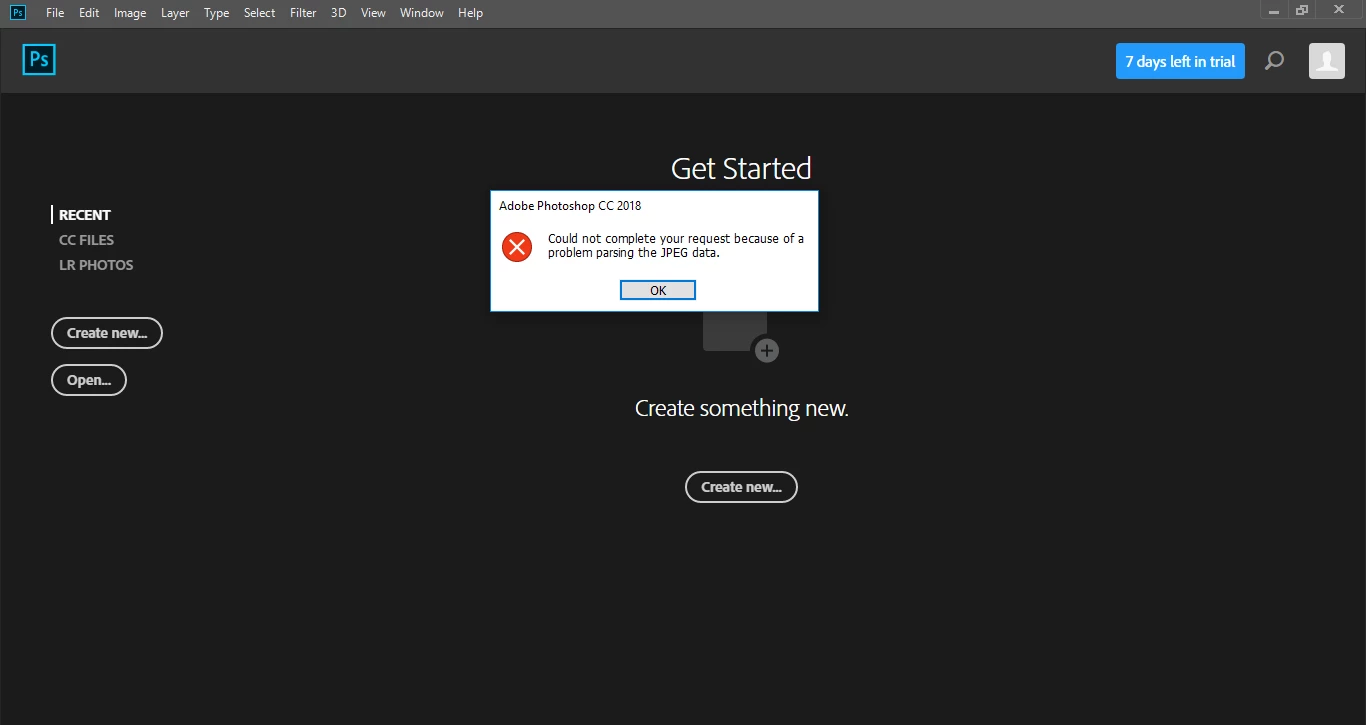
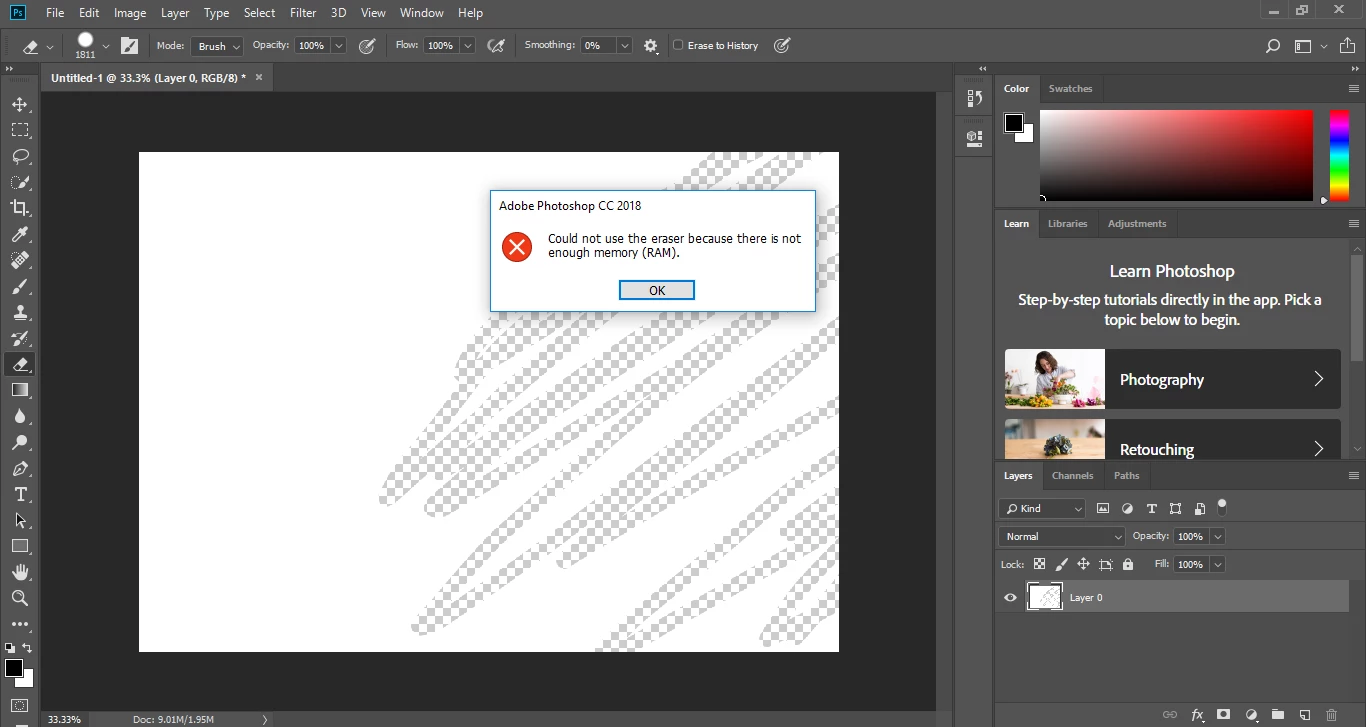
I've been actively using photoshop on my main computer using my dads photoshop license and I've had a lot of fun, but the other day I installed photoshop on my laptop so I could edit some school work. Then yesterday my laptop promted me for an windows update and I thoght, sure why not, they are gonna force me after a while anyway so why not. I tried launching photoshop at school today only to be presented with TONS of errors and problems. Worried I searched forums and from what I've seen nobody else has experienced this. So I hoped it was hardware specific, but the same errors appared on my desktop at home. Both systems were running photoshop just fine before the update and my laptop has 4gig ram (on the lower side I know), but my main desktop has 16gig and that also had the same error... I would really like to have photoshop back up and running for school work. I'll try to downgrade to the previous version, but I would like a fix if this happens to more people. Thanks for any answers in advance and I hope everyone else are still running fine!
    이 주제는 답변이 닫혔습니다.
    최고의 답변:

    Hi

    Here's a workaround for that issue

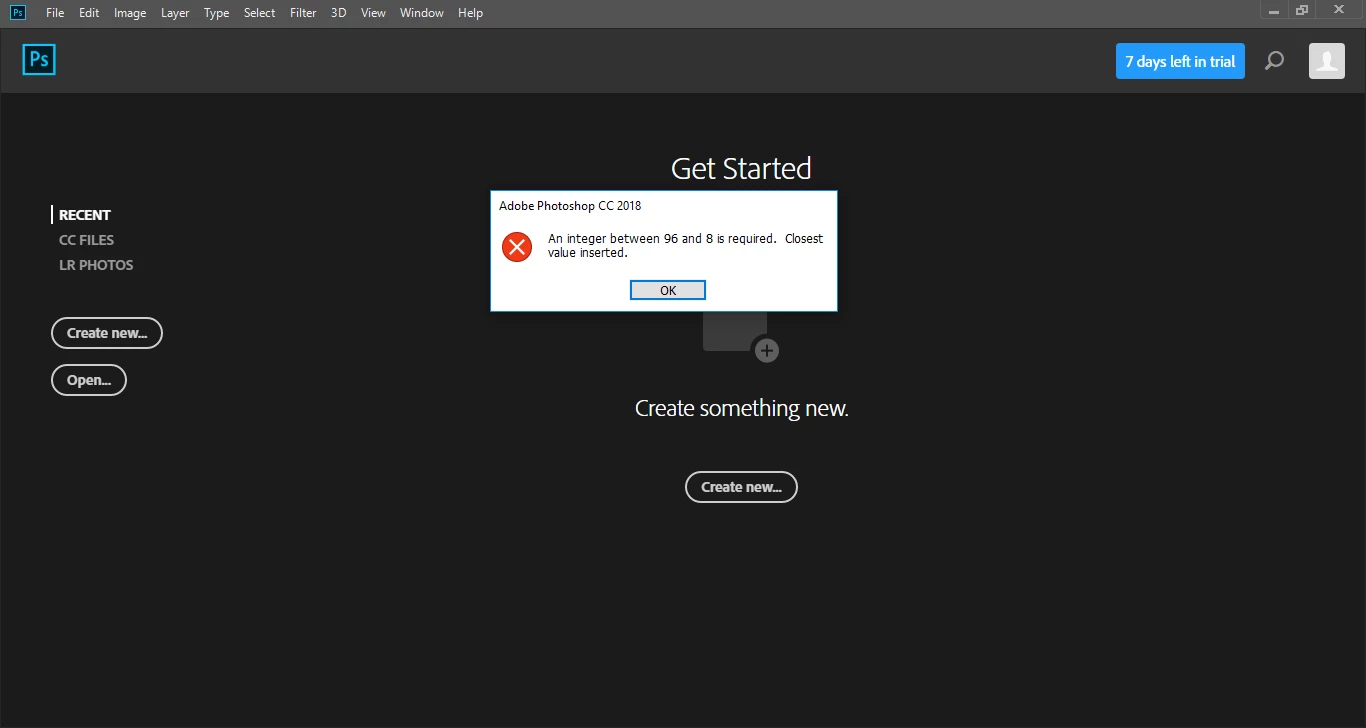
    Invalid Numeric Entry - An integer between 96 and 8 is required

    4 답변

    maras_s
    Participant
    May 22, 2018

    Hello,

    I made all steps from the workaround instructions. Unfortunatly it doesn't work for me.

    Any ideas? I have an urgent work to do. Please help!

    Mohit Goyal
    Community Manager
    Community Manager
    June 19, 2018

    Hi All,

    We are happy to announce the release of Photoshop CC 19.1.5.

    This update includes the fix for Photoshop CC 2018: An integer between 96 and 8 is required. Closest value inserted. "Could not complete your request bec…

    Once the update is installed, to allow Photoshop to manage memory the temporary fix needs to be removed.

    See this: Error while accessing performance preferences - 'An integer between 96 and 8 is required.'

    Here's a list of what's new in this release: Fixed issues in Adobe Photoshop CC

    Let us know if the update resolves the problem for those affected and share your feedback with us.

    Regards,

    Mohit

    Juzypotato작성자
    Participant
    May 22, 2018

    Reinstalled because I uninstalled it to downgrade. However that doesn't matter, since the regedit fix solved all the problems I was experiencing. Thanks for the fix

    May 22, 2018

    No worries glad to help

    Juzypotato작성자
    Participant
    May 22, 2018

    I'll reinstall photoshop and se what problems this fixes. If it only fixes the integer error photoshop will still be unusable...

    May 22, 2018

    I don't think re-installing will fix it, the above should fix the other errors as well

    답변
    May 22, 2018