
Answered
Photoshop CC 2018 Video Rendering Problem
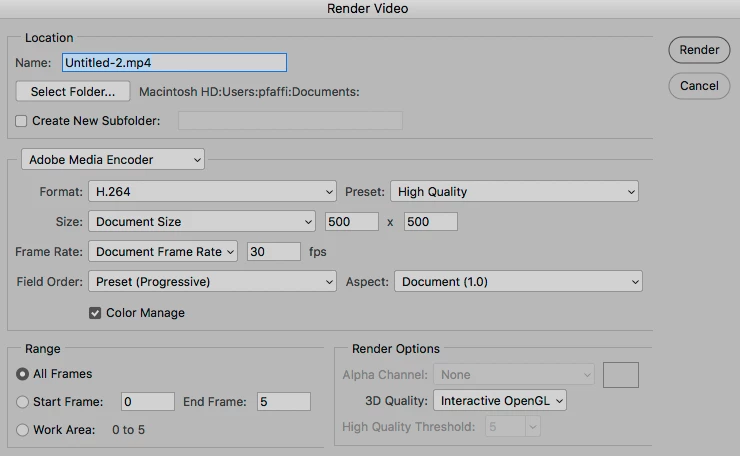
I'm attempting to render an image sequence into a time lapse. I have several hundred images ready for import and rendering, but first, I started with a simple eight-frame sequence as a test. I followed all instructions, imported JPEG files as an image sequence, set to 10fps, etc., but when I choose Render Video to export the series, it produces only the first frame as a JPEG. I can find no dialog that gives me the option to produce an MP4 file. Please anybody? -- My only thought is that perhaps I need more image files to create a video, such as a few dozen? I have been able to produce a GIF by another means, but that doesn't serve my purpose.
 AdChoices