Pratibha Bibyan
Known Participant
November 23, 2020
Question

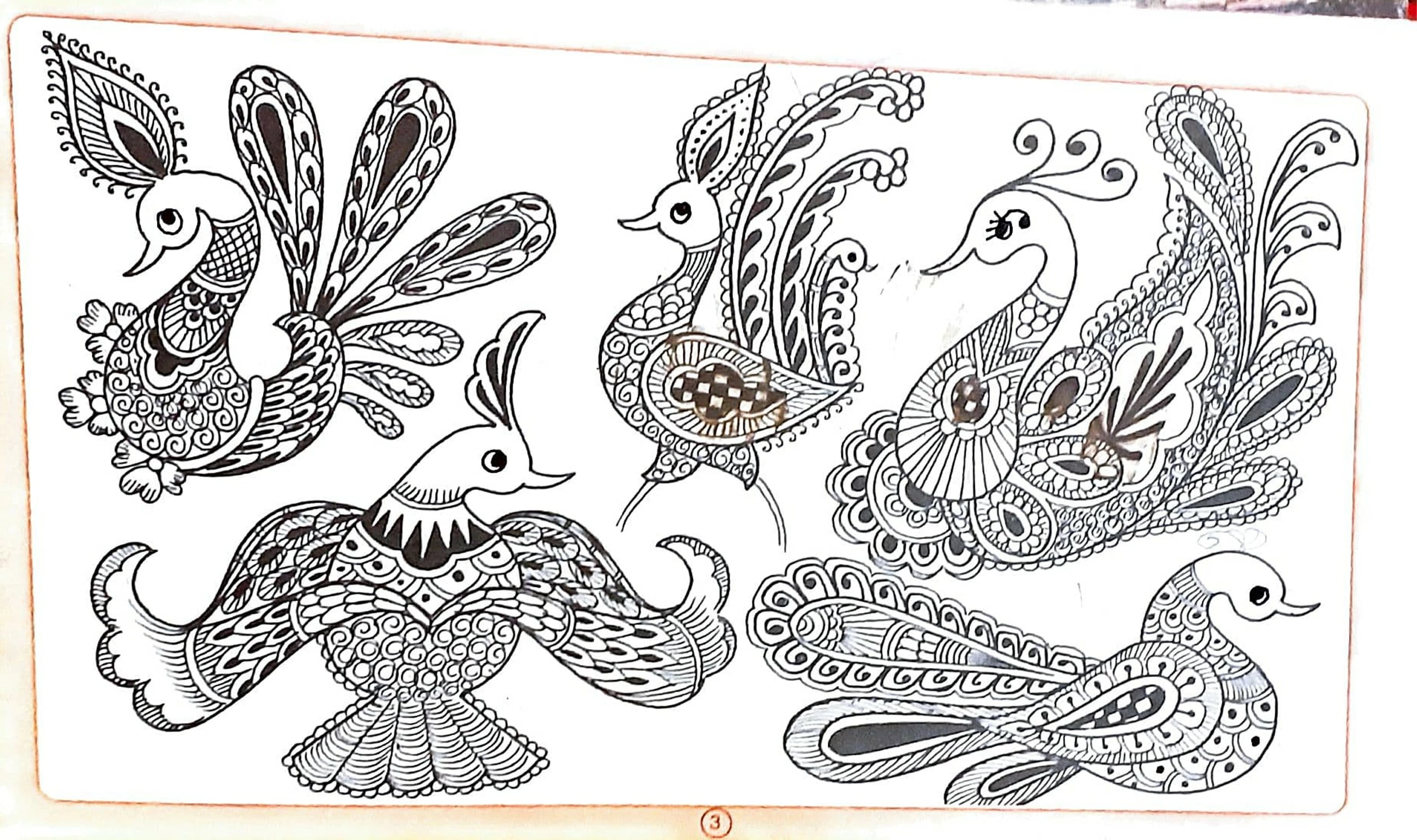
remove stains from paper photoshop cc 2021?

  • November 23, 2020
  • 4 replies
  • 2298 views

remove stains from paper photoshop cc 2021?

This topic has been closed for replies.

4 replies

Chuck Uebele
Community Expert
Community Expert
November 26, 2020

The area in the red circle doesn't really look like a stain, but more like smudged ink or something like that. You will most likely have to carefully clean that up with the paint brush tool and maybe create a selection with either the pen tool or the polygon lasso tool to help keep the lines clean when you paint the area.

Pratibha Bibyan
Known Participant
November 26, 2020

thanks   I reply  in 3 hours.  Please wait I try &  reply?

Pratibha Bibyan
Known Participant
November 28, 2020

 i try it which you told me method but not working ? please told me another method ?

Chuck Uebele
Community Expert
Community Expert
November 25, 2020

The second photo shows using a second black and white adjustment layer. If you decide that the first b&w adjustment layer makes some parts of the image too light, because they are stained, but without the stain, they should be black, you can paint on the mask of the first b&w adjustment layer to bring back the darker luminosity. How6,doing that will also bring back the stain color. So the second b&w adjustment layer just keeps the image black and white and doesn't change the luminosity of the stained areas.

Pratibha Bibyan
Known Participant
November 25, 2020

thanku for detail explaining. i understand properly. I have one more doubts? i put picture down below. i draw red circle in this picture.please tell me that How to remove such stains?

Chuck Uebele
Community Expert
Community Expert
November 24, 2020

Here is the image with a b&w adjustment layer applied with the red and yellow boosted up. It does lighten some of the areas that actually should be black, so what you could do is add another B&W adjustment layer, and leave the settings alone, then paint in the areas that should be dark with a white brush on the first adjustment layer's mask.


Pratibha Bibyan
Known Participant
November 24, 2020

Please give me 5hours ?  I try this period. 

Pratibha Bibyan
Known Participant
November 24, 2020

thank you for solving my problem but I have some doubts? please explain second picture? i don't understand second step?

Chuck Uebele
Community Expert
Community Expert
November 23, 2020

Since it looks like the image is b&w, add a b&w adjustment layer then boost up the reds and yellows in the adjustment layer to lighten then staining.

Pratibha Bibyan
Known Participant
November 23, 2020

thanks for reply. please give me example so i do it myself ?