





Reset Default Workspaces
This is not life and death, as I rarely use the Essentials workspace, which might be why I have not run into this before, but I totally thought that selecting and restoring Essentials would put it back to it's default, and it doesn't.
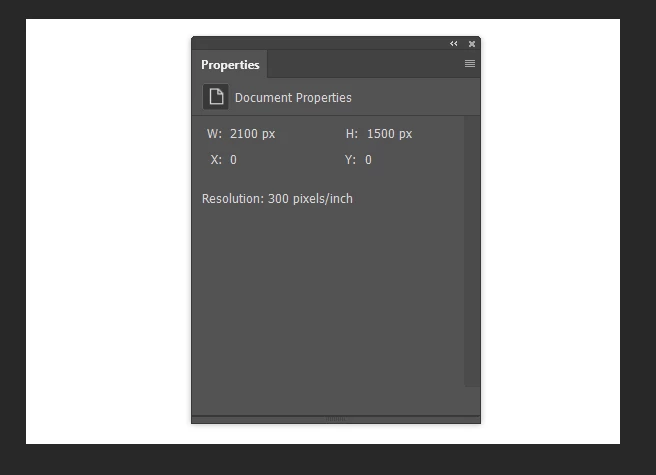
So I now have the properties panel parked in the middle of the document window, with apparently no way to clean it up rather than to do so manually, and re-save Essentials as a new workspace, which I don't want to do because I never use it. 
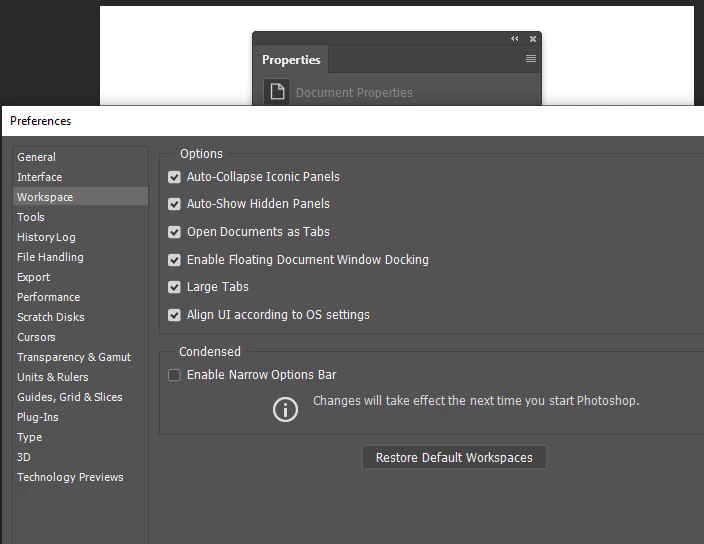
There's a restore button in Preferences, but that does nothing either
I'd rather eat my Wacom tablet than reset Preferences completely — especially as it probably won't work, and I'll get antsy sorting it all out again.
What I am doing is rebuilding my single key shortcuts which I lost while trying to fix an issue with Lazy Nezumi, and that I blamed on Logitech's G-Hub, but G-hub is running and LNP is fully functional so far. I use three single key shortcuts to switch between (and reset) three of my workspaces, and one of those is Essentials that I use when a) I need the default Photoshop shortcuts, and b) when I need to view something other than Photoshop on my peripheral screens. So it is only the OCD that most Photoshop users suffer from that is demanding that I line it all up nicely.
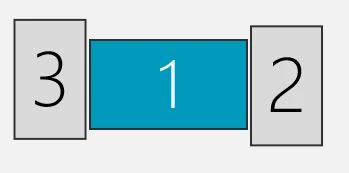
FWIIW my goto workspaces are the default triple screen, but I have modified versions of other useful workspaces, as well as a forum answers that parks the most used panels so I can quickly arrange them for screen shots, which is why I like to have a single key shortcut to put it all straight again.
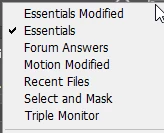
So is there a way to restore Essentials back to its defaults? I've actually been telling posters to reset Essentials, and apparently talking bollox, so no change there. 

 AdChoices