Participant
April 5, 2017
Question

Straighten out a photo?

  • April 5, 2017
  • 1 reply
  • 513 views

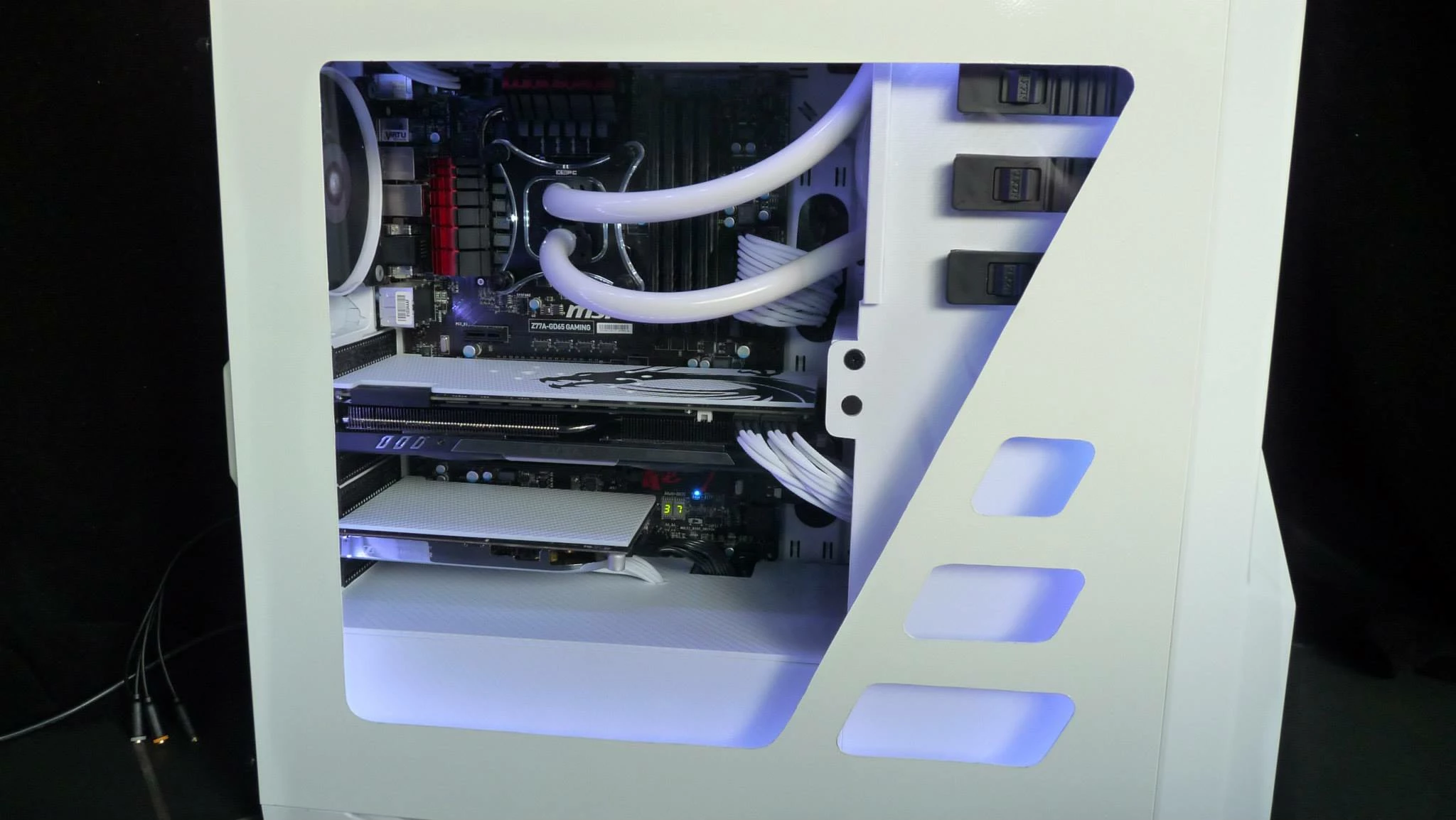
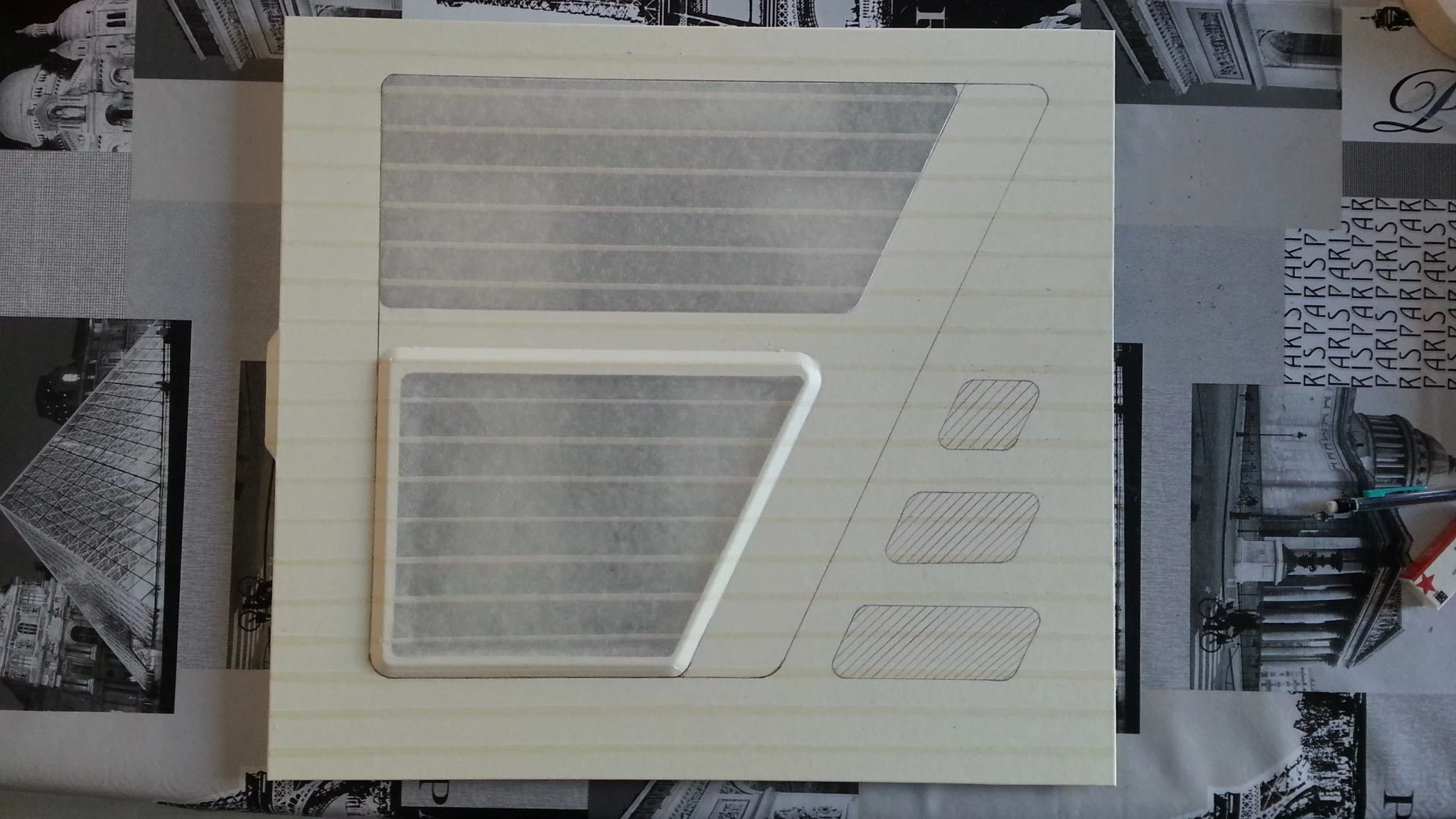
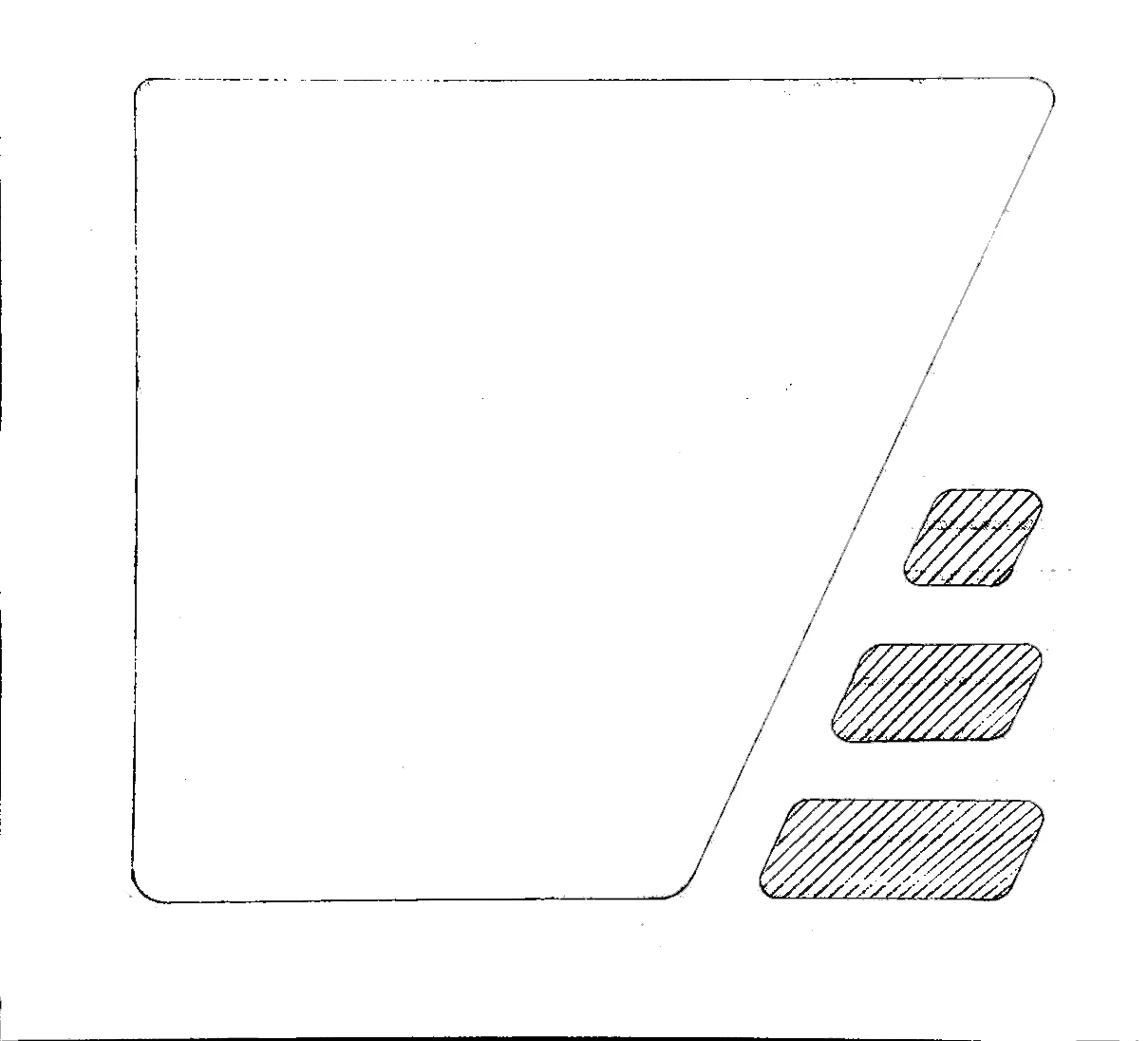
I found a side panel window mod I wanted to replicate with my own PC, so I've used perspective warp and adjusted the threshold to get an outline, but some of the lines aren't entirely straight, some are a bit curved and some aren't perfectly horizontal or vertical. I tried using adaptive wide angle but it kept spitting error dialogues back at me, and I have no idea how I'd manipulate the shapes to line up properly. For reference, the original image, the "stencil" I made, and the final result they achieved (pretty fantastic!). Additionally, I'd like to set the scale so I can print this out on several pieces of A4 paper.
    This topic has been closed for replies.

    1 reply

    Trevor.Dennis
    Community Expert
    Community Expert
    April 5, 2017

    It looks like an interesting project, but I am not sure if you are asking a question?  With that sort of graphic I nearly always make it again from scratch as a vector object.  Perfectly scale-able, and can be printed at any size. 

    Participant
    April 5, 2017

    Stupid question, how do I start doing ​that?

    ​What I wanted to do was align any lines that were ​meant​ to be straight, but are a bit wonky, and straighten out any lines with a slight curve to them.

    davescm
    Community Expert
    Community Expert
    April 5, 2017

    Stupid question, how do I start doing that?

    Hi

    No such thing as a stupid question, asking questions is what the forum is all about.

    To do this as vectors, use the pen tool to draw the path and use it to create a shape that you want. You can use your image as a guide when drawing with the pen tool. When you are finished turn off the original image layer.

    By putting each of the cut-out shapes on a separate layer , you can move them about freely (with the move tool)  to get the output that you want.

    The advantage is that , because shapes are vectors and not pixel based, they can be scaled without loss of quality.

    Drawing in Photoshop

    A guide on how to use the pen tool is here:

    Draw with Pen tools in Photoshop

    Dave