

Unable to export large file in photoshop
I'm using the 22.1.0 Photoshop release, and I've recently updated to the Max OS Big Sur version 11.0.1
The file is 6150 x 2550 px and I've had this probelm for over a week. I was able to export this exact file before with no difficulty but now 'quick export' and 'export as' aren't doing anything. I get as far as the save as window, click save, and then no file ever exports. Export as doesn't even come up with a preview (see screenshots), and the 'learn more' link takes me HERE which is no use. I've tried other files of the same size and they're the same now too. But a smaller file of 3508 x 2480 px is working fine.
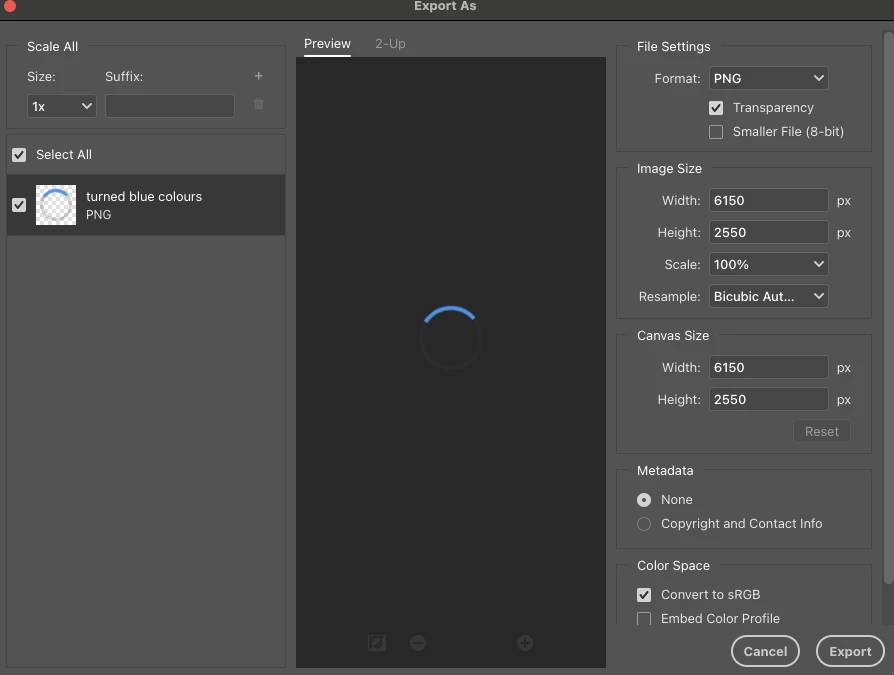
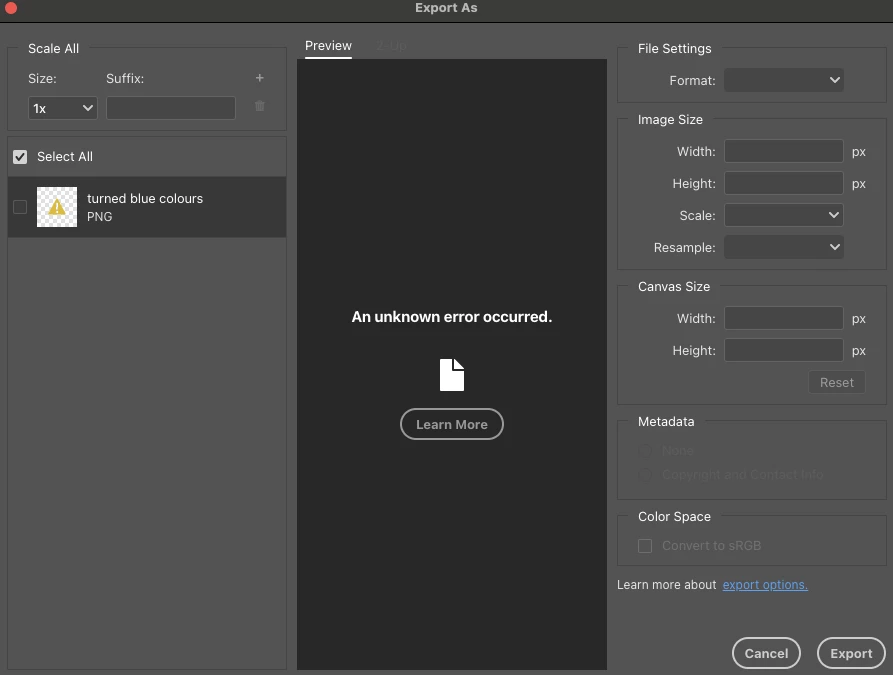
I have even tried making a new photoshop file and duplicating the active layers into it so see if that makes any difference but no luck. I have reset my tools and preferences to see if they are the problem, quit and restarted photoshop and my computer countless times, and I'm at a loss at what to do.
Please help!
Any advice would be very much appreciated!
 AdChoices