


Participant
March 17, 2016
해결됨

Why is my white GIF exporting as blue?

  • March 17, 2016
  • 6 답변들
  • 48774 조회

The original preview for my GIF has a white background with logos sliding through. When i try to save to the web and make it into a GIF the optimized version turns from white into an off-white blueish color. How can i get the GIF to export white instead of blue?

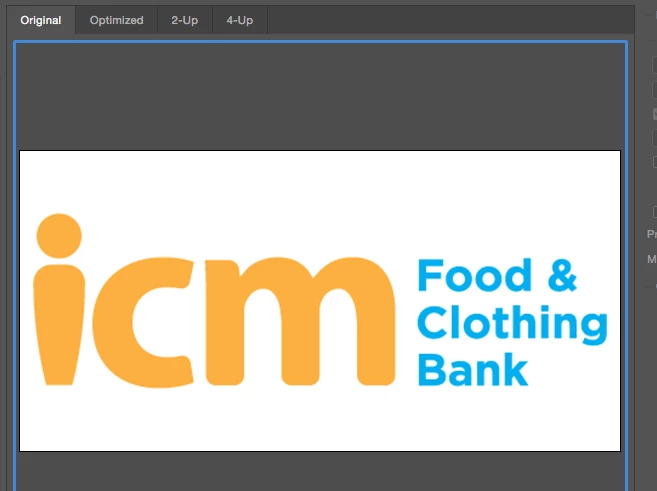
This is the original version that I want my GIF to look like once its exported...
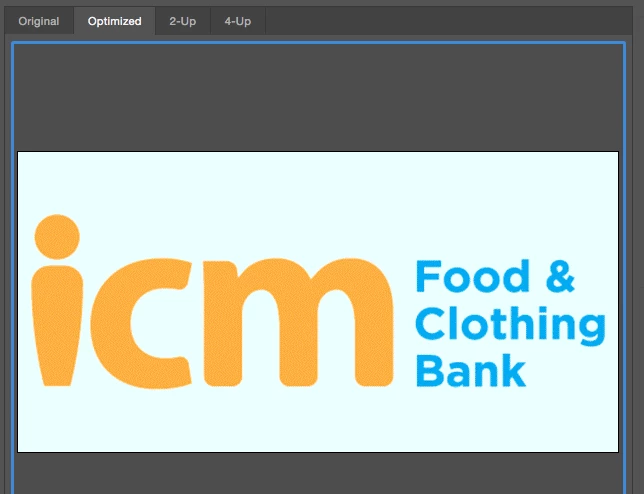
This is the color my GIF is exporting as...
PLEASE HELP!
    최고의 답변: Mikemacxx

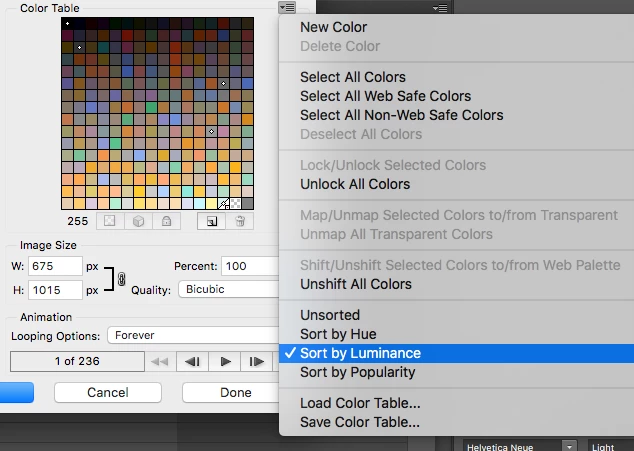
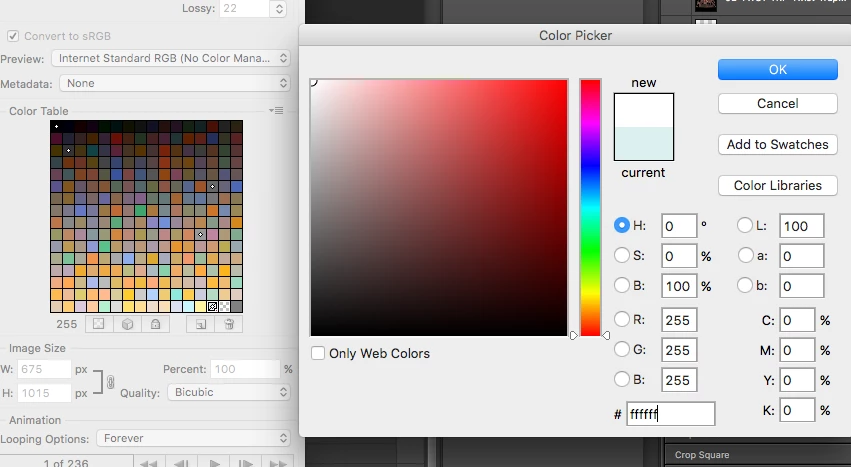
    I actually do know why this happens and how to fix it. It's because it's reading the brightest color as your blue an not white.

    Step one.....On the export, sort the color table by luminosity

    You will see that the brightest color is your blue or whatever tint you were getting. Double click that color and change it to #ffffff to white

    The tint has now turned to white and you can export.......

    6 답변

    Participant
    February 25, 2021

    I've had this same problem, it occurs when you have "Optimized selected...click on "Original" at the top left and it will output in white. Hope this helps.

    Participant
    April 27, 2018

    I struggled with this issue literally WHOLE NIGHT and nearly tried everything.

    FINALLY

    I found this works:

    Firstly, click Export, go "render the video", set everything in high quality, then you got a MP4 video.

    Second, drag the video directly into Photoshop, then save for web...done.

    (I tried the way mentioned by the other answer, but my work is just too complicated to change the color one by one.)

    mavik67375137
    Participant
    July 17, 2019

    okay thankx i'll try .

    On Wed, Jul 17, 2019 at 2:42 PM louisc71391646 <forums_noreply@adobe.com>

    Mikemacxx답변
    Participant
    March 10, 2017

    I actually do know why this happens and how to fix it. It's because it's reading the brightest color as your blue an not white.

    Step one.....On the export, sort the color table by luminosity

    You will see that the brightest color is your blue or whatever tint you were getting. Double click that color and change it to #ffffff to white

    The tint has now turned to white and you can export.......

    Participant
    March 7, 2021

    Hell Yeah, still works in 2021! 🙂 

    Participant
    January 27, 2017

    In the drop down when saving for web choose "Selective" instead of "Perceptual". Worked for me

    Participant
    February 9, 2018

    Worked great, thanks!

    Participant
    June 30, 2016

    Did you get an answer to this because I'm having the same issue and no idea what to do!

    War Unicorn
    Community Expert
    Community Expert
    March 17, 2016

    How many colors are listed in the palette? Is white in there?

    ae media작성자
    Participant
    March 17, 2016

    I do not see a value for only ffffff

    War Unicorn
    Community Expert
    Community Expert
    March 17, 2016

    Did you try the "Convert to sRGB" option as well as the Preview options? If this is going to be shown on the Internet, sRGB would be your best bet.