


- Home
- Premiere Elements
- Discussions
- "others are from youtube made into mp3 files" Conv...
- "others are from youtube made into mp3 files" Conv...
Audio Dissapearing after exporting video

Copy link to clipboard
Copied
Hi!
I am using Adobe Premiere Elements 13 to edit a video. I have looked through it in the editing-program and it is just like I want it but after I export the film some audio bits dissapears. I have tried exporting the movie in different formats but it always ends up with some audio missing. Please help me! I am in a hurry with this project!
Many thanks to anyvone willing to help,
Hugo


 17
Replies
17
17
Replies
17


Copy link to clipboard
Copied
Hugo,
You should be able to get help here but the only thing you've provided is that you are using version 13 (now 4 years old).
It is certainly not normal for audio to be missing.
What is the source material?
What are the audio specifications?
What are the project settings?
What is the computer?
What is the operating system?
What is the available space on the disk drives?
What are the output settings and choices?
What are the details of your workflow?
What are your edits?
Can you post screenshot examples?
Can you share the video files?
What are you using for instructions or tutorials?
Copy link to clipboard
Copied
Thank you.
I have edited videos before and have not experienced any problems. One of my diskdrives is almost full but the one I am exporting the film to has like 250 gb:s left. I doubt there is anything wrong with the video files because it is only added audio that disappears. Some audio I have added is exported WAV-files recorded in Audacity, others are from youtube made into mp3 files by websites like this https://www.onlinevideoconverter.com/mp3-converter
I do not know what to tell you about the audio specifications and project settings, I am an amateur editor. My operating system is Windows 10 and my computer is custom-made from a local company called "Overclockers". It has worked fine for a few years - I doubt the fault lies with it. I have tried sharing the movie directly to social media, but it says the movie is to long or big. I tried exporting it into the video-formats of NTSC DVD-standard and HDTV 1080p 25 but the problems previously mentioned always emerges. If what you meant by audiospecifications is what we in Sweden call "ljudinställningar" then for NTSC DVD-standard it was Dolby digital 192 kbits/s, 48 kHz, stereo, 16 bit and for HDTV 1080p 25 it was MPEG-audio, 384-kbit/s, 48 kHz, stereo and 16 bit. I am using the expert setting and I am pretty much self learned. 

Remeber that the audio disappears only after being exported out of the program.
Copy link to clipboard
Copied

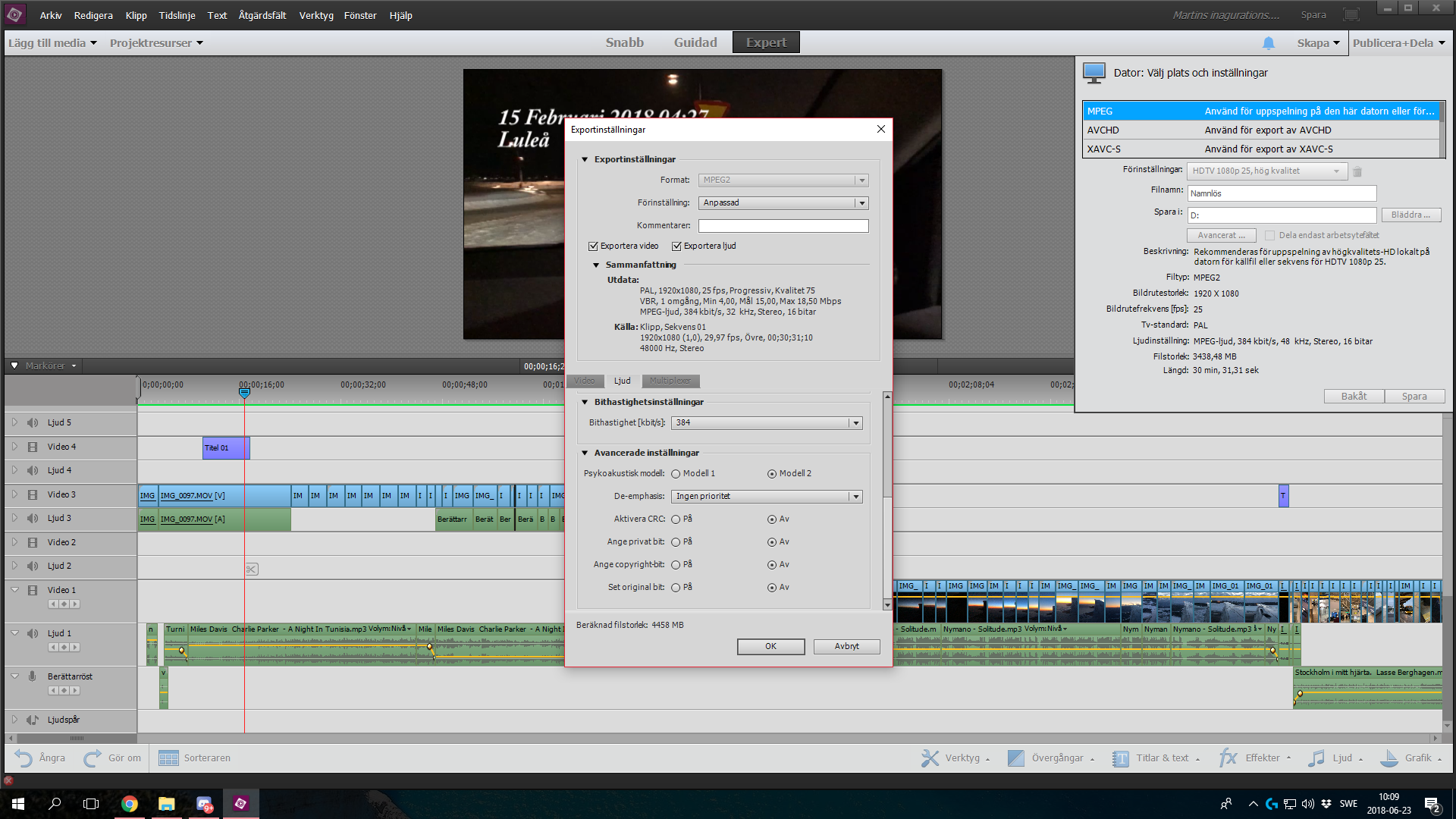
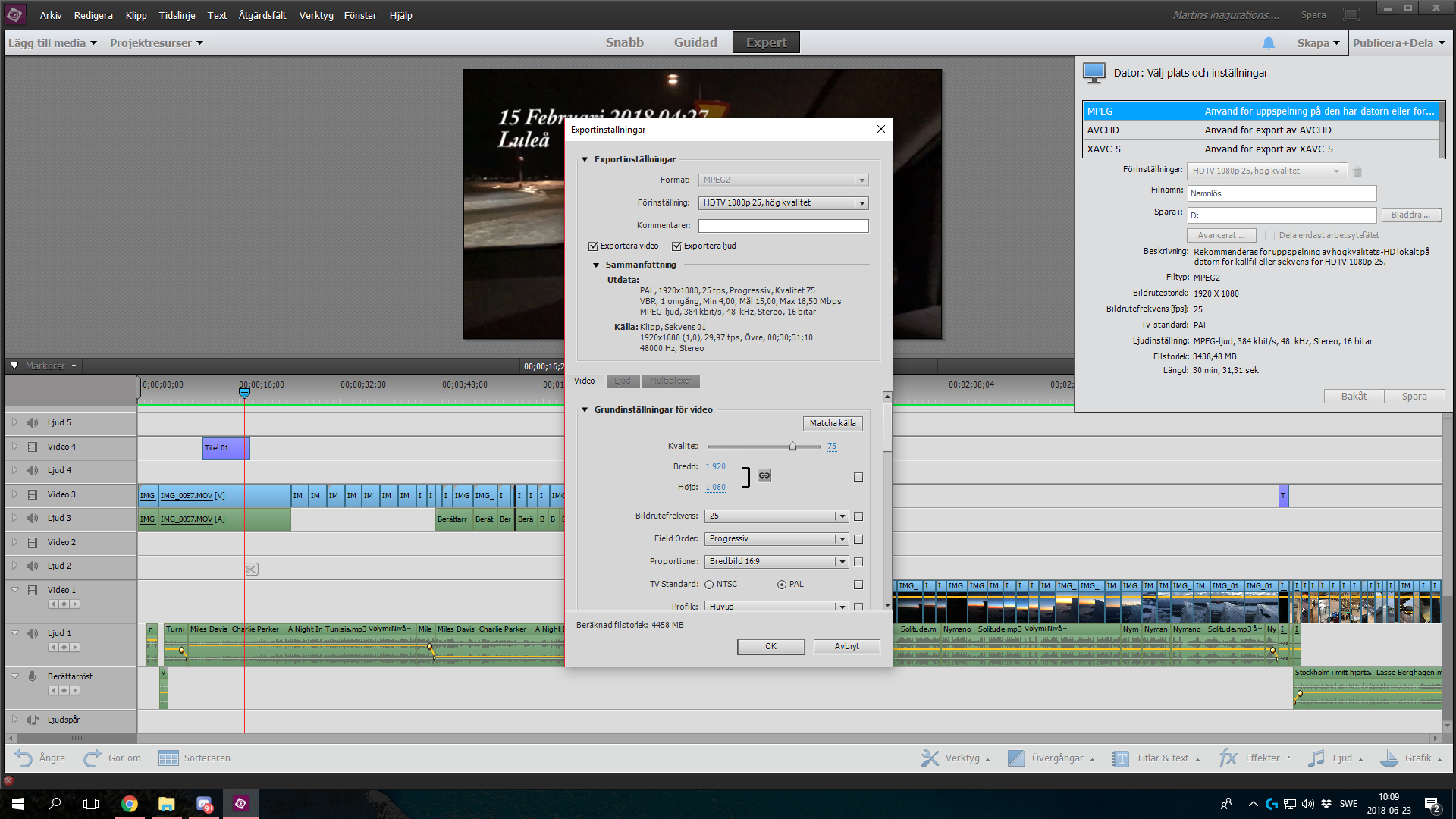
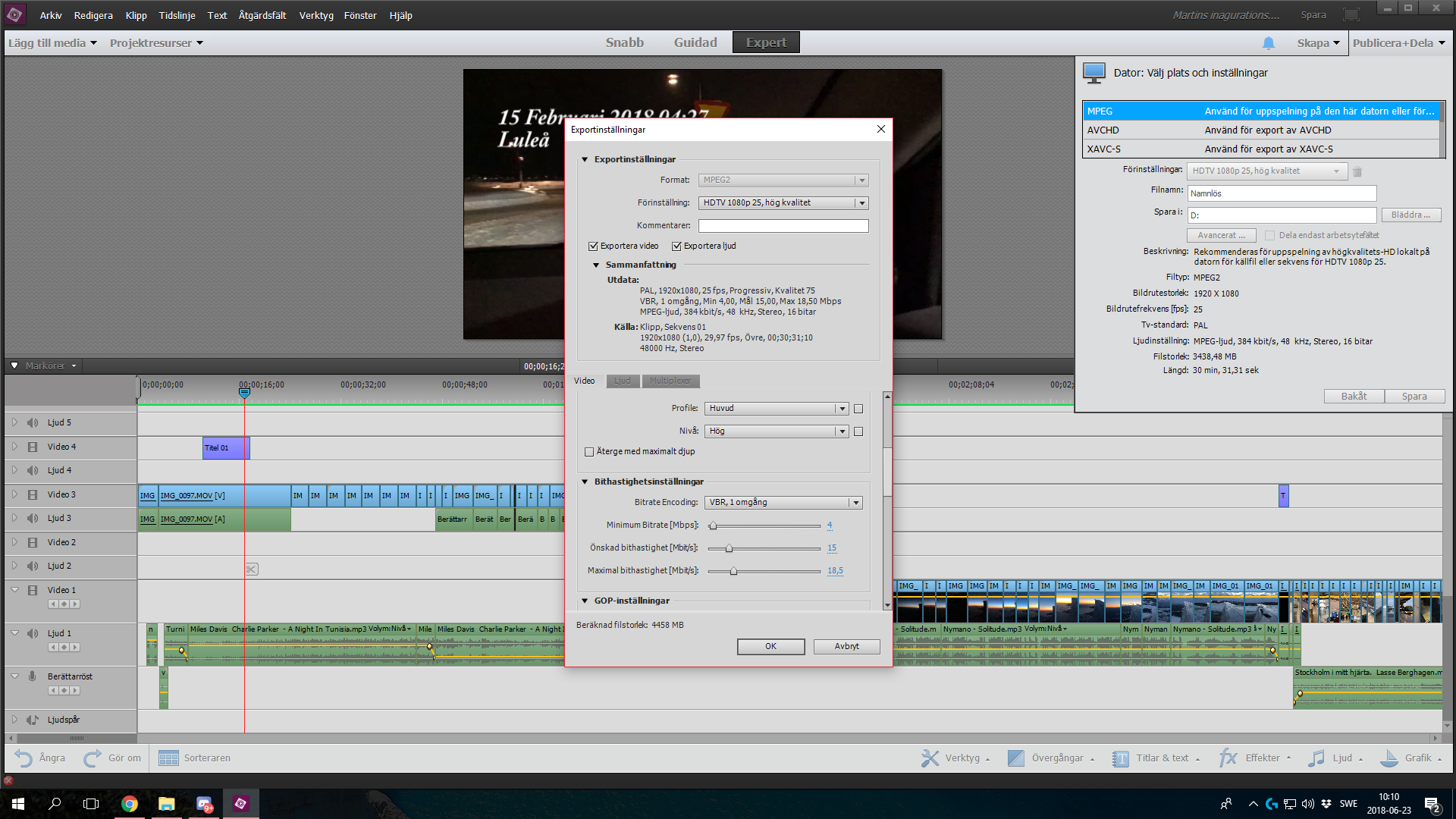


Copy link to clipboard
Copied
Hugo,
From what you wrote I'm going to guess that the audio source files have a codec not supported. The disappearing audio bits can't be read by Premiere Elements. I don't know how to add audio codecs or even if it can be done. WAV audio files are the most reliable for Premiere Elements.
Can you convert the missing bits to WAV files with Audacity?
Bill
Copy link to clipboard
Copied
Thank you for your support.
Most of the files that can not be heard in the final product are infact vaw files so I doubt the problem lies there.
Copy link to clipboard
Copied
Won´t you help me?
Copy link to clipboard
Copied
Hugo,
I would like to help of course. At this point I don't know what to do or even ask you!
All there is to do is look inside each file and see what codecs are being used and try to identify a pattern of which don't work.
Bill
Copy link to clipboard
Copied
Bill,
Thank you for trying at least. I hope I can manage this somehow.
Hugo

Copy link to clipboard
Copied
Hi Hugo,
I'm another Bill ... and I'll see if I can help.
First off, the name 'Overclockers' for your computer's source is a bit scary since 'overclocking' is cranking up your processor beyond it's designed speed. Let's hope they didn't do that to your computer. Sometimes to 'hurry up' you need to 'slow down.'
I've had similar problems as those you describe, and here's how I fix them.
1. Close all your programs including PRE13.
2. Open PRE13 and a new project.
3. Import to the Project Assets window, only a small part of the video. If the audio is not attached to the video, import the smallest part that goes with the video.
4. Place the audio and video on the Timeline
4. Save the project.
5. Render the video and audio
6. Export them.
Test the exported file. If everything works, incrementally re-build, render and export as you go along. You also really need to get some software to convert WAV files to something smaller. WAV files are huge! and may be part of the problem.
Copy link to clipboard
Copied
williebegoode wrote
I'm another Bill ... and I'll see if I can help.
Thanks for stepping in 'other' Bill. All I know about audio is that what comes from my cameras works! After that I get lost.
Copy link to clipboard
Copied
Hi Bill!
Thank you for your support.
I do not understand how I should go about importing a small part of the video to project assets. The edit is complex and a large part of the audio that is missing in the final product is not originally connected to the video-files. Instead it is recorded and added afterwards. Do you basically propose that I am to re-edit the whole movie?
Thanks again from a puzzled altough gratefull Hugo

Copy link to clipboard
Copied
Hi, I am using Adobe Premiere Elements 2019 and after I export the film to youtube or Vimeo, some of the audio disappears. Looks like I have the same problem you did. Would you know how to solve this in Adobe Premiere elements 2019?

Copy link to clipboard
Copied
Try converting the mp3 files to wav before importing into Premiere Elements.
Premiere Elements can experience weird behavior sometimes when mp3 files are used.
Audacity is a free application that cn be used for the conversion:
https://sourceforge.net/projects/audacity/
Copy link to clipboard
Copied
Hi Peru Bob,
Thank you but I use normal .mov-files. Audio and video together. Audicity is only audio, right?
Copy link to clipboard
Copied
"others are from youtube made into mp3 files"
Convert those to wav files before importing into Premiere Elements.
Copy link to clipboard
Copied
Hi,
Thanks. What software do I use for convert .mov to .wav?
Copy link to clipboard
Copied
"What software do I use for convert .mov to .wav?"
I meant for you to convert the mp3 files to wav, not the mov files.


Find more inspiration, events, and resources on the new Adobe Community
Explore Now
 AdChoices