

Community Manager
April 21, 2025
Question

[Now Released]: Introducing Live Waveform Editing Feedback in Premiere Pro

  • April 21, 2025
  • 4 replies
  • 3608 views

The Premiere Pro Audio Team is thrilled to announce a new feature in Beta 25.3 (Build 57): Live Waveform Feedback. This Beta release focuses on enhancing audio editing workflows by providing real-time waveform feedback and improving audio visibility during clip edits and movements. These features make audio adjustments more intuitive, precise, and efficient, allowing editors to see the impact of changes immediately. 


Key Enhancements:

  • Show Waveform While Moving a Clip: Users can see the audio waveform update dynamically as they move clips across the timeline. Keyframes and markers are displayed alongside the waveform while dragging a clip, aiding in maintaining sync with key audio or visual elements.
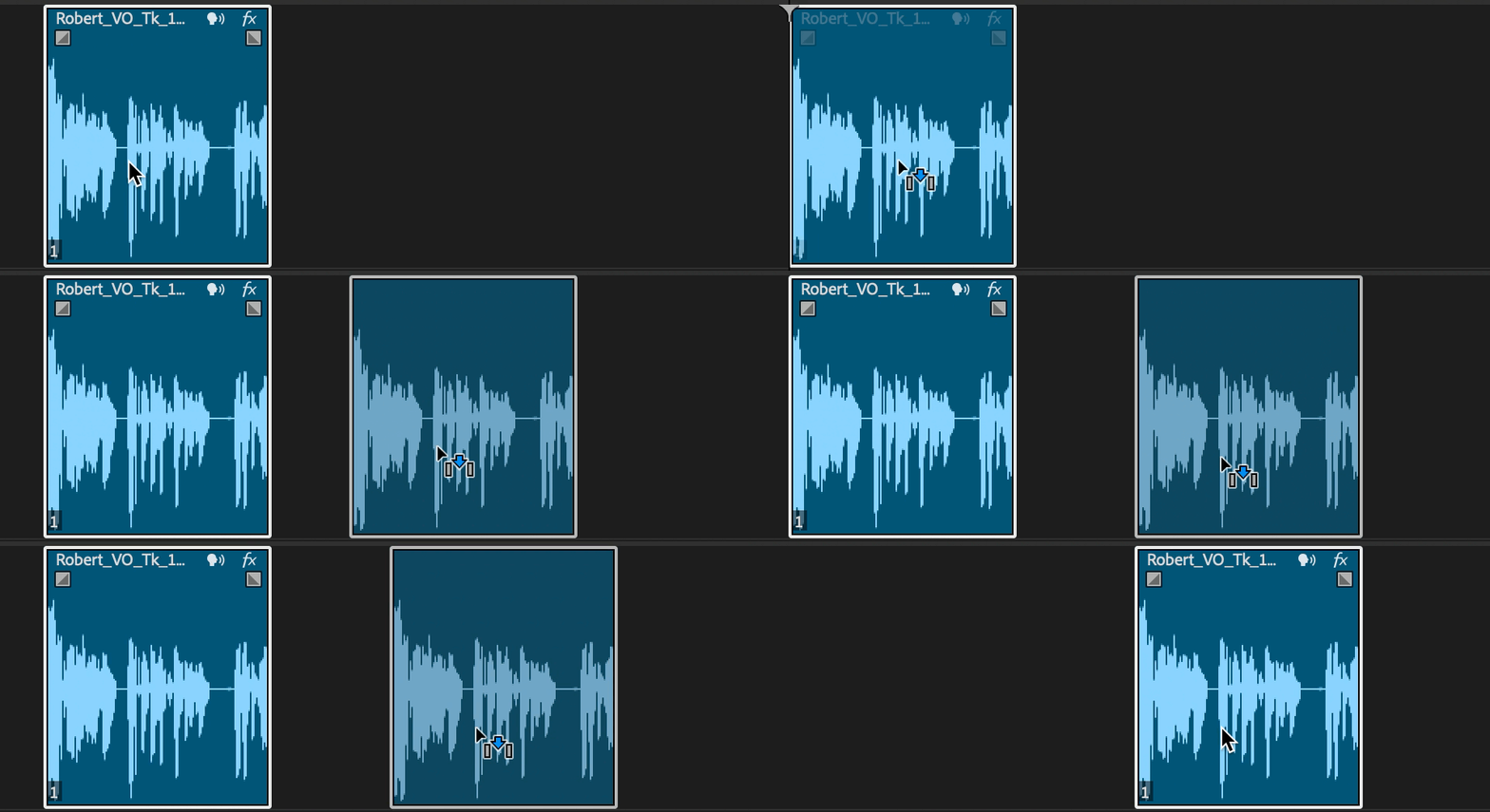


  • Show Waveform While Copying a Clip: When duplicating a clip, the waveform remains visible, ensuring precise placement and alignment.
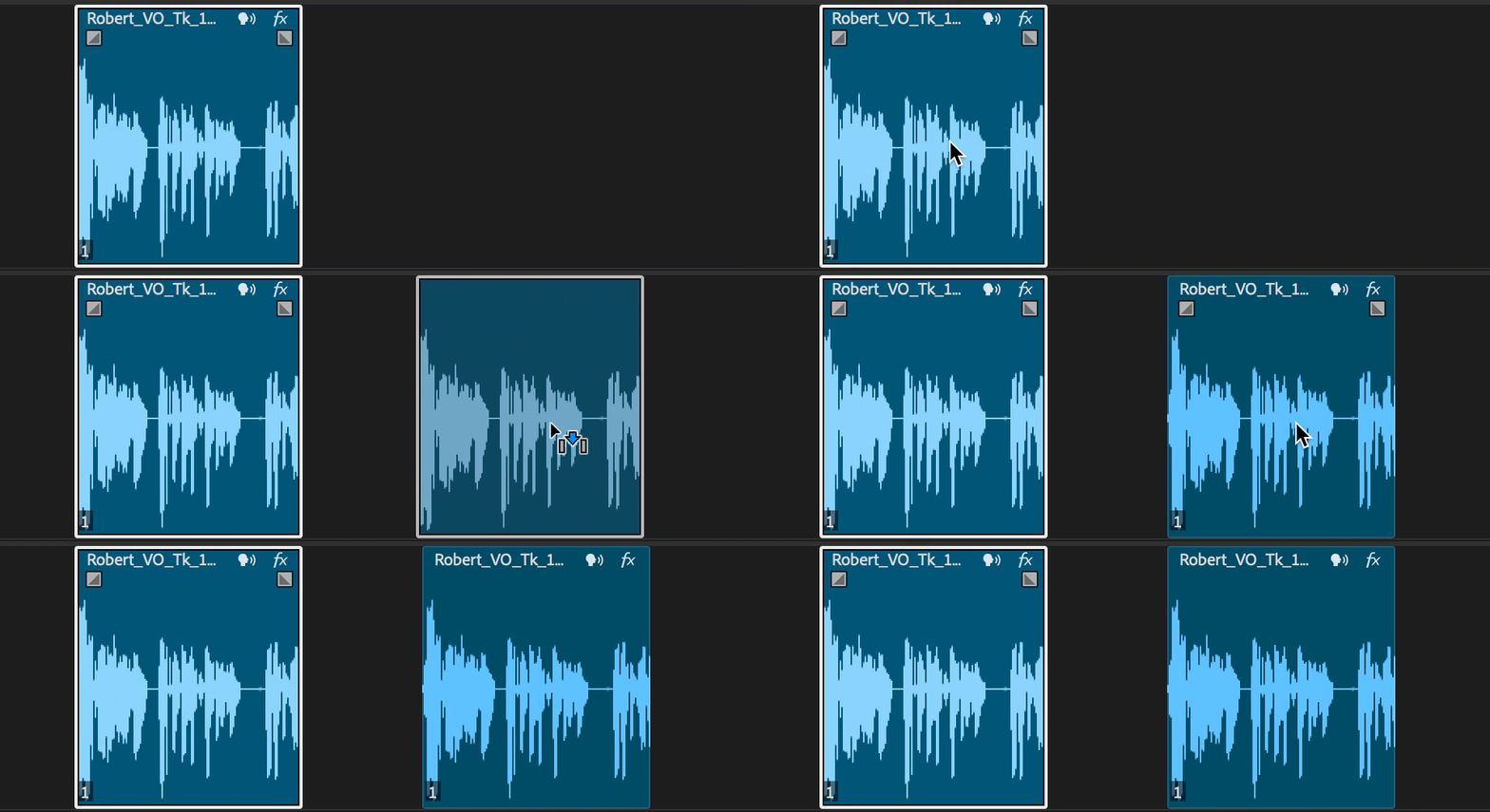
                                     

  • Trim: Adjust the in and out points of a clip with immediate waveform updates.
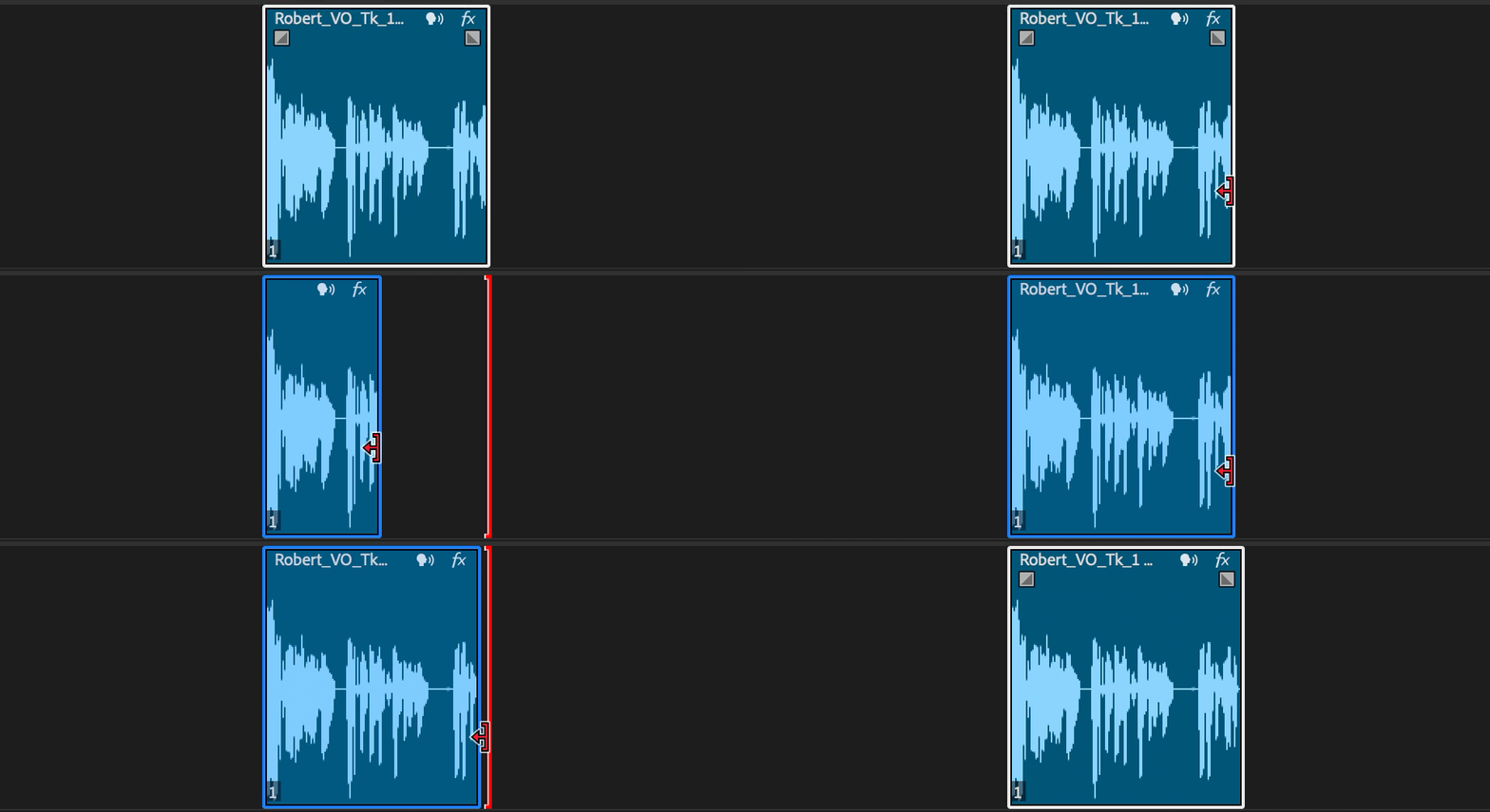
                                     
  • Rolling Edit: Adjust the edit point between two clips while preserving their combined duration, with waveform updates reflecting the shift in content.
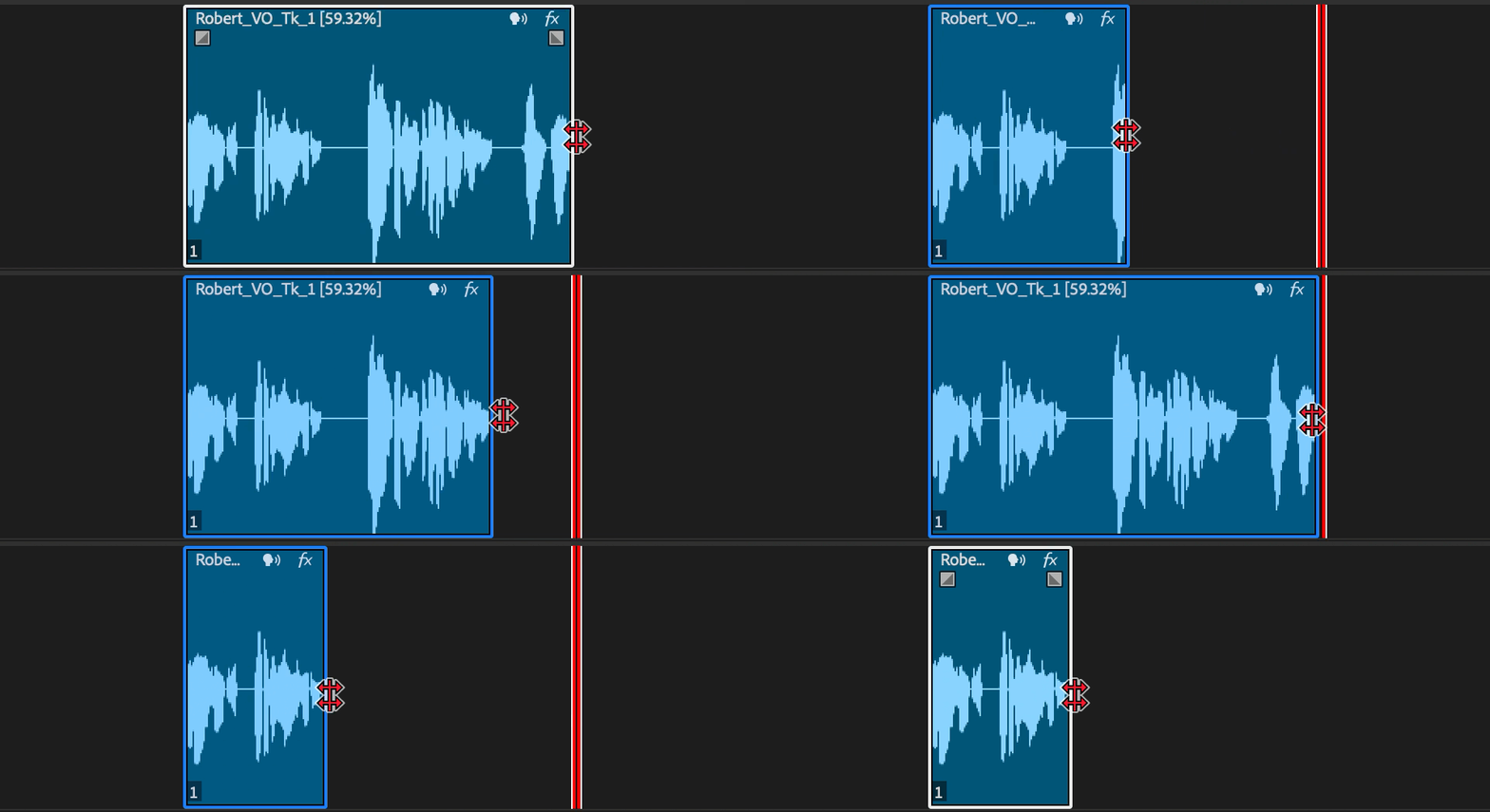
                                  

  • Rate Stretch: Change the speed of a clip by stretching or compressing it, with the waveform adjusting to indicate the impact on timing and pitch. 
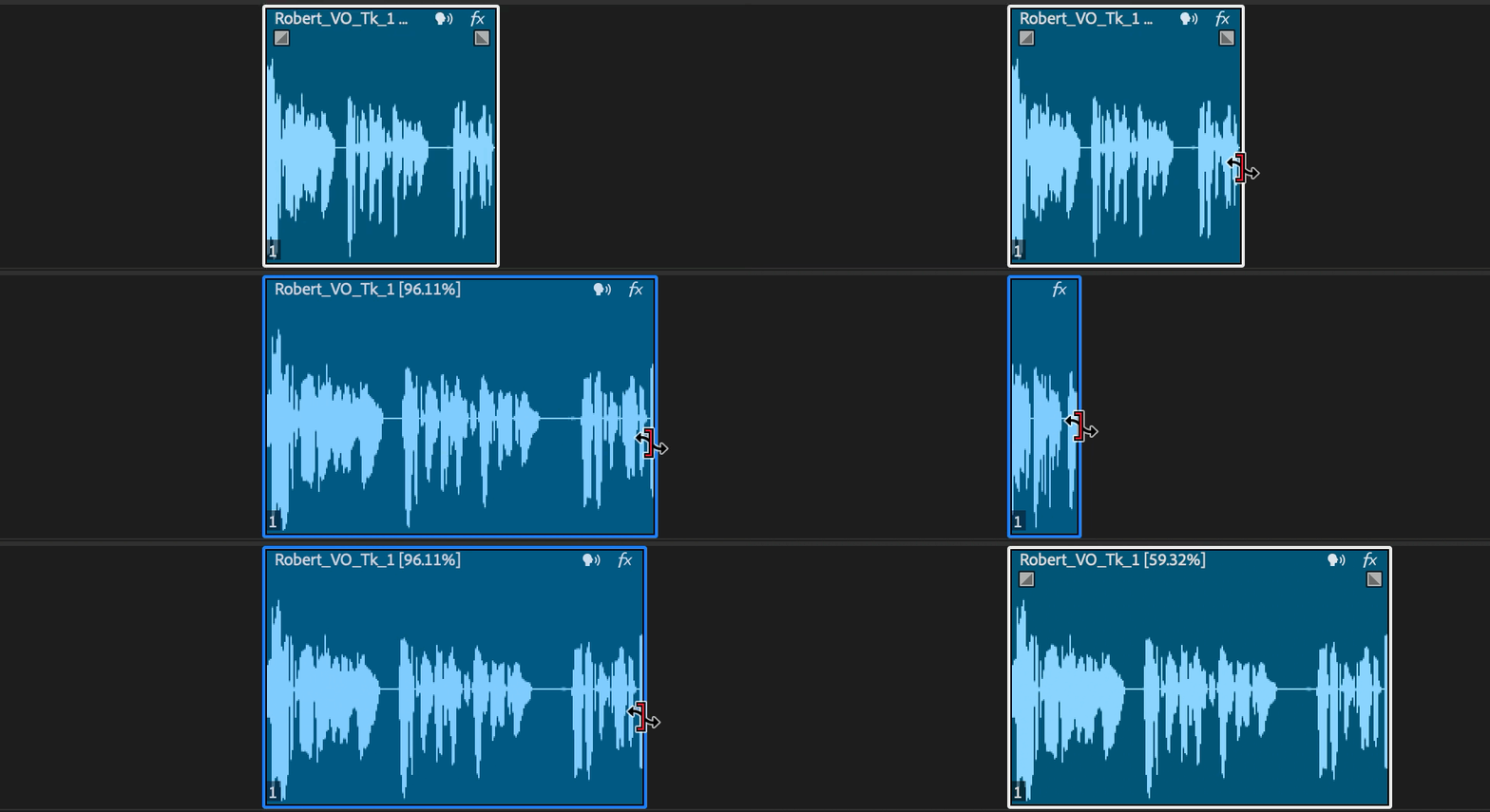
                                     

  • Ripple Edit: Move a clip’s in or out point while shifting subsequent clips in the timeline, with waveform feedback to maintain sync and rhythm.
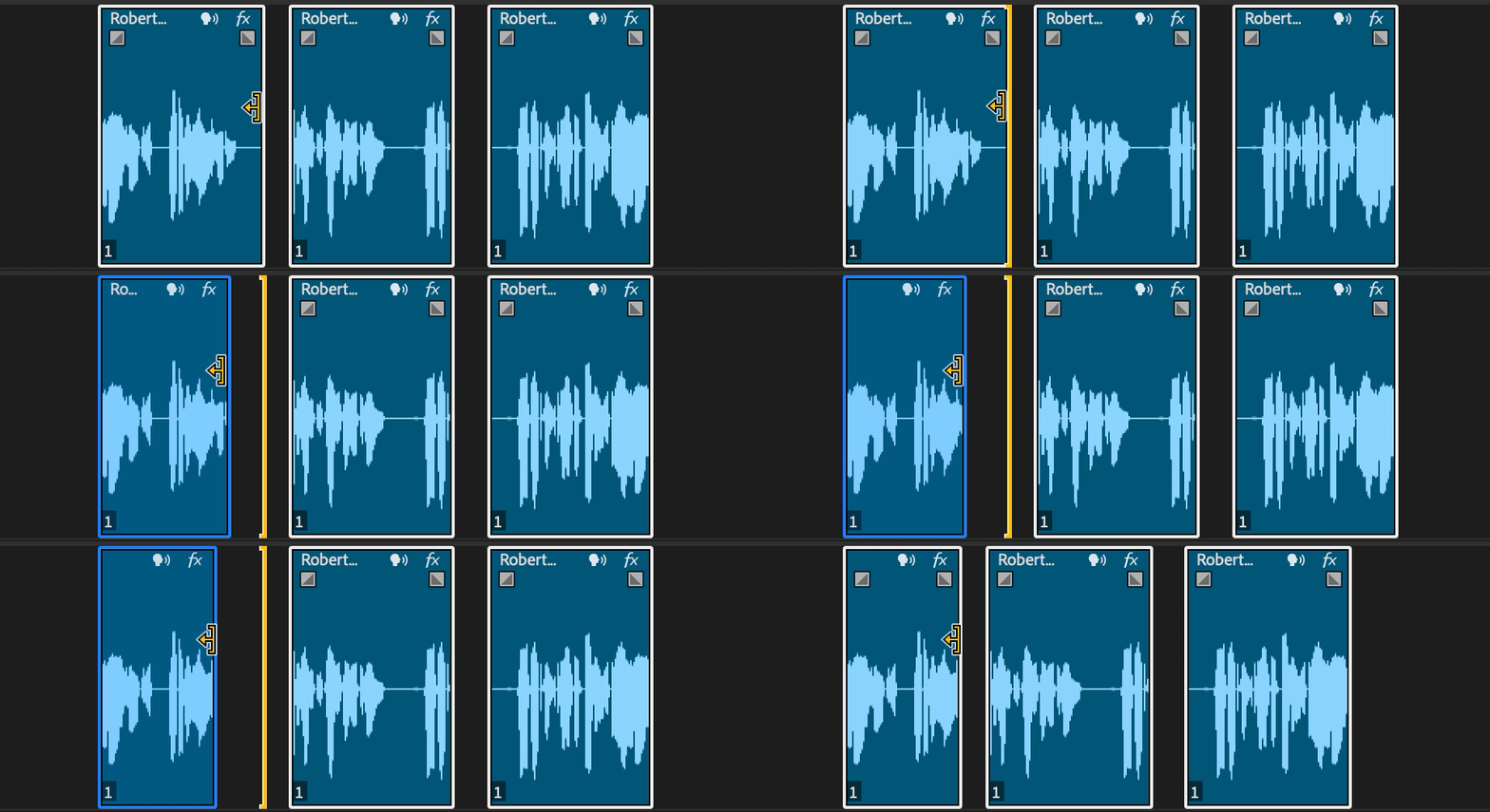
                                     

  • Slip Tool: Move the content inside a clip without changing its duration or position in the timeline, showing real-time waveform updates for precise audio alignment.
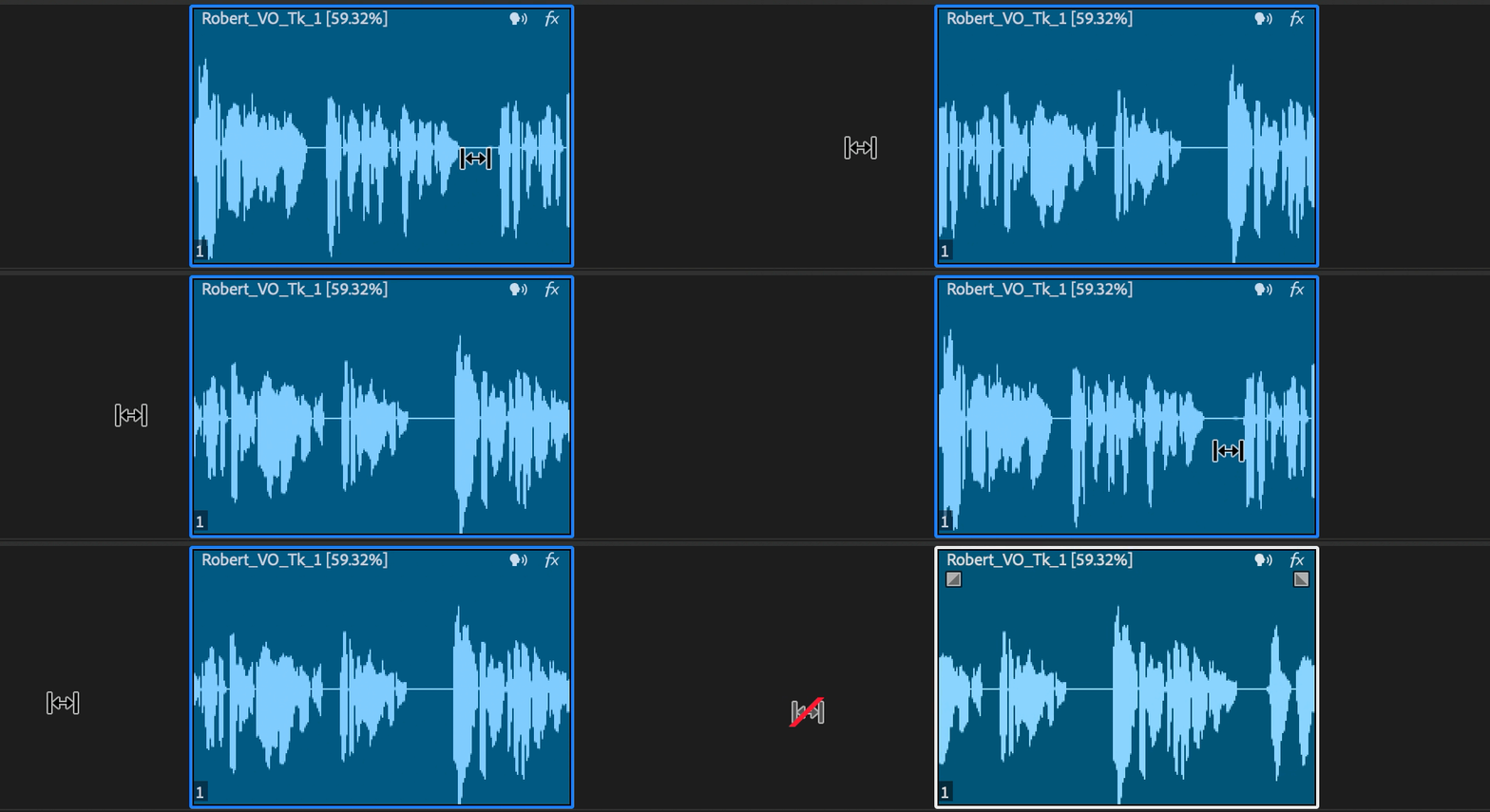
                                     

  • Slide Tool: Move a clip's content within its existing duration and position on the timeline, with real-time waveform updates to ensure precise audio alignment.
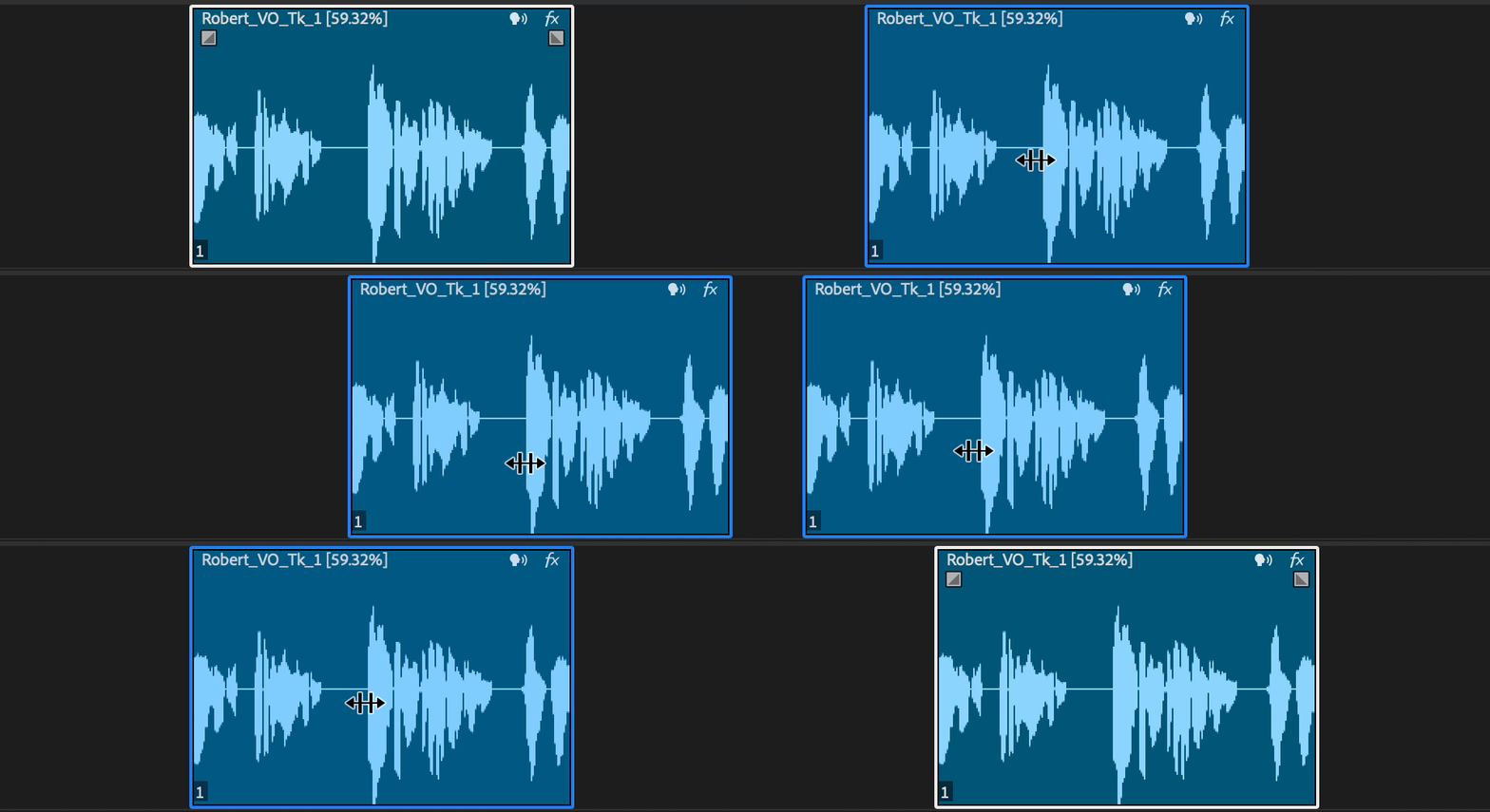


We invite you to test these features and share your feedback to help us refine and enhance your audio editing experience in Premiere Pro.


Stay tuned for more updates and happy editing!

This topic has been closed for replies.

4 replies

Participating Frequently
August 11, 2025

Is this feature live yet?  I'm on 25.3 Mac version and don't see this behavior.  Thanks!

Inspiring
August 11, 2025

@CHL88 

not yet, no. It never made it into the public release of 25.3 so it'll likely come with 25.4

Participant
April 25, 2025

Will there be a "ghost" for waveforms beyond the edit point like Resolve, might be their best feature. 

Adolfo H.Community ManagerAuthor
Community Manager
April 28, 2025

This is something that our team is looking at. 🙂 Let me know if yu have any additonal thoughts.

Ann Bens
Community Expert
Community Expert
May 21, 2025

Hi! thank you! Let me do a little bit more digging with the team.  I'll write back once I have an update. 


@Adolfo H. 

I need to trim the left clip in order to make a proper transition

If I trim to the left I lose my reference to the transition

Opposite to previous version.

This new behavior involves a lot more fiddling on the timeline............

parker_gibbons
Participant
April 25, 2025

but my dear dear Adolfo, how could you not mention the BEST part about dynamic waveforms???

excellent work 🫡


Adolfo H.Community ManagerAuthor
Community Manager
April 28, 2025

Yes!!! this change was introducued on our latest release. We got that funtionality first 🙂 Glad you are enjoying it my friend!

Inspiring
April 21, 2025

I feel like I've been advocating for this for at least as long as I've moved off of Sony Vegas 10-15 years ago, so this is great to see. Wish it could have come sooner but better late than never I guess!