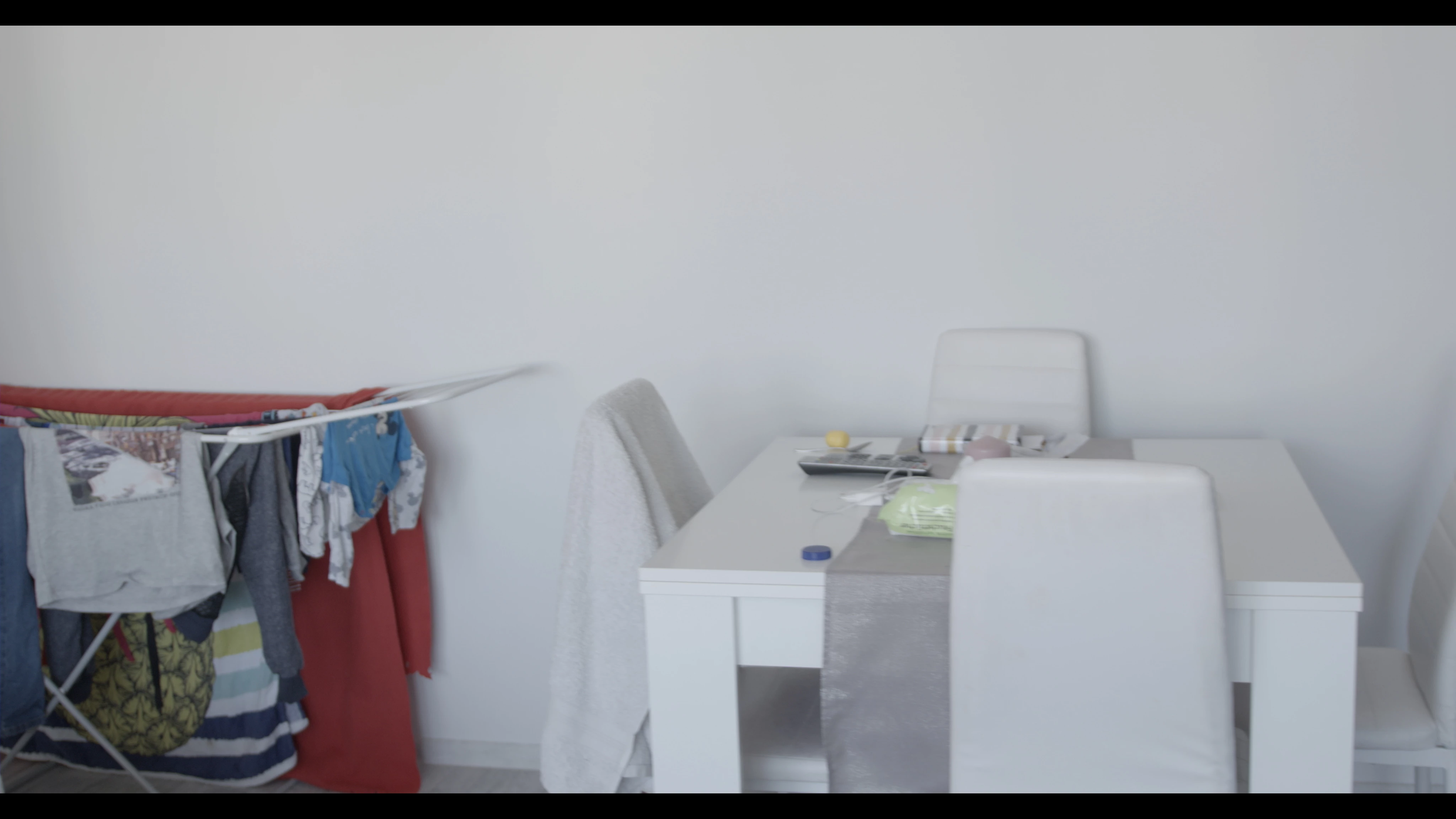
ProRes RAW shogun inferno with Eva1

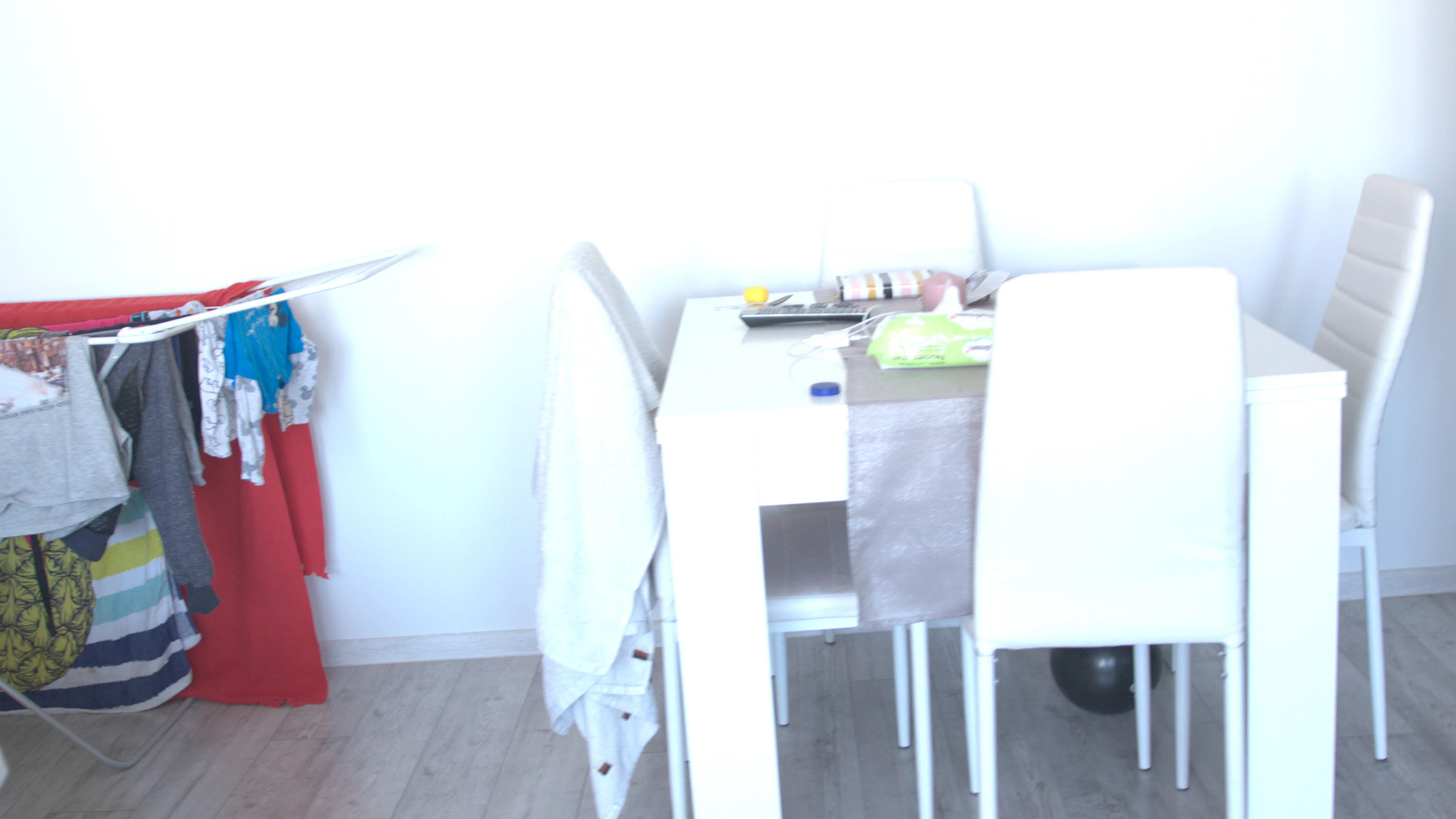
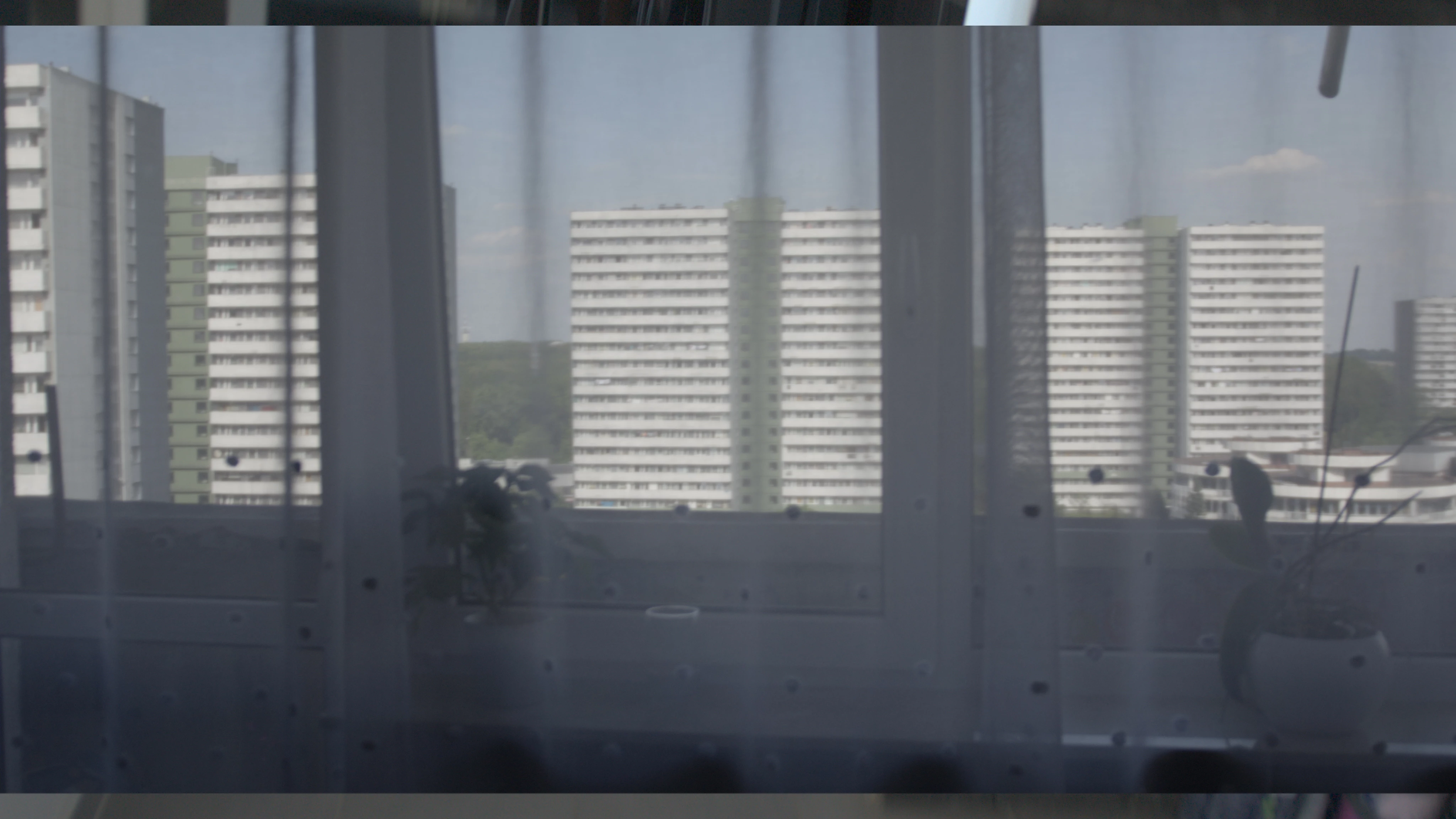
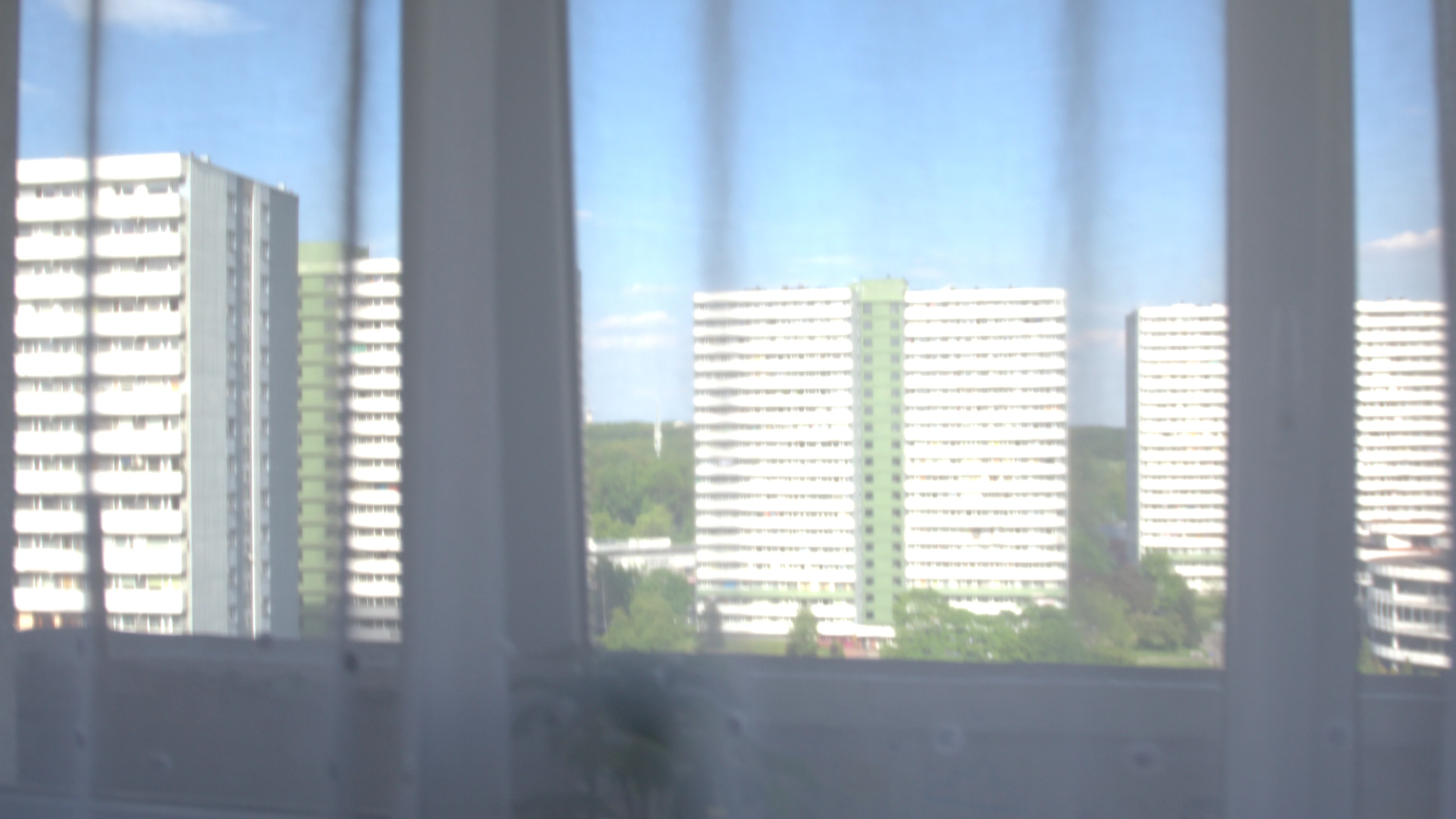
Very bad color reproduction, these are the same settings ProRes RAW and ProRes HQ
[Moderator note: please add images directly into your post via drag/drop or by using the picture icon of the formatting bar.]

Very bad color reproduction, these are the same settings ProRes RAW and ProRes HQ


[Moderator note: please add images directly into your post via drag/drop or by using the picture icon of the formatting bar.]
As Neil pointed out, working with RAW media files can require exposure adjustments to set the files to desired levels.
In project panel, right click on the RAW source file and select "Disable Masterclip Effects". Then right click again and select "Source Settings". Adjust the exposure value for the clip in the Source Settings panel to desired level. Adjustments can also be made in Lumetri color panel.
-Martie
Already have an account? Login
Enter your E-mail address. We'll send you an e-mail with instructions to reset your password.