MrSenpai
Inspiring
November 20, 2020
Question

Pr Beta 14.8.0.14 - Media Replacement still not working in Pr Beta and Ae Beta 17.6.0.25

  • November 20, 2020
  • 2 replies
  • 894 views

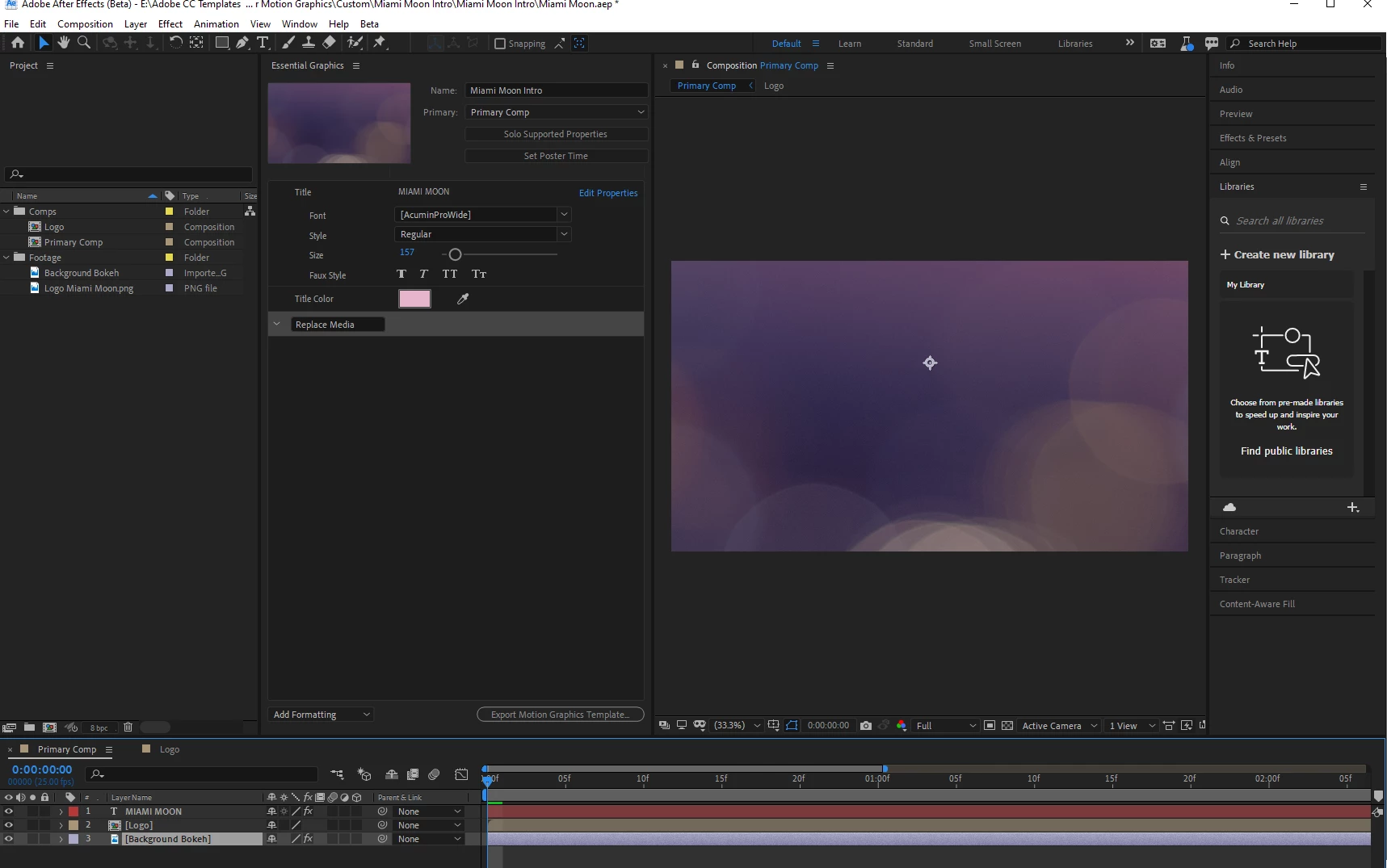
Im using the .mogrt file provided by Adobe for "Media Replace" but it is not working in Pr Beta 14.8.0.14 -  and Ae Beta 17.6.0.25. Is Adobe aware of this? 
This topic has been closed for replies.

2 replies

MrSenpai
MrSenpaiAuthor
Inspiring
November 23, 2020

The file that Adobe provides to test out Media Replacement in Premiere Pro does not work because the feature is no longer working in After Effects Beta: 

DaciaSaenz
Inspiring
November 25, 2020

Hi @MrSenpai


We've been having some major Mogrt issues over the last week or so and are working on fixes. In the meantime, can you try switching Premiere to Software-Only mode to see if that resolves the issue in Premiere?


Re AE: It looks like the feature is not enabled. Can you check Beta Menu > Enable Feature in the top bar and see if there is a checkmark next to Media Replacement? Please select this and relaunch the app and lemme know if that changes things. You will want to open a fresh download of the .aep though, i.e. one that hasn't been opened in AE when the feature is turned off. 


Lemme know if either of those workarounds do the trick or not! 


Thanks, 

Dacia

- Dacia Saenz, AE & PR Engineering Teams
MrSenpai
MrSenpaiAuthor
Inspiring
November 25, 2020

Hello Dacia,


So your right about After Effects, I did not have it enabled, so I went ahead and did "Beta Menu > Enable Feature" and its now working in After Effects; however, in Premiere Pro Beta it is still not working. As you can see, the screen goes black and the position and scale controls for both media files become greyed out, so they are not able to be changed/edited. 


Changing to Software-Only mode, fixed the black screen problem but didnt fix the other problems + it introduced a new screen tearing problem:


MrSenpai
MrSenpaiAuthor
Inspiring
November 20, 2020

I keep getting black screen when using your new Media Replacement in Motion Graphics feature