Exit
  • Global community
    • Language:
      • Deutsch
      • English
      • Español
      • Français
      • Português
  • 日本語コミュニティ
  • 한국 커뮤니티
0

export window close windows panel on second screen

Explorer ,
Oct 01, 2023 Oct 01, 2023

i use a custom workspace, and when i export a project to AME, it will close the second screen windows, i need to reset to saved layout every export. wouldnt be as bad if i didnt change my custom space while editing, bins and whatnot get reset..is this a bug or a feature?


i mean after i hit send to AME, its like it wont go back to my custom workspace that uses 2 screens, it will go back to it using only the main screen panels. It will close my program monitor and all other panels on that screen.


normal before export:
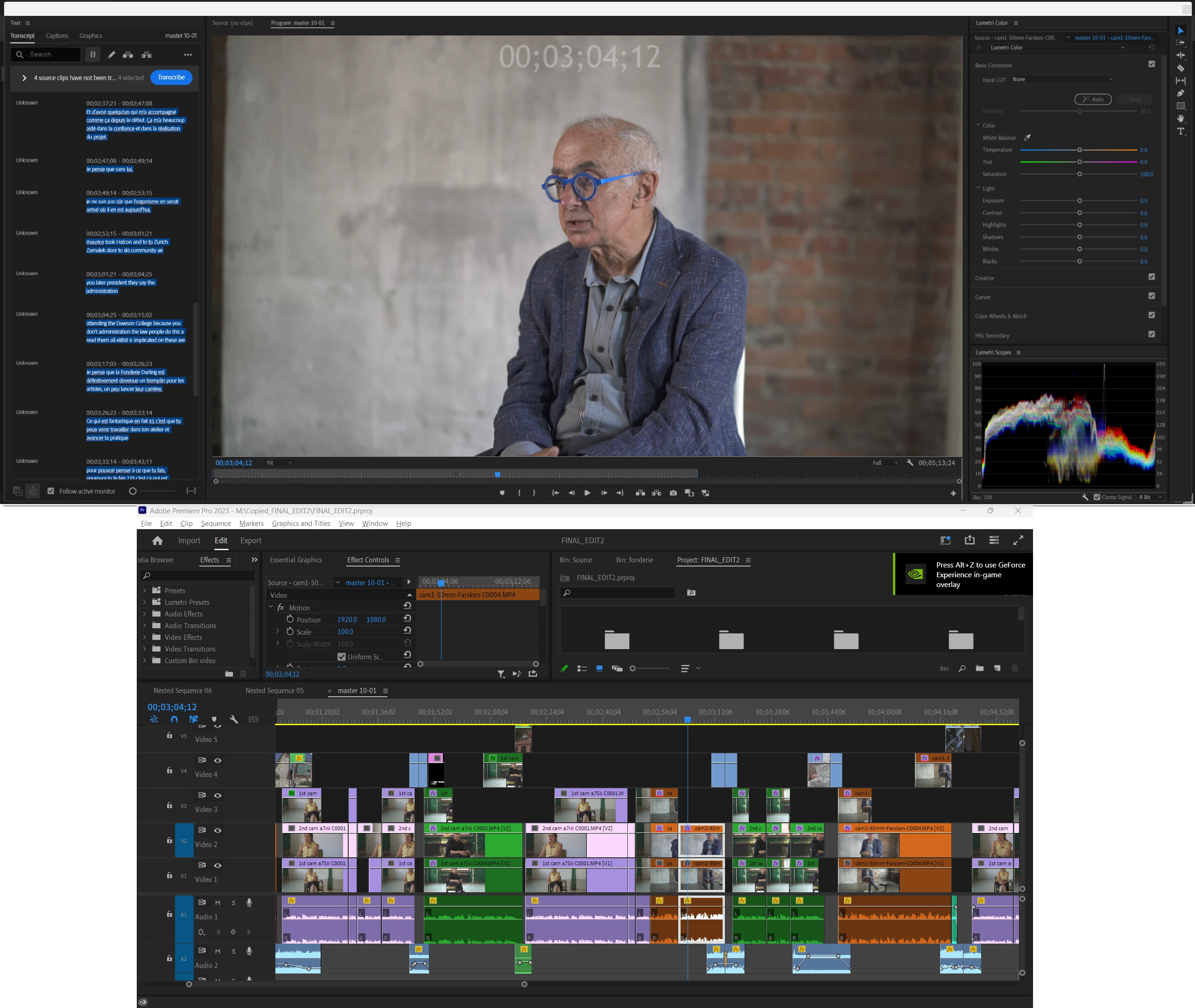
Screenshot 2023-10-01 195007.png


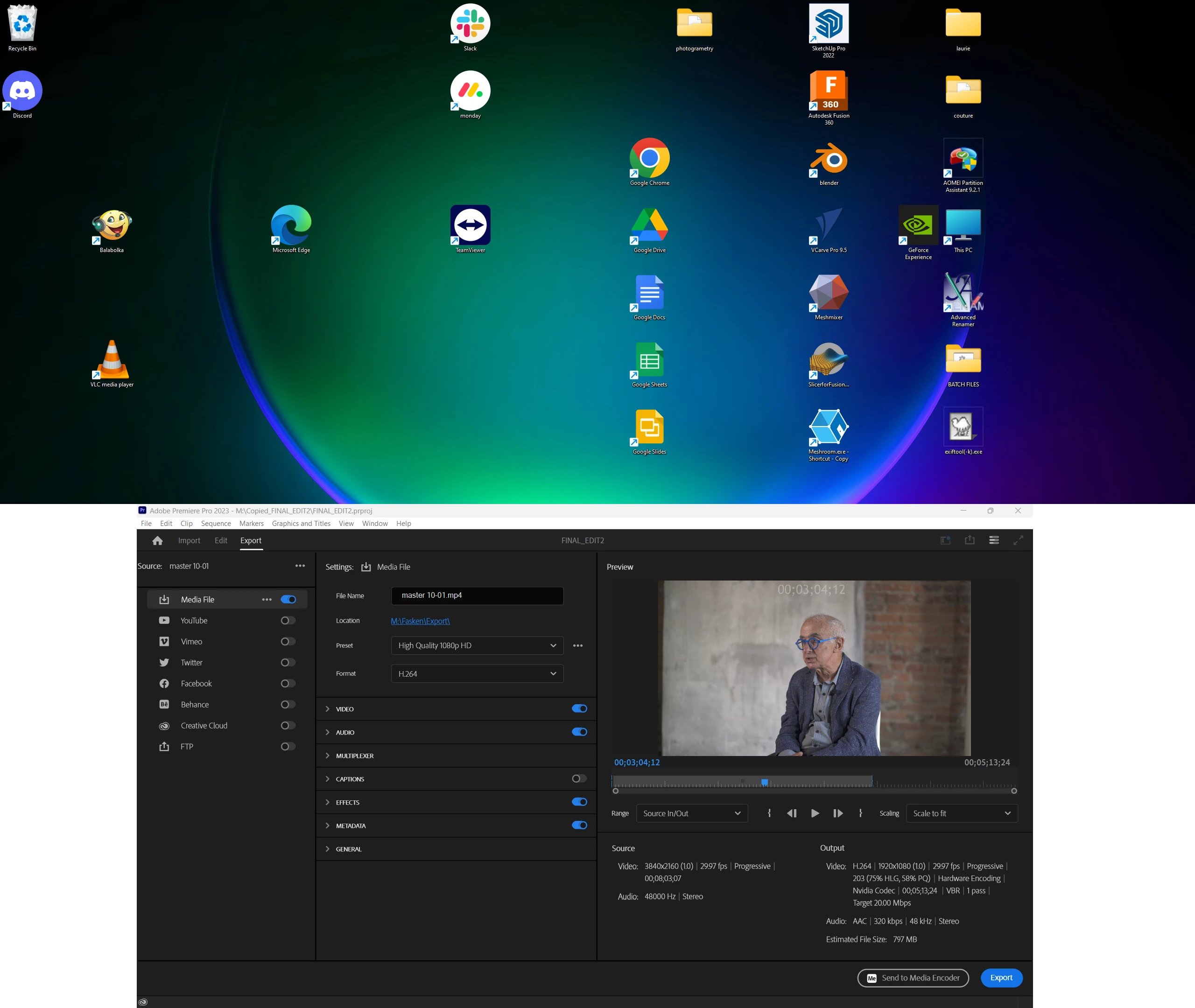
export window:

Screenshot 2023-10-01 195105.png


after sending to AME it will stay in this configuration without the top panels:
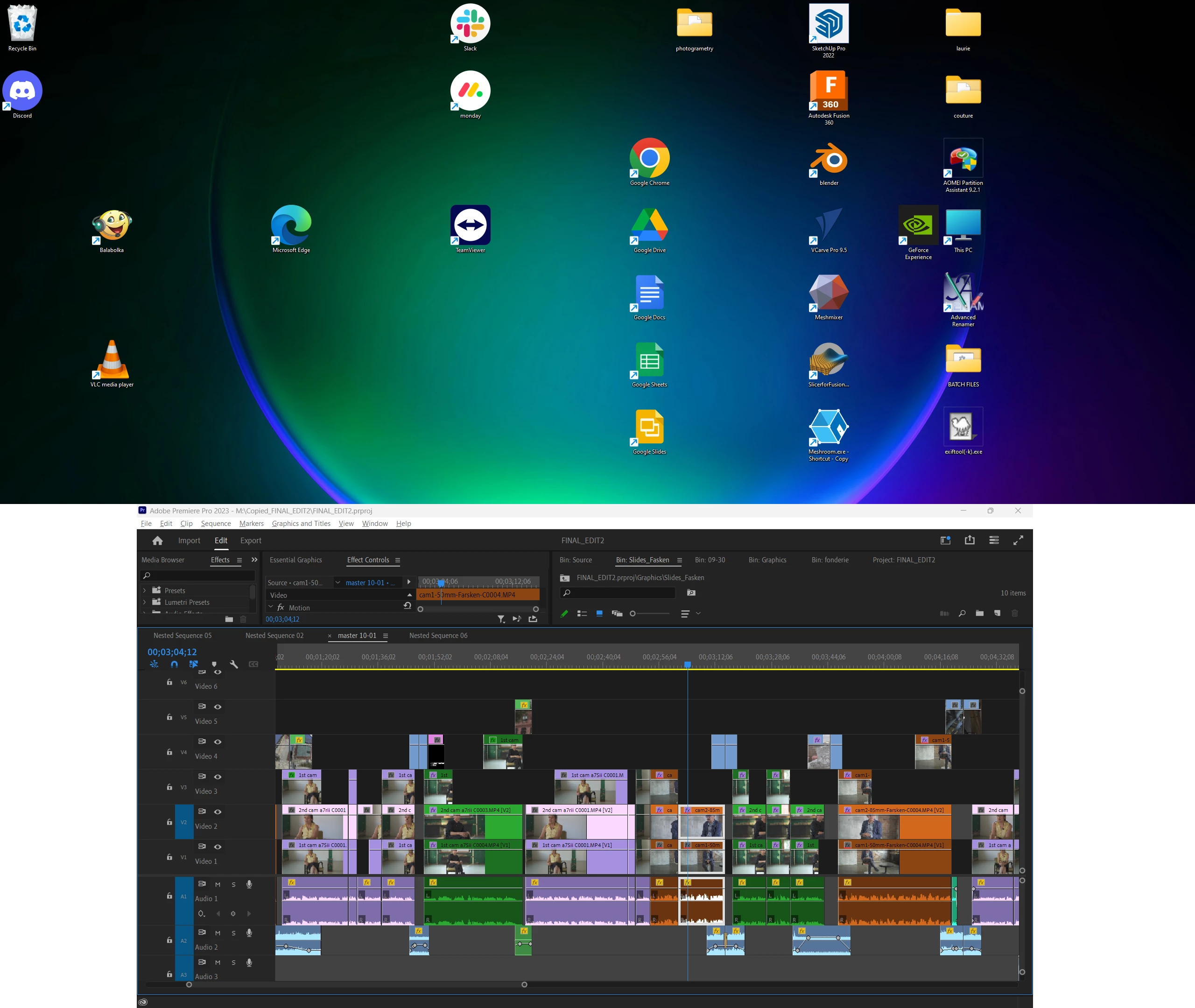
Screenshot 2023-10-01 195226.png


AMD Ryzen 7 4800H with Radeon Graphics 2.90 GHz, RTX 2060

32.0 GB

windows 11

premiere 23.6.0 build 65

Bug Unresolved
TOPICS
Export , User experience or interface
277
Translate
Report
Community guidelines
Be kind and respectful, give credit to the original source of content, and search for duplicates before posting. Learn more
community guidelines
4 Comments
Explorer ,
Oct 01, 2023 Oct 01, 2023

.

Translate
Report
Explorer ,
Oct 01, 2023 Oct 01, 2023

.

Translate
Report
Explorer ,
Nov 07, 2023 Nov 07, 2023

just bumping this to today, as ive been using a new machine with the same monitors and the issue will still happen exactly the same.

Translate
Report
New Here ,
Aug 27, 2024 Aug 27, 2024
LATEST

I have the same problem. Do you find a solution?

Translate
Report