Answered
Grey tones in video clips and white graphics?
Hi,
I get this problem whenever I import video clips and logos into Premiere Pro. The clips have a grey tone, and the white logos turn grey. What is wrong?
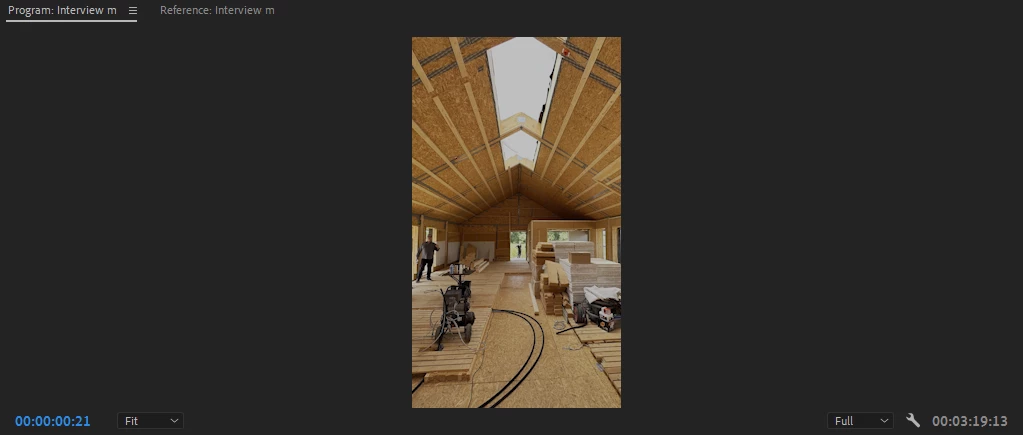
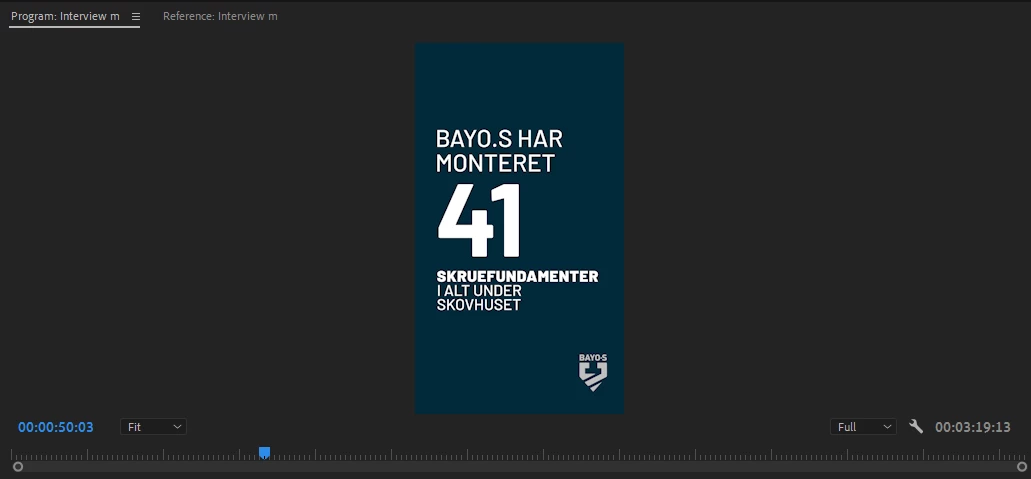

Hi,
I get this problem whenever I import video clips and logos into Premiere Pro. The clips have a grey tone, and the white logos turn grey. What is wrong?
Probably Color Management 101 ... ?
What color space are the clips? The graphics? What color space is the sequence, which sets your Program monitor color space?
Do they all match?
And do you have auto-tonemapping set on?
Neil
Already have an account? Login
Enter your E-mail address. We'll send you an e-mail with instructions to reset your password.
 AdChoices