Log file created: 04/14/25 15:42:24
-------------------------------------
Ticks = 2516 <19576> <NvidiaEncoderV12> <5> Error loading Nvidia Encoder DLL
Ticks = 2516 <19576> <NvidiaEncoderV12> <5> Error loading Nvidia Encoder DLL
Ticks = 2891 <26572> <AnywhereLocalClient> <5> Local Hub HTTP port retrieved, port: 57682
Ticks = 6859 <19576> <CCFilesEOL> <5> Setting feature enabled: false, in app messaging enabled: false
Ticks = 7562 <30144> <EACL> <5> Connecting local hub to remote hub, requestID: "51d96ae5-520c-4ae9-a6af-59f435f19a3a", server: "
https://cc-api-teamprojects.adobe.io:443", serverType: 2, user: "jmendoza@sandiaprep.org", machineID: "9840acb1-11e6-4bc8-a025-81a5b32fad18"
Ticks = 8094 <21192> <GPUFoundation> <5> Done loading modules, sec: 1.46568, device: OpenCL(0)
Ticks = 8094 <21192> <GPUFoundation> <5> Done loading modules, sec: 1.37943, device: OpenCL(1)
Ticks = 8297 <32600> <dvanet::HTTP> <4> Mismatched HTTP response, requestID: "d33539b4-6c08-49fe-9873-180ac00af50c", expected: "dvanet-d33539b4-6c08-49fe-9873-180ac00af50c-0f99835a-c9a1-4da4-990c-8812ce0f58ff-16", received: "JIqzZmVBmDd2zHu1B2pIhQ2QXefVqZ7P", corrected: "JIqzZmVBmDd2zHu1B2pIhQ2QXefVqZ7P"
Ticks = 8312 <21192> <EACL.CloudProjectsLogin> <5> Finished sending new access token to LocalHub, result: 0, requestID: "dvanet-51d96ae5-520c-4ae9-a6af-59f435f19a3a-0f99835a-c9a1-4da4-990c-8812ce0f58ff-9", duration: 0.347, httpStatusCode: 200, httpLibCode: 0, payload: "[{\"authorized\":true,\"connected\":true,\"forbidden\":{\"error_code\":\"\",\"message\":\"\"},\"lastAuthorizationStatusCode\":200,\"serverURL\":\"
https://cc-api-teamprojects.adobe.io:443\",\"serverVersion\":\"2016.96.0.1295\"}]"
Ticks = 20922 <21192> <FE> <5> Windows system configuration, BIOSVendor: "American Megatrends Inc.", BIOSVersion: "ALASKA - 1072009", SystemManufacturer: "System manufacturer", SystemProductName: "System Product Name", OSVersion: "10.0.22621", OSIsWindowsServer: "False", IsRemoteSession: "False", IsRemotelyControlled: "False", PhysicalRAM-GB: "17.02", VDIPlatform: "Unknown"
Ticks = 116531 <13956> <TotalProject> <0> 0.0276187s \\?\C:\Users\Public\Documents\Adobe\Premiere Pro\25.0\Tutorial\Going Home project\Get Started.prproj
Ticks = 127516 <6372> <TotalProject> <0> 0.375254s \\?\C:\Users\Public\Documents\Adobe\Premiere Pro 2025\Learn Panel\payloads\en_US\dynamic\content\0e2d7f85-e90d-3af5-ac81-6aafaa1024c1\footage\GenerativeExtendLearnTutorial.prproj
Ticks = 130641 <20720> <AdobeOneVisual> <5> The call to the engine failed: -211746812
Ticks = 130641 <21192> <AdobeOneVisual> <5> The call to the engine failed: -211746812
Ticks = 130656 <25936> <AdobeOneVisual> <5> The call to the engine failed: -211746812
Ticks = 136922 <10628> <ExporterMPEG4> <5> Looking for H/W codecs for H.26x
Ticks = 136937 <10628> <H26xCodec> <5> Found H/W codec for H.264 - AMD H.264 Codec
Ticks = 137203 <10628> <H26xCodec> <1> Encoded using AMD H.264 Codec (H/W codec) for H.26x
Ticks = 137328 <10628> <H26xCodec> <1> Time taken for; video =181 audio=0 mux=65
Ticks = 137328 <10628> <ExporterHost::BeginThreadExport> <5> Exporter finished in : 0.420868 seconds. Result code: 0 Destination:C:\Users\jmendoza\AppData\Local\Temp\GenExtend\GenExtendTemp-b96fc4af-44b8-4822-a909-6fa5efe0cd47.mp4
Ticks = 141047 <26572> <dvacore.StructuredLogging> <5> Unrecoverable server error, url: "
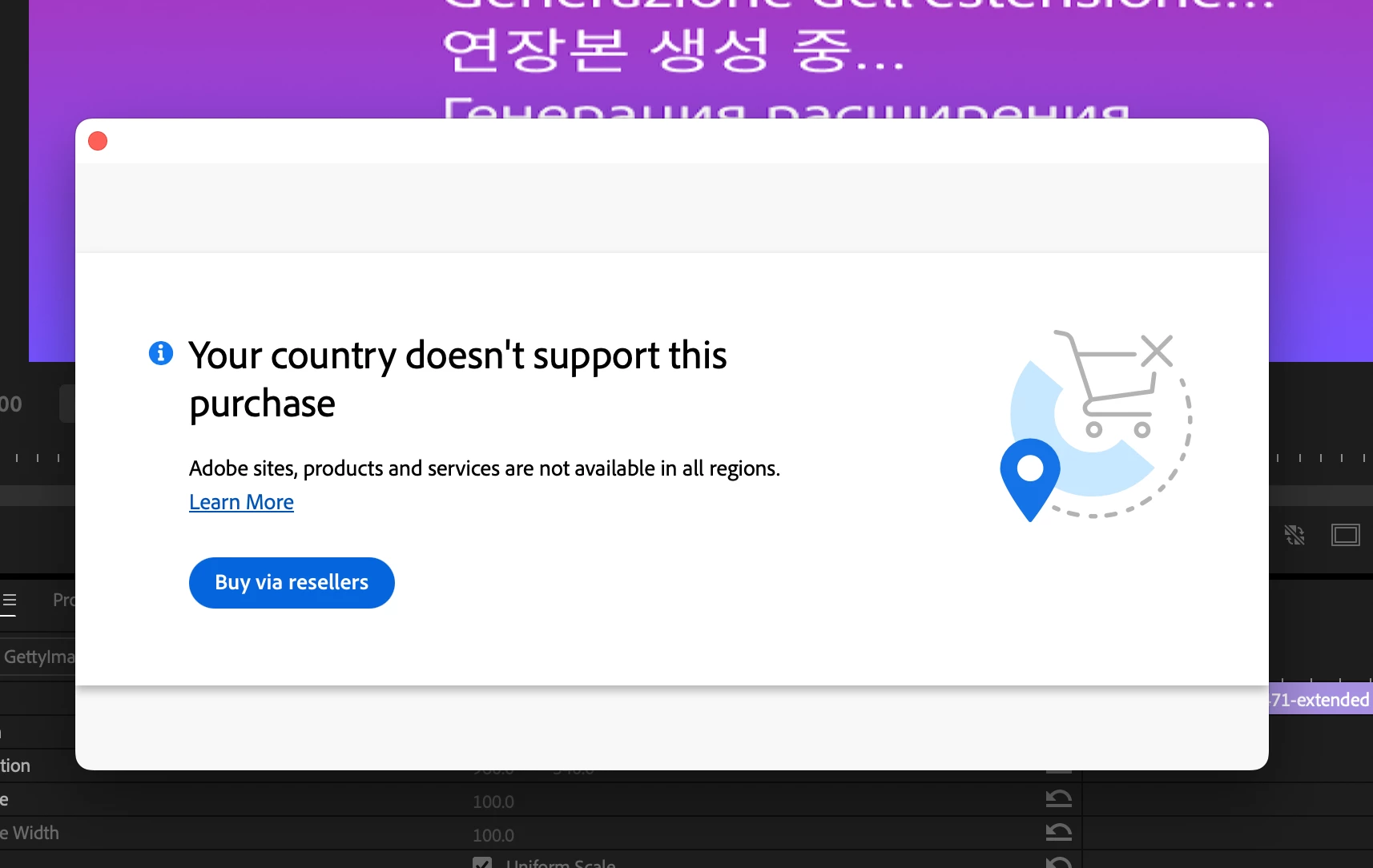
https://video-v1.ff.adobe.io/v2/videos/extend", remainingRetries: 10, requestID: "dvanet-103ade1b-ed97-4806-98a2-2c75e4590328-0f99835a-c9a1-4da4-990c-8812ce0f58ff-25", duration: 0.75, httpStatusCode: 403, httpLibCode: 0, payload: "{\"error_code\":\"access_error\",\"message\":\"Unauthorized to perform request.\"}"
Ticks = 148594 <35232> <GenExtend> <5> Paywall workflow completion status:
Ticks = 150891 <27712 (Display Thread)> <panko> <4> DS::FindNearestMonitorIndexForWindow
{
inWindow_valid (bool): "false"
monitorCount (std::uint64_t): "2"
windowSize (StringValue): "{ Left: -30710; Top: -31925; Width: 671; Height: 371; }"
}
--------------------------------------
Log file closed: 04/14/25 15:45:03
 AdChoices