
Participant
February 5, 2023
Answered

Key frames not working with appearance effect of a shape

  • February 5, 2023
  • 1 reply
  • 250 views

I have a shape (an oval, not that you needed to know that) that I am shrinking in size with the scale setting. To stop the stroke size from appearing to shrink I have attempted to use key frames in order to increase the stroke size as the shape scales down so the stroke seems to stay the same. However this does not work.
This topic has been closed for replies.
Correct answer Ann Bens

It is important to know if you are using ovals or a rectangular, as stroke in the latter can behave differently to ovals.

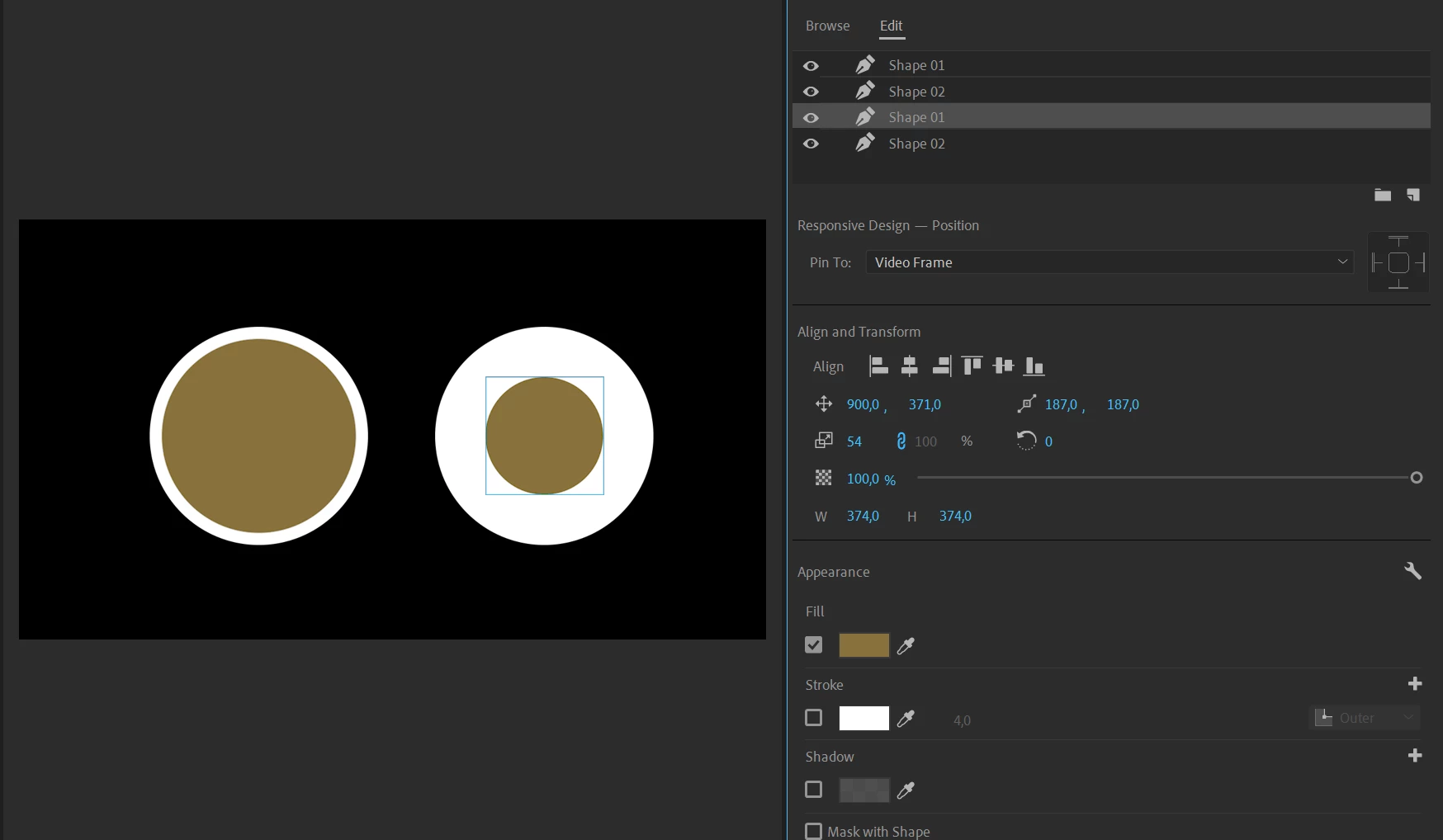
Use two ovals superimposed instead of a stroke.


1 reply

Ann Bens
Community Expert
Ann BensCommunity ExpertCorrect answer
Community Expert
February 5, 2023

It is important to know if you are using ovals or a rectangular, as stroke in the latter can behave differently to ovals.

Use two ovals superimposed instead of a stroke.