
Participant
March 17, 2023
Question

Ligatures and Hindi Digits are messed up in the latest update.

  • March 17, 2023
  • 5 replies
  • 1102 views

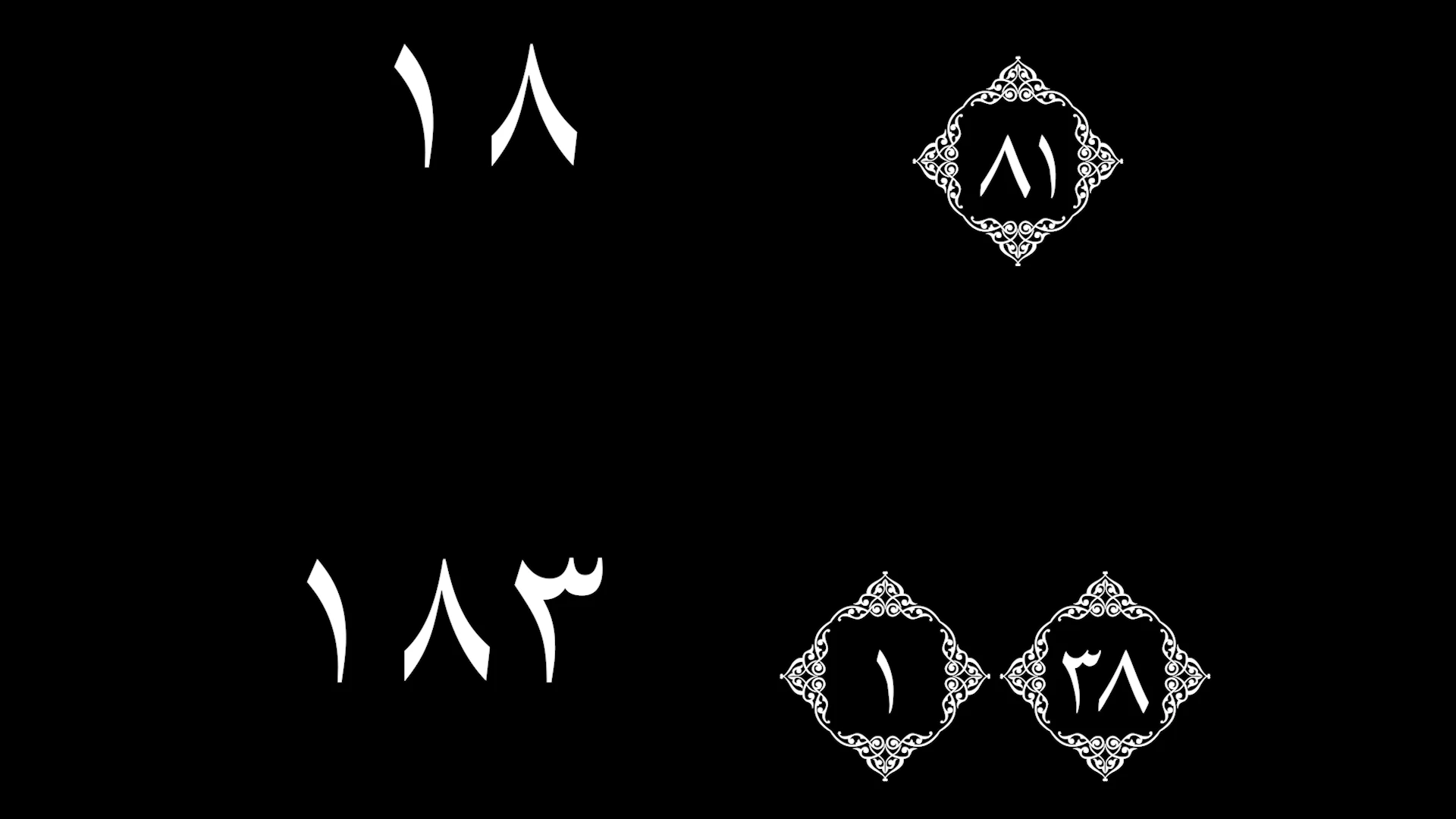
With the update of the new Text panel, I think there is some downside as well. The Ligatures and Hindi Digits feature now doesn't display my arabic number correctly when using certain arabic fonts, specifically LPQM Isep Misbah and KFGQPC Uthmanic. Said fonts have bracketed number format. And whenever I try to type numbers, it always shows them backwards, and it doesnt allow me to type 3-digit numbers.
 

This topic has been closed for replies.

5 replies

Participant
July 2, 2023

I tried, only for now use adobe 2021 

If you have a project in a newer version use this method to open it in an old version 
https://www.youtube.com/watch?v=DQrWXZnYRpc

Zaid Al Hilali
Community Expert
Community Expert
March 22, 2023

Apparently, the font was designed to work with Print-related applications such as Adobe InDesign.

Community Expert
March 22, 2023

I've tried the font LPQM Isep Misbah, yes PPro types the numbers in reverse with that font. This font allows you to write the number 286 as a max (max number of verses in Quran), anything beyond that will be split. In your case, PPro reversed the number, so 183 was written as 381, to solve that write it in reverse: 381, and it will be displayed correctly.
I believe that the bug of reversing numbers is due to an error in font design as the bug is very specific to that font (the same for the other font I believe).

Zaid Al Hilali
Community Expert
Community Expert
March 22, 2023

I'm sharing the link to this post with Ali Jaber. He may add valuable input here.

So the font you mentioned KFGQPC مجمع الملك فهد لطباعة المصحف الشريف

Stan Jones
Community Expert
Community Expert
March 17, 2023

Please show a screenshot that shows the Essential Graphics Panel in edit mode. Do you have Right to Left set?


Stan