

Premiere Pro doesn't allow dynamic UI changes when handling parameter value changes from OSCs
Premiere Pro ignores 3rd party plugins that change PF_PUI_INVISIBLE and PF_PUI_DISABLED flags in response to parameter value changes to implement context-sensitive UI (aka dynamic parameter UI) if said plugin makes the change while handling events for custom on-screen controls in the Layer or Comp windows.
Steps to reproduce:
- Download FxFactory 9 https://fxfactory.com/download/
- Launch FxFactory and install our FxFactory Pro plugins
- Launch Premiere Pro
- Apply the Trackable PiP plugin, found under the FxFactory Pro Video plugins group: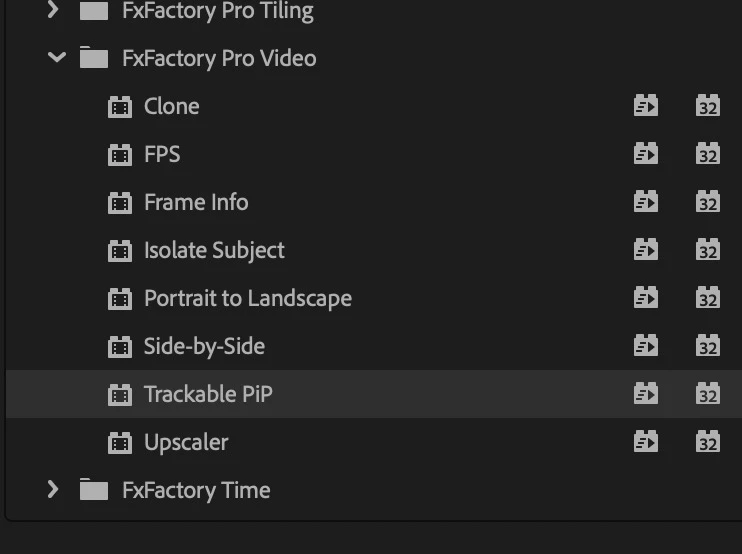
- In the inspector, look at the Configuration parameter:
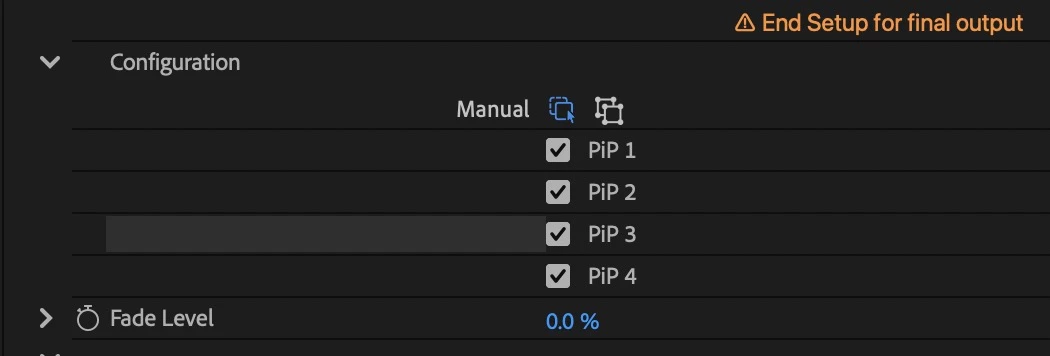
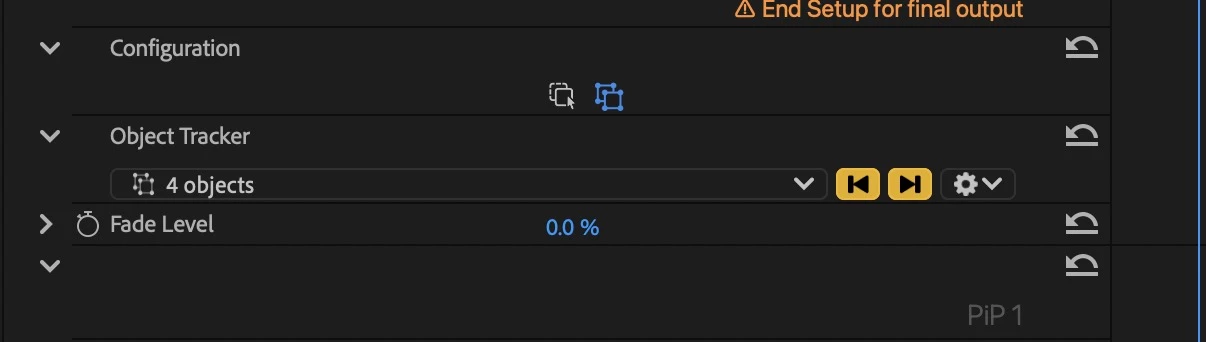
- Click the Manual vs Object Tracker options, and notice how the plugin is changing PF_PUI_INVISIBLE and PF_PUI_DISABLED flags on a set of dependent parameters, to ensure the correct context-sensitive UI is displayed:
- Now select the effect header to display its custom on-screen controls:

- Notice that the on-screen controls provide some custom UI to change the same Configuration parameter, on-screen.
- Switch between the two states, Manual vs Object Tracker.
- Notice that no parameters are hidden dynamically in the inspector. Even though the parameter value is being changed, and the plugin is in fact invoked with PF_Cmd_USER_CHANGED_PARAM, Premiere Pro is simply ignoring any changes to the PF_PUI_... flags. Not only that, but if the plugin sets
out_flags |= PF_OutFlag_REFRESH_UI, Premiere Pro is also ignoring that request, thus the plugin has no chance to make sure its parameter UI is correct.
It appears that Premiere Pro is "optimizing" away some steps. Perhaps it is coded under the assumption that any user interaction in the Canvas cannot possibly require changes to parameter UI in the ECW. But in fact this is possible because third-party plugins like ours may display on-screen UI whose intent is to customize the effect and thus may need to update parameter UI, dynamically.


 AdChoices