


Inspiring
April 28, 2025

Premiere won't prepare frames for Neat Video

  • April 28, 2025
  • 返信数 5.
  • 505 ビュー

Premiere won't prepare frames for Neat Video.

If I try to prepare frames for Neat Video, I get this message.
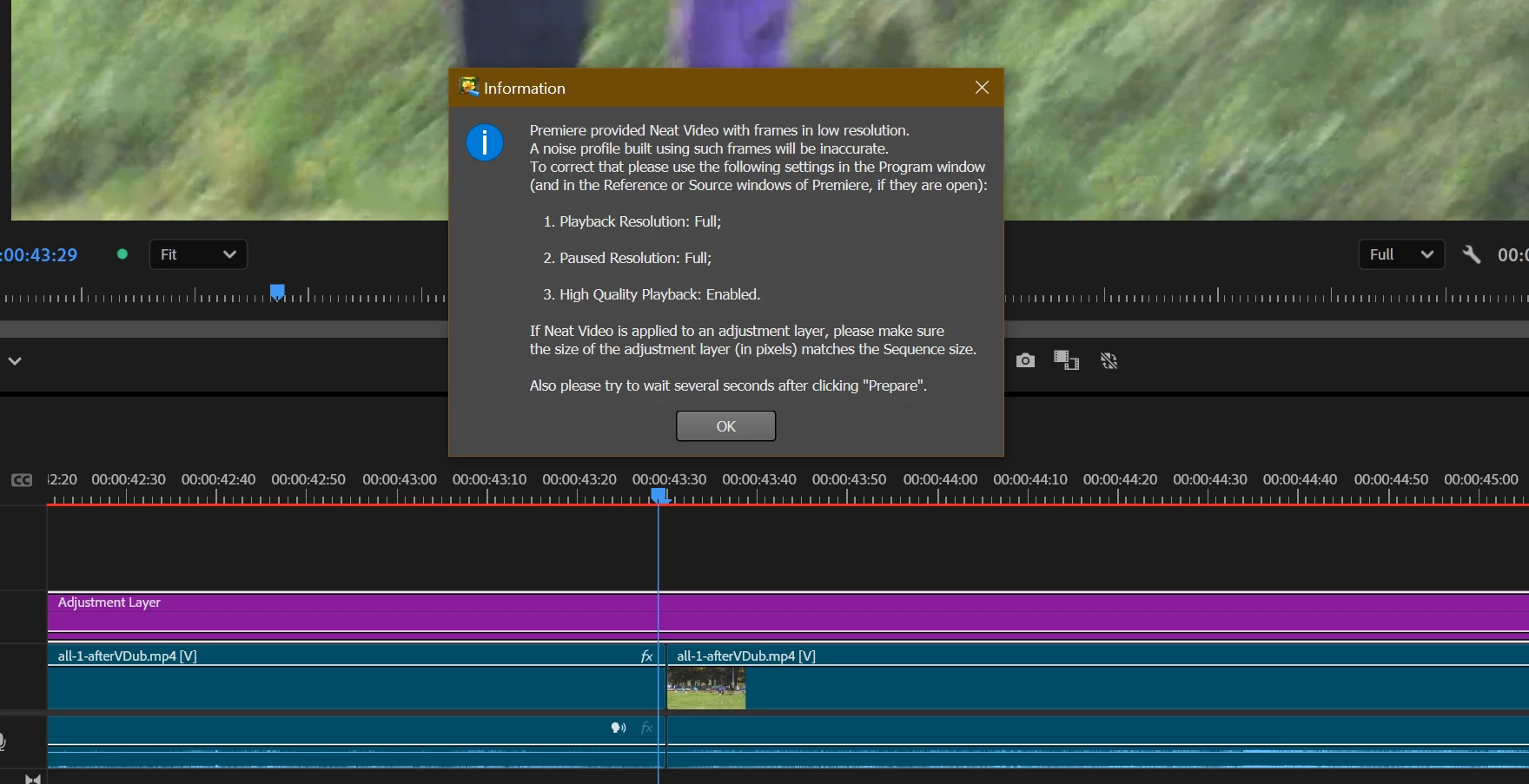
Of course it is incorrect -- I have all the options set as they should be -- to full.

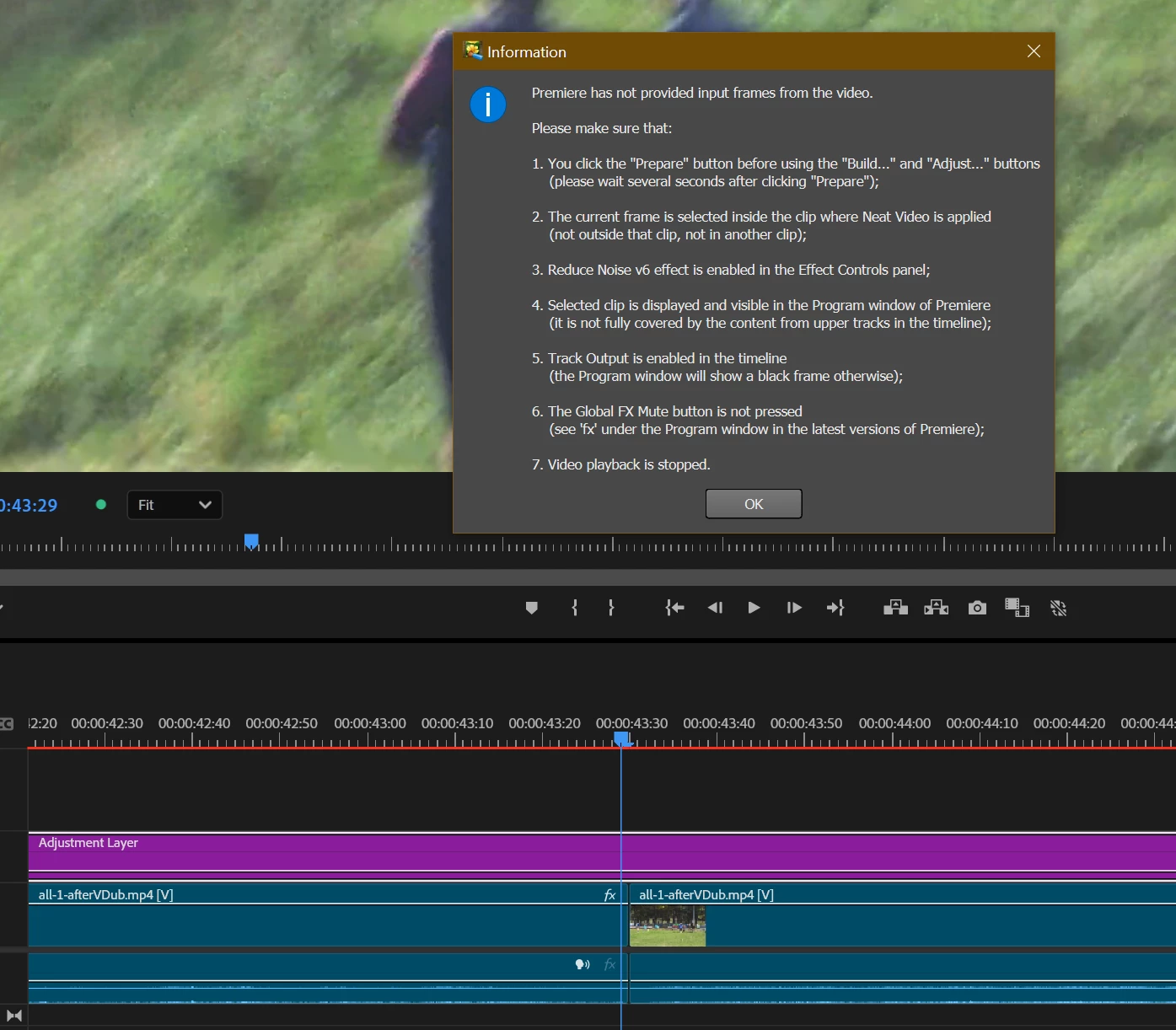
But at least then the Filter Settings: Adjust option is unlocked for me. However, when I click on it, I get this error:
Updating to version 25.2.3 does not help.


返信数 5

rgr2作成者
Inspiring
April 29, 2025

Strange answer... For Neat to handle it, it first needs to get video frames from Premiere -- and as you can see it doesn't.

But I found a bug, and here are the steps to reproduce:

1. On the timeline place video clips one after another (two will probably be enough).

2. Above it place Adjustment Layer covering all these clips.

3. Add Neat Video filter to this layer (Adjustment) and set it.

And now when we try to render on the first clip merge Premiere throws an error and stops rendering.

Also we can't enter Neat Video options if we place the cursor on the last frame of the first clip.

Workaround: we need to combine clips into one (nest/sequence -- I don't remember), then the video can be rendered correctly.

Its a bug report.

IanB_360
Community Manager
Community Manager
April 28, 2025

Hi @rgr2 
along with what everyone has suggested have you tried to run another video through Neat video? Sometimes certain shots are beyond help for even neat video. This could be anything from footage that is very noisy or very old quality VHS recordings that are far beyond the help of even neat video. I would test some other files and see if you get the same error message for them. I would even try to just run a simple camera shot of a camera you know is already in great shape as far as video quality and run it through Neat to see if there are any differences.

We are here to help.

Ian

Stan Jones
Community Expert
Community Expert
April 28, 2025

@rgr2,


I agree with Ann; contact the vendor. Those are messages from the Neat video plugin.


I would create a new test sequence with only the video clip. Drag it to the new icon so it creates a matching sequence. Adjust so it is only 5 minutes. Don't add the adjustment layer or anything else. Apply neat video to that.


How does that work?


Stan


Ann Bens
Community Expert
Community Expert
April 28, 2025

Might want to contact the vendor.

rgr2作成者
Inspiring
April 28, 2025

Am I trying to do something that exceeds Premiere?
On one axis I have split video and CMOS Fixer and Mercalli Pro filters.
On the additional axis (Adjustment Layer) I placed Neat Video.
With Neat Video turned off, rendering works.
After turning on Neat Video I get the message as in the picture.

I wanted to transfer my workflow from Vegas, but in Premiere I literally can't do anything -- everything is too difficult for this program.

The error pops up between the first and second clip (which, by the way, are from the same file).