
FlyingFourFun
Inspiring
June 22, 2025

Thumb Nail Color Management Bug(s)

  • June 22, 2025
  • 3 replies
  • 222 views

I'm sure this has happened in prev versions, but currently in version 25.3;


If you are loading a REC2100 HLG clip into a time line, the thumbnail will have the proper colors, and not be blown out.
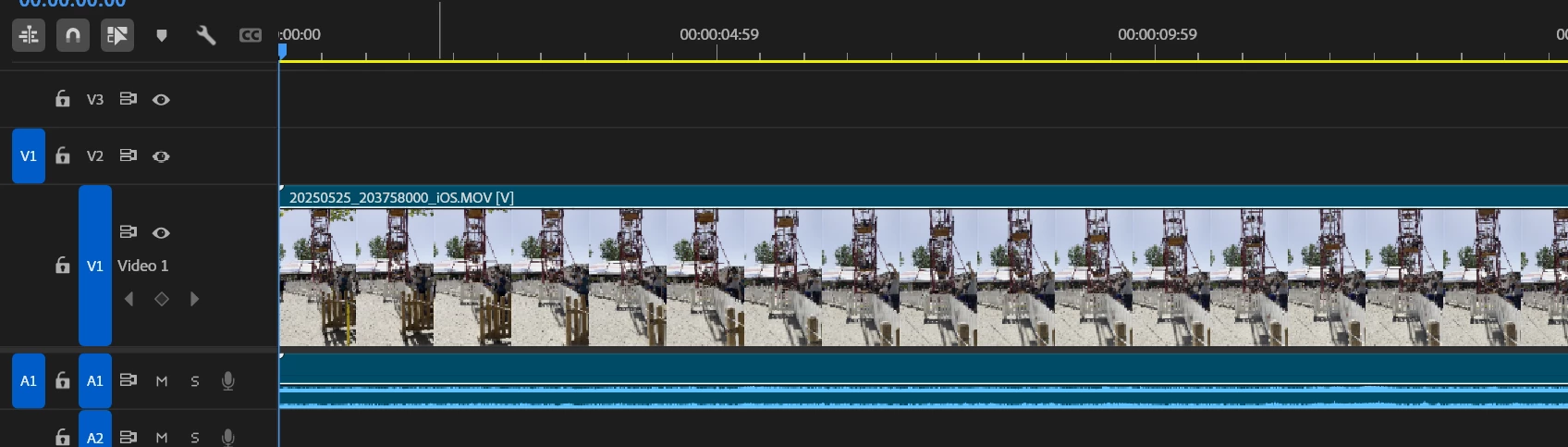


If you change to an SDR sequence, the preview window/program monitor all do whats expected, but the thumbnails have blown out color. (a little harder to see with this example, but it is there, other clips produce more blowout depending on what it recorded).
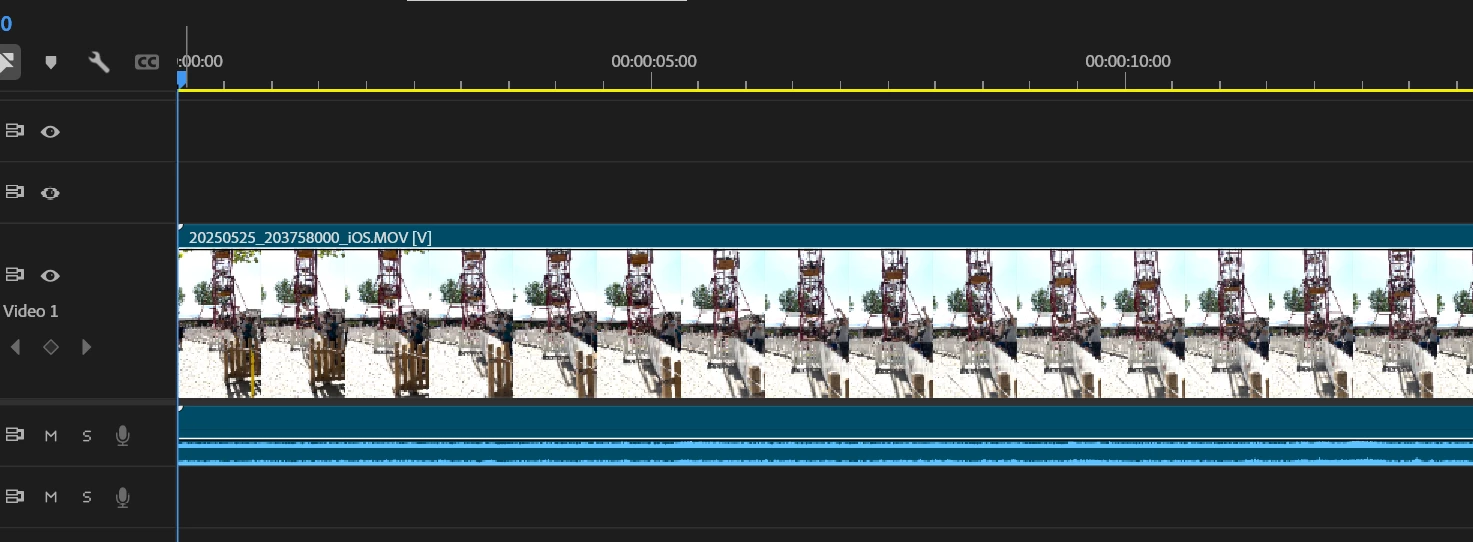
 

Hopefully someone at Adobe can address the color management on the timeline also please.

3 replies

FlyingFourFun
Inspiring
June 24, 2025

@jamieclarke thanks for the confirmation,  I hope they fix it,  timeline thumbs probably don't even need to much more usable - I hope its an easy update.

jamieclarke
Community Manager
Community Manager
June 24, 2025

Hi @FlyingFourFun - 

Timeline thumbnails are not currently tone mapped, which can result in the blown out appearance you’re seeing with HDR clips.

We will report back to this post once this has been addressed.

IanB_360
Community Manager
Community Manager
June 23, 2025

Hi @FlyingFourFun 

Thank you for taking your time to report a problem. The team just needs a little more information to begin troubleshooting. The link here How to Report a Problem , has steps to providing more information about your bug that can help us identify the issue. 
Here to help.

Ian