
Participant
September 16, 2020
Question

24fps Premiere Pro Sequence settings for iphone 4k 60fps

  • September 16, 2020
  • 1 reply
  • 10858 views

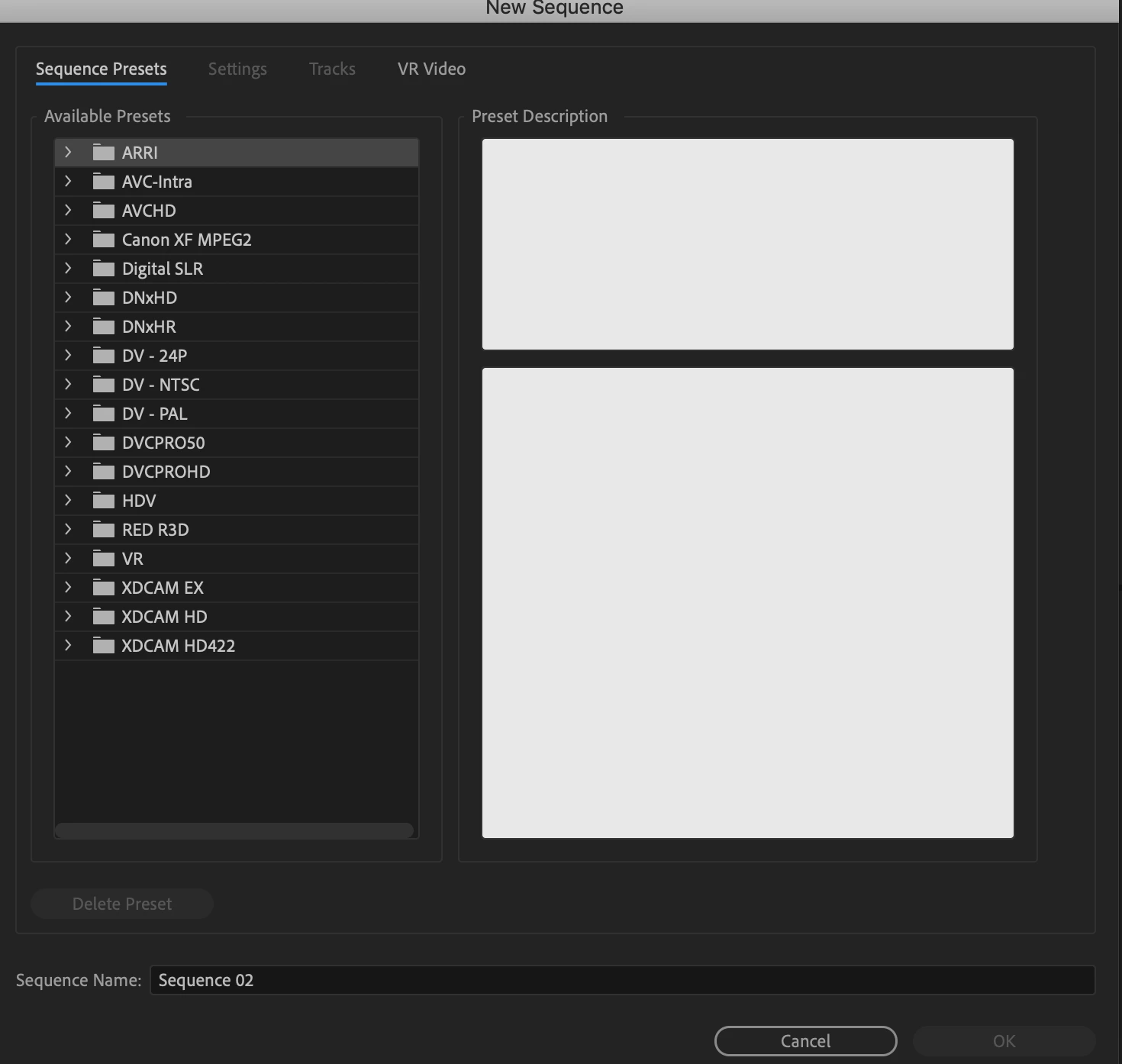
Would someone please be able to point me in the direction of the correct sequence settings for a 24fps timeline when editing footage from a new iphone 11 pro?  Does this matter in the beginning stages? Thanks! 


This topic has been closed for replies.

1 reply

Community Expert
September 16, 2020

Hello!

When you're trying to match footage, the easiest solution is actually to ignore this "New Sequence" menu. Instead, drag your iPhone clip over the "New Item" icon in the bottom right of the Project panel – this will create a new sequence that perfectly matches your footage. Then you can simply go to Sequence>Sequence Settings... and change the frame rate (if necessary). Doing it this way ensures that you're matching the size and aspect ratio of your source footage and not getting stuck with a weird sequence setting.

Cheers,

WM

-------------------------------------------------------------------------JVK | Editor/Designer/Software Instructor. Pr, Ae, Ch, Ps, Ai, Id