
Question
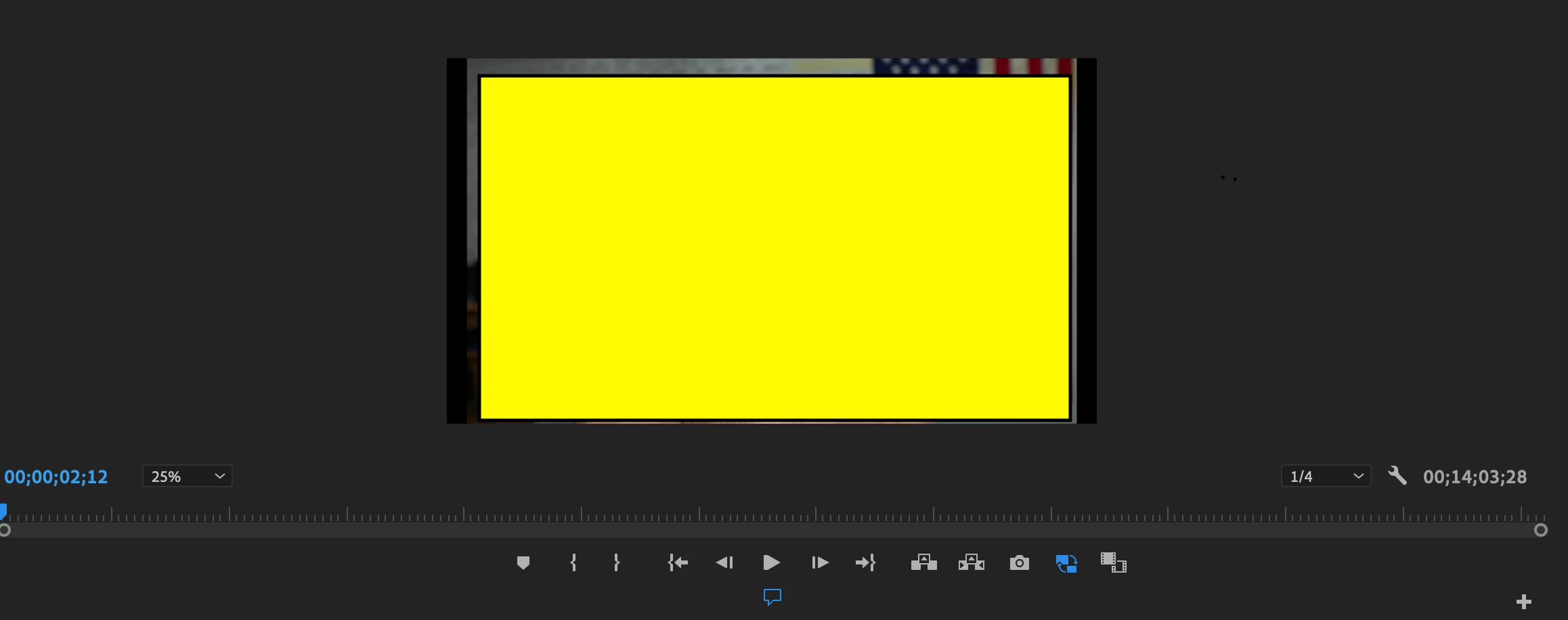
4k to proxy editing - black lines on the side?
I converted my 4k footage to proxy using these instructions - How to Use Proxies to Edit 4k Video FAST | Adobe Premiere Pro CC Tutorial - YouTube
and media encoder.
Q: Is that the right way to get started?
My real question comes from this - once the proxy encoded - black lines appeared on the sides. should I zoom in the video to fill those in or does it go away when I export the video?
When I tried exporting the test proxy - there were no options to chose 4k. when I pressed match source - it wasn't 4k either. I'm doing something wrong 

 AdChoices