
Participant
September 26, 2021
Answered

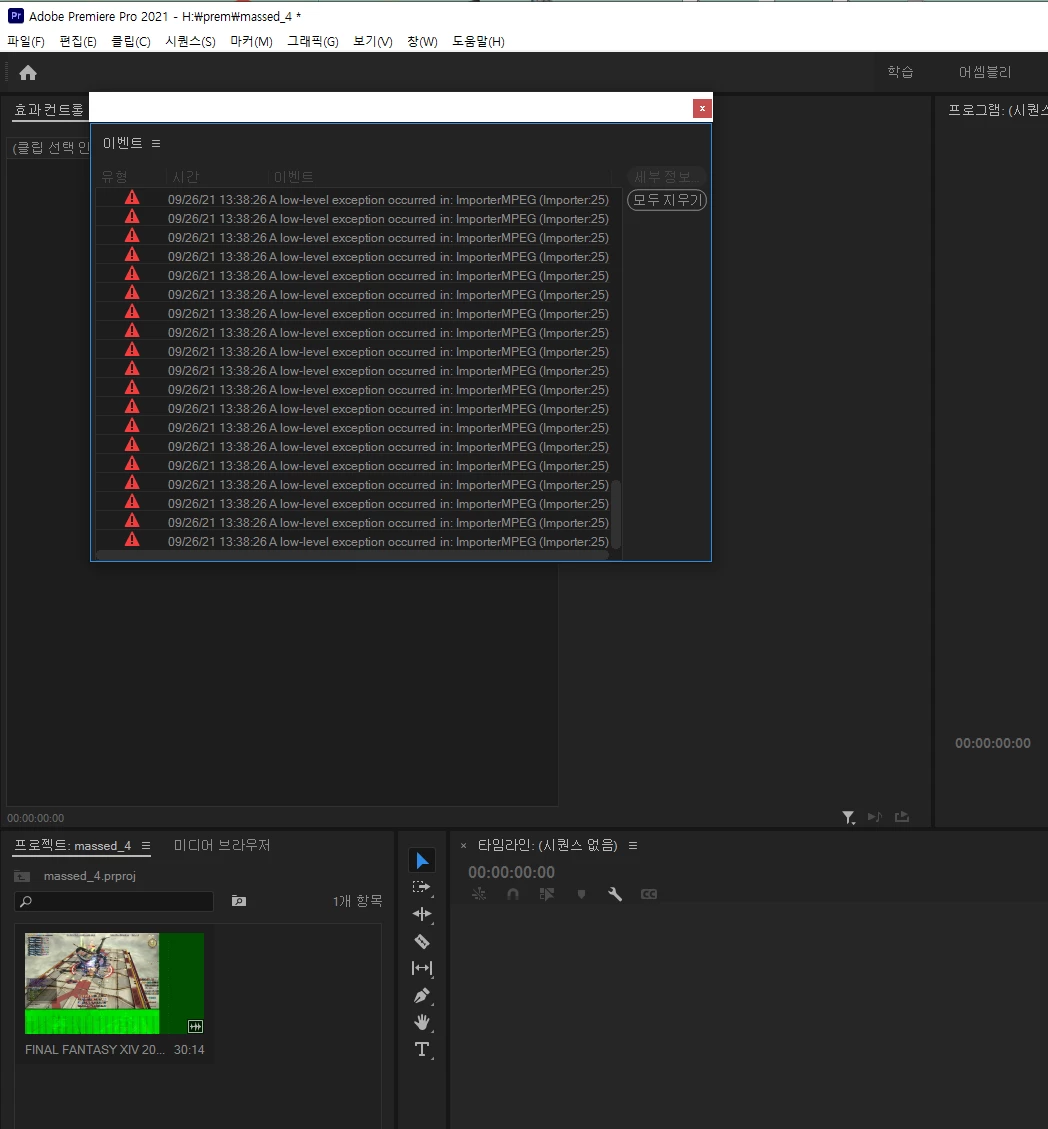
a low level exception occurred in importermpeg importer 25
  • September 26, 2021
  • 1 reply
  • 8106 views


There's a huge amount of error. Why is that?
It was useless to move to a disk with plenty of capacity.
I just want to edit the recorded game video.
On Windows Media Player, the video that plays normally...
An error occurs just by importing it to the Premier Pro.
If you edit it as it is and export it, you will get a different result from the preview.
It's broken into green or the screen is off.

The environment.
Window 10.
I'm using NVIDIA geForcetx 1070 as a graphic card.
Memory 16gb.


Things that I tried.
1. Delete cache file.
2. Reinstall Premier Pro in the latest version.
3. Graphics driver update.
4. Change the gpu acceleration option for project settings.

Correct answer Michael Grenadier

glad it helped.  Can you tell us what you did and what problems still remain?   We see all sorts of problems here that may or may not be caused by variable frame rate sources and it always helps to get peoples feedback in these situations.

1 reply

Legend
September 26, 2021

screen recordings are often variable frame rate.  Here's the lowdown


use mediainfo to determine whether your source is variable or constant frame rate

https://mediaarea.net/en/MediaInfo/Download

if it's variable use handbrake to convert to constant frame rate 
https://handbrake.fr
and here's a tutorial on how to use handbrake

https://www.youtube.com/watch?time_continue=34&v=xlvxgVREX-Y

Participant
October 4, 2021

It's not completely resolved,
It helped me. Thank you for your answer.  😄

Michael GrenadierCorrect answer
Legend
October 4, 2021

glad it helped.  Can you tell us what you did and what problems still remain?   We see all sorts of problems here that may or may not be caused by variable frame rate sources and it always helps to get peoples feedback in these situations.