
Question
AAF Export Error with Remixed Audio Files Premiere Pro 2025
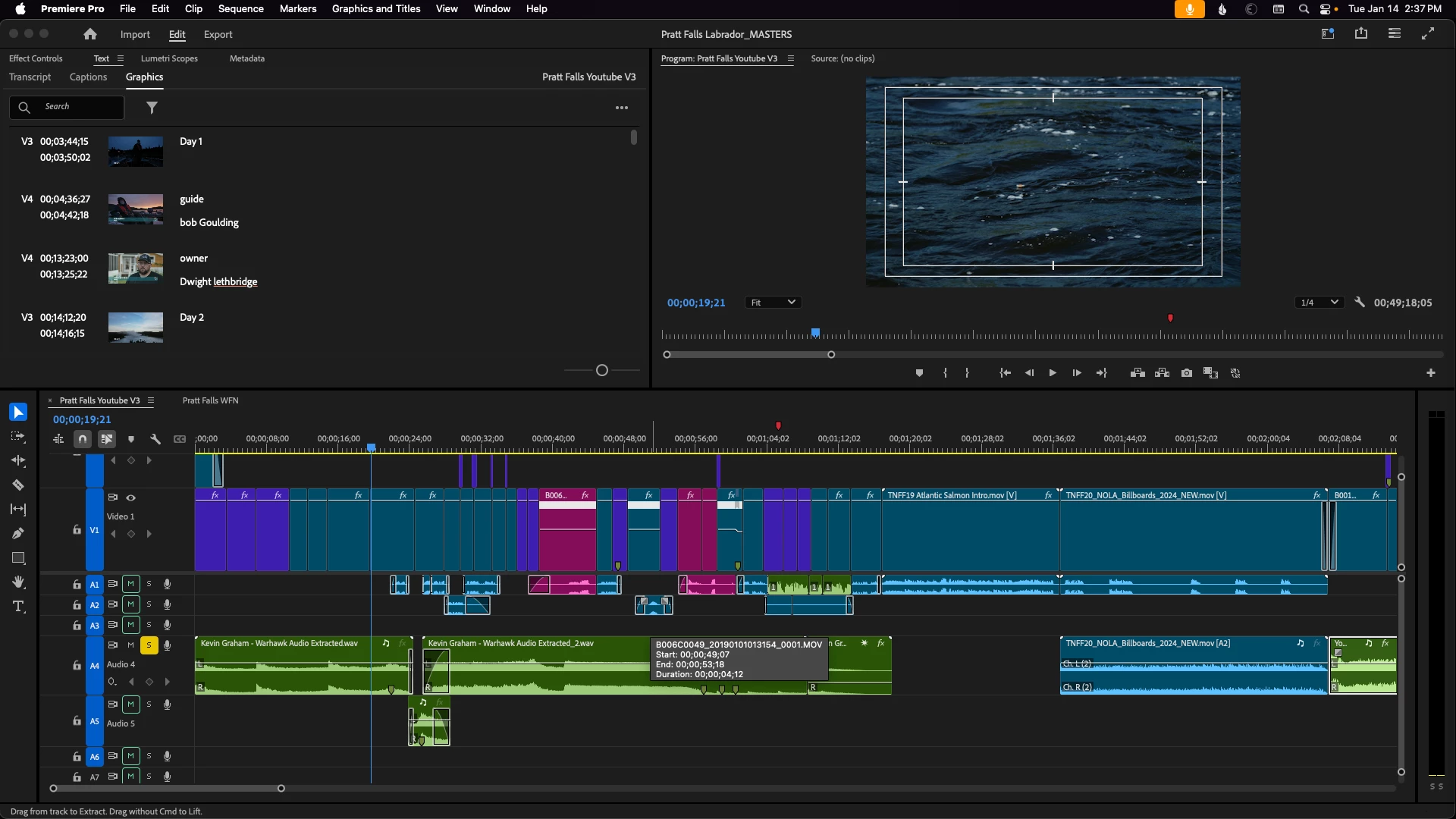
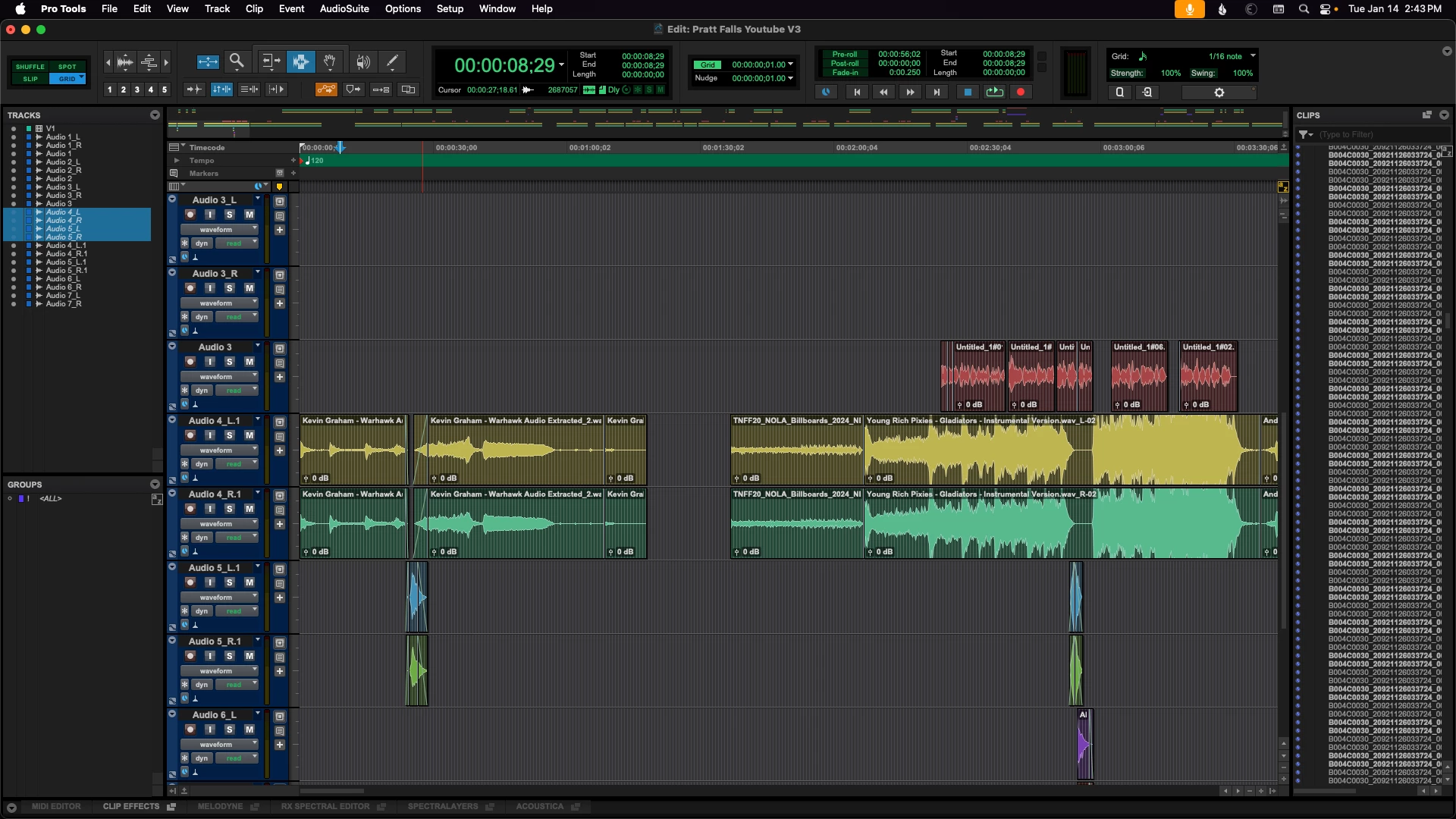
When Exporting an AAF from a Sequence that has audio clips that have been Remixed sync is lost. A recent project came in with two music clips that had been Remixed. The clips were on the same track, with one non-remixed clip on the track immediately beneath. The edits came across however the second clip was offset by a considerable amount (25secs 15 frames see attached photos). This is consistent with both embedded, and non-embedded AAFs and with whole files or with handles. The workaround is to "Render and Replace" each Remixed clip - although the edit points are now lost.
MacStudio M1Max 64GB
Premiere v 25.1
Mac OS 15.2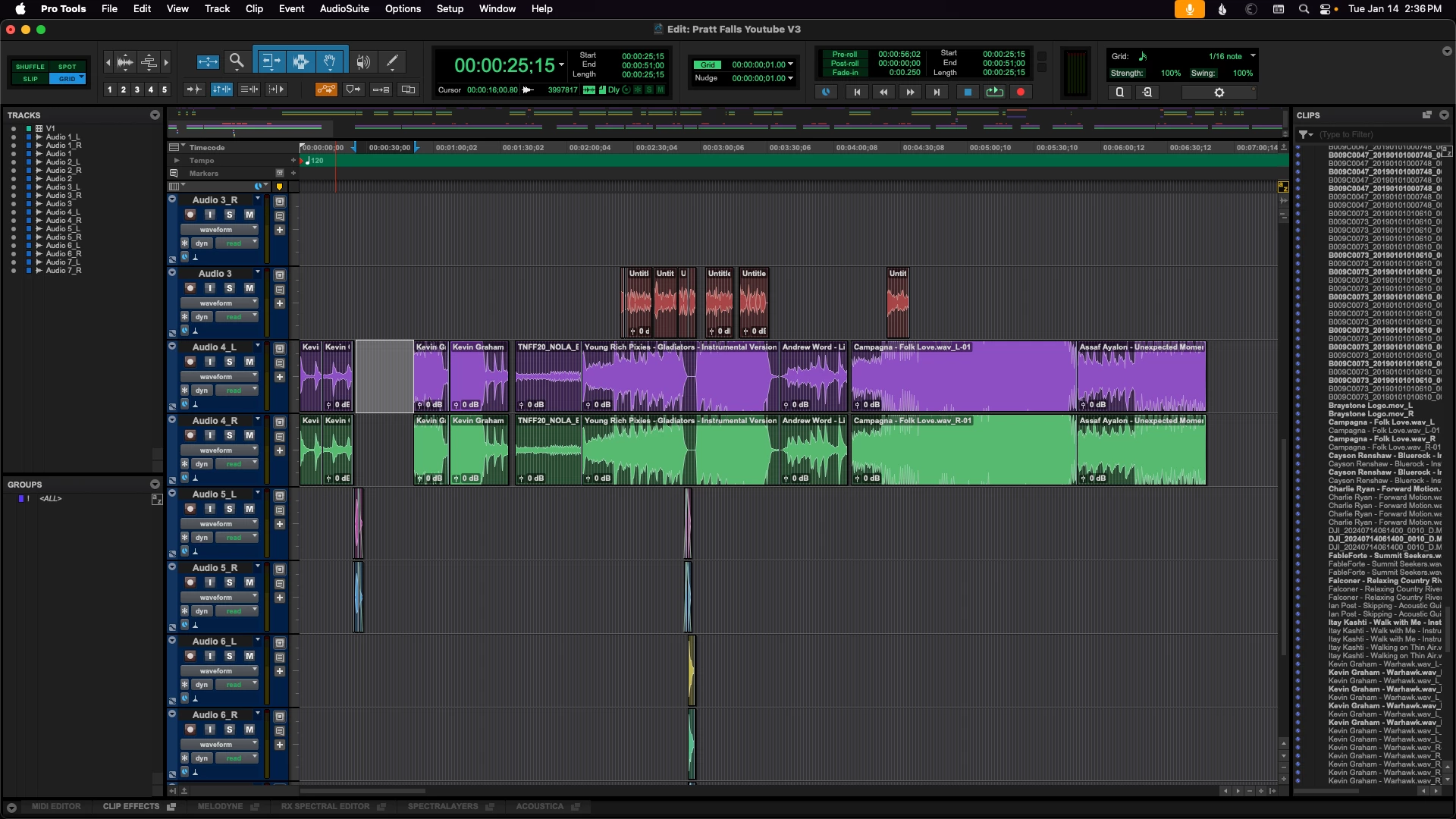
 AdChoices