
Participating Frequently
May 19, 2022
Question

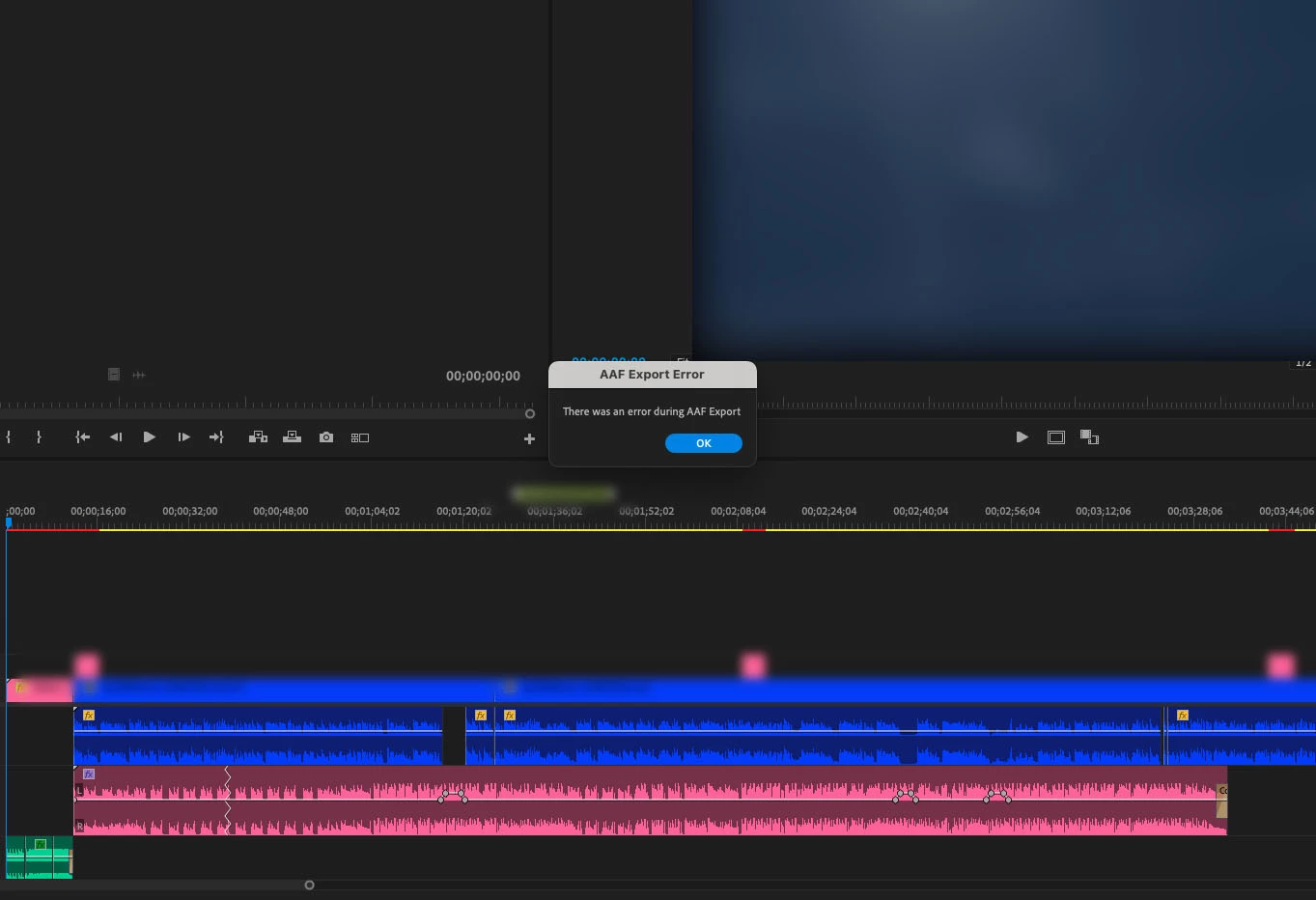
AAF module "There was an error during AAF Export"

  • May 19, 2022
  • 2 replies
  • 2219 views

When using 22.4.1 on an M1 Mac Mini (OS 12.4) using the Intel version, if I try to export an AAF file from the file menu, the module throws an error. I have tried to turn the rendering to software only. I have removed all the plugins. I went through troubleshooting with Adobe. This simply does not work in any software after version 22.2. All Adobe can tell me is "use the old version and maybe we'll fix it later." That's not acceptable to me.  If I install 22.4.1 the AAF outputs correctly one time and after that, I get the error.  Restarting does nothing.  I need this to work as my mixer likes AAF files over OMFs. 
This topic has been closed for replies.

2 replies

Known Participant
August 10, 2022

I use a workaround to be able to export aaf file that properly work in a daw (Nuendo).

I delete ALL video files (alt+drag over video tracks) and then export the aaf file.

I render a separate video in prores 422 proxy.

Regards,

Lluís


Participant
July 30, 2024

Thanks, this worked for me!

Known Participant
May 20, 2022

I'm having the exact same problem here. Windows User.  I can export an AAF for smaller timelines but if, in the same project, I have a bigger one, with more video and audio blocks it just returns that error message.

Participating Frequently
May 25, 2022

It also fails to export to OMF in the new software in both Intel and Apple Silcon versions (22.4.0).  The workaround that I have found whuch actually works is to open the entire project in Audition and export an OMF out of there.  My mixer has confirmed that works.  I can't help but think I have a corrupt setting or somthing but no one has suggested that might be the case nor any way to fix whatever is wrong.  At least I can work on the most recent software.