neonmamacita
Inspiring
August 19, 2024
Question

Accidentally deleted audio- how do I relink?

  • August 19, 2024
  • 3 replies
  • 1445 views

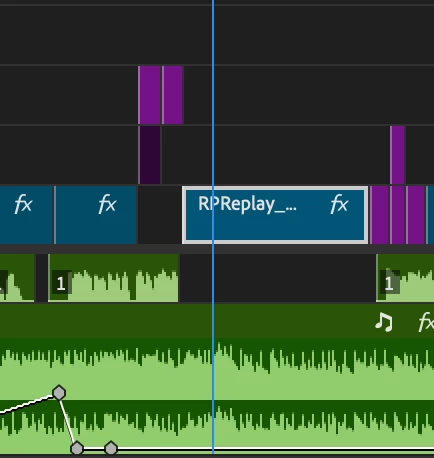
Not sure how this happened but it seems the audio got deleted? how do i automatically restore it?

Thank you!
 

This topic has been closed for replies.

3 replies

Community Expert
August 19, 2024

If the audio is part of the RP replay file you can right click in the file in the timeline and choose reveal in project, then bring it back in.

Averdahl
Community Expert
Community Expert
August 19, 2024
quote

Not sure how this happened but it seems the audio got deleted? how do i automatically restore it?


By @neonmamacita


You must do some manual steps to restore the audio:

  • Set the time indicator at the beginning of the clip.
  • Press the F-key on your keyboard to do a Match Frame
  • Now, use the "Drag Audio Only" icon in the source panel to drag the audio to your timeline that belongs to the video clip.


Peru Bob
Community Expert
Community Expert
August 19, 2024

Check a previous manual save or an autosave project.

You can copy it from that timeline and paste it to your current timeline.
