Answered
Accidentally press read mode only is there a way to recover my video
Been working on a video for the past 3 days and accidentally pressed the read-mode only on the bottom left and lost everything. Is there anything I can do to recover it?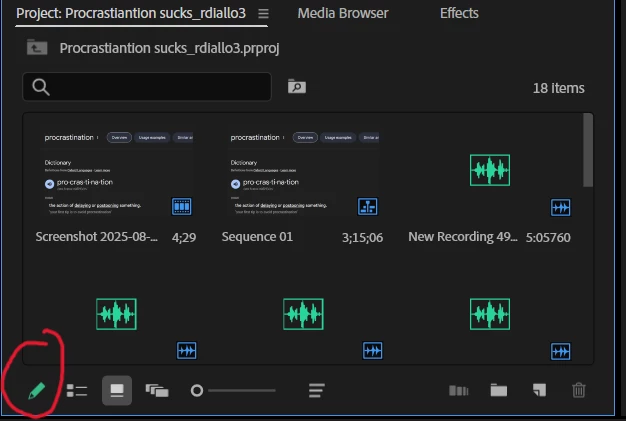

Been working on a video for the past 3 days and accidentally pressed the read-mode only on the bottom left and lost everything. Is there anything I can do to recover it?
Premiere Pro automatically saves backup copies of your project at regular intervals. To find where these are stored, follow these steps:
Navigate to that folder on your system and open the most recent auto-saved version of your project.
Already have an account? Login
Enter your E-mail address. We'll send you an e-mail with instructions to reset your password.
 AdChoices