
Answered
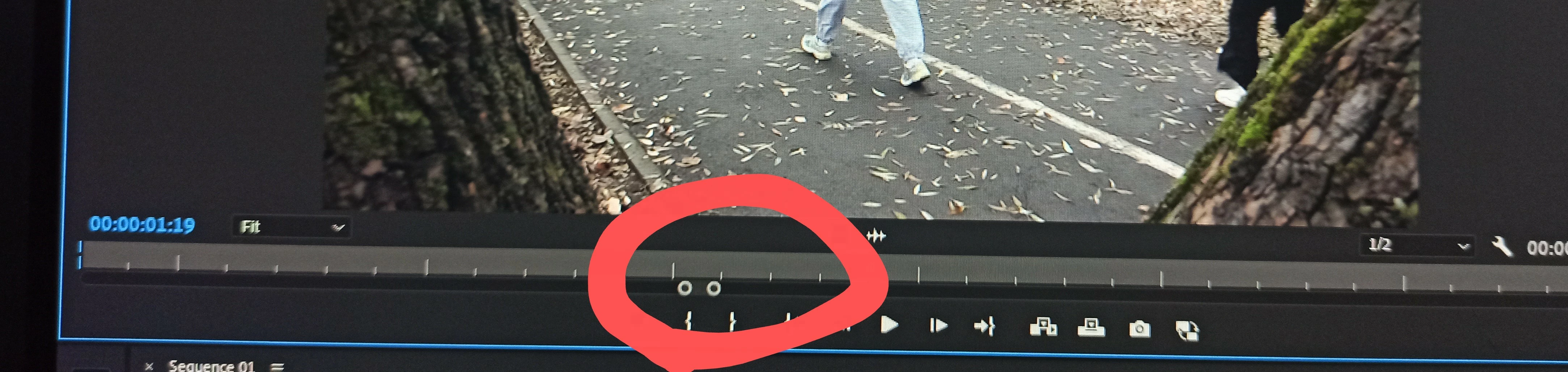
Adjusting the setting for the Source Monitor's slider
Is there a way for the Source Monitor's slider to automatically display the full duration of a source clip every time you open it from a timeline (with in and out points already selected), without manually resetting or extending it every time?
 AdChoices