
Adjustment Layer Won't Export Properly in 22.5.0
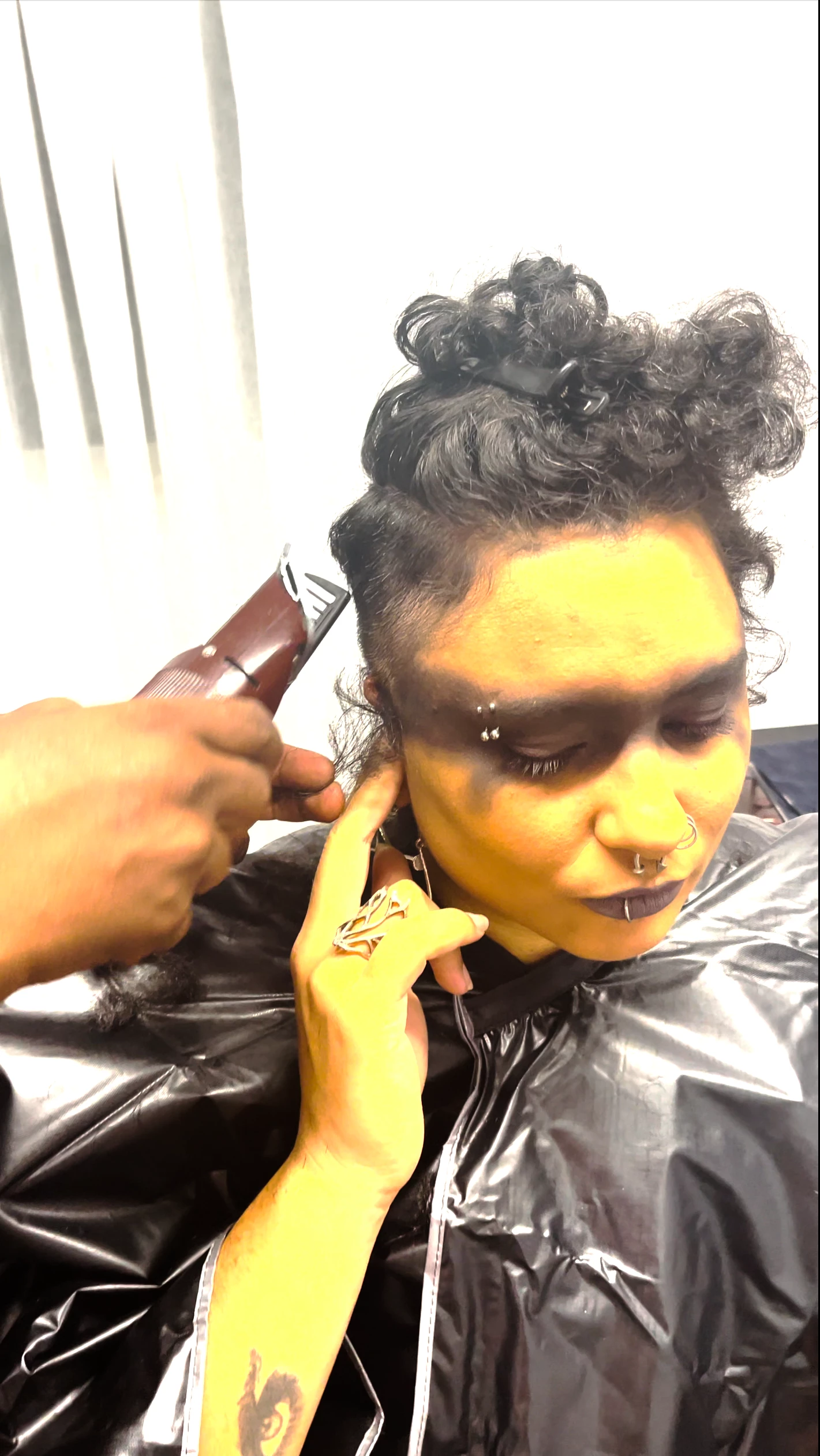
I'm on build 22.5.0, and I can't get my grade in a Lumetri adjustment layer to export properly. The same frames look radically different in the Program and Reference windows than they do when exported.
It doesn't matter if I export in Media Encoder or via Premiere's native encoder. I've tried many fixes (e.g., changing colour management in Premiere; ticking and unticking the "Import sequences natively" box; uninstalling, deleting preferences, and making a clean install) and nothing is working.
I'm at my wit's end, and would appreciate any help.
Here's examples of what I'm talking about (footage sent to me by the amateur DP; colour cast is part of a Halloween look).
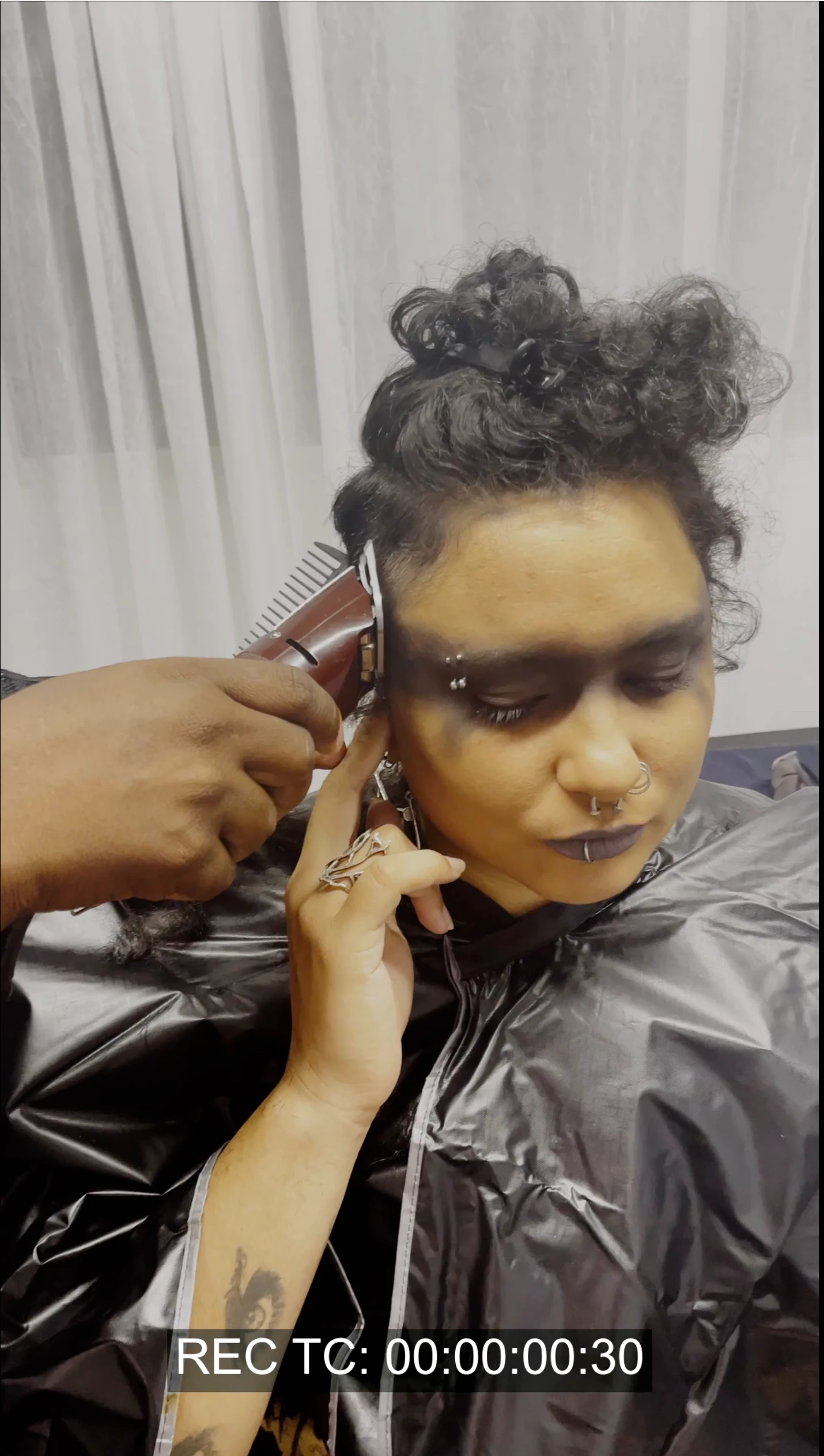
Image as it looks in Program/Reference
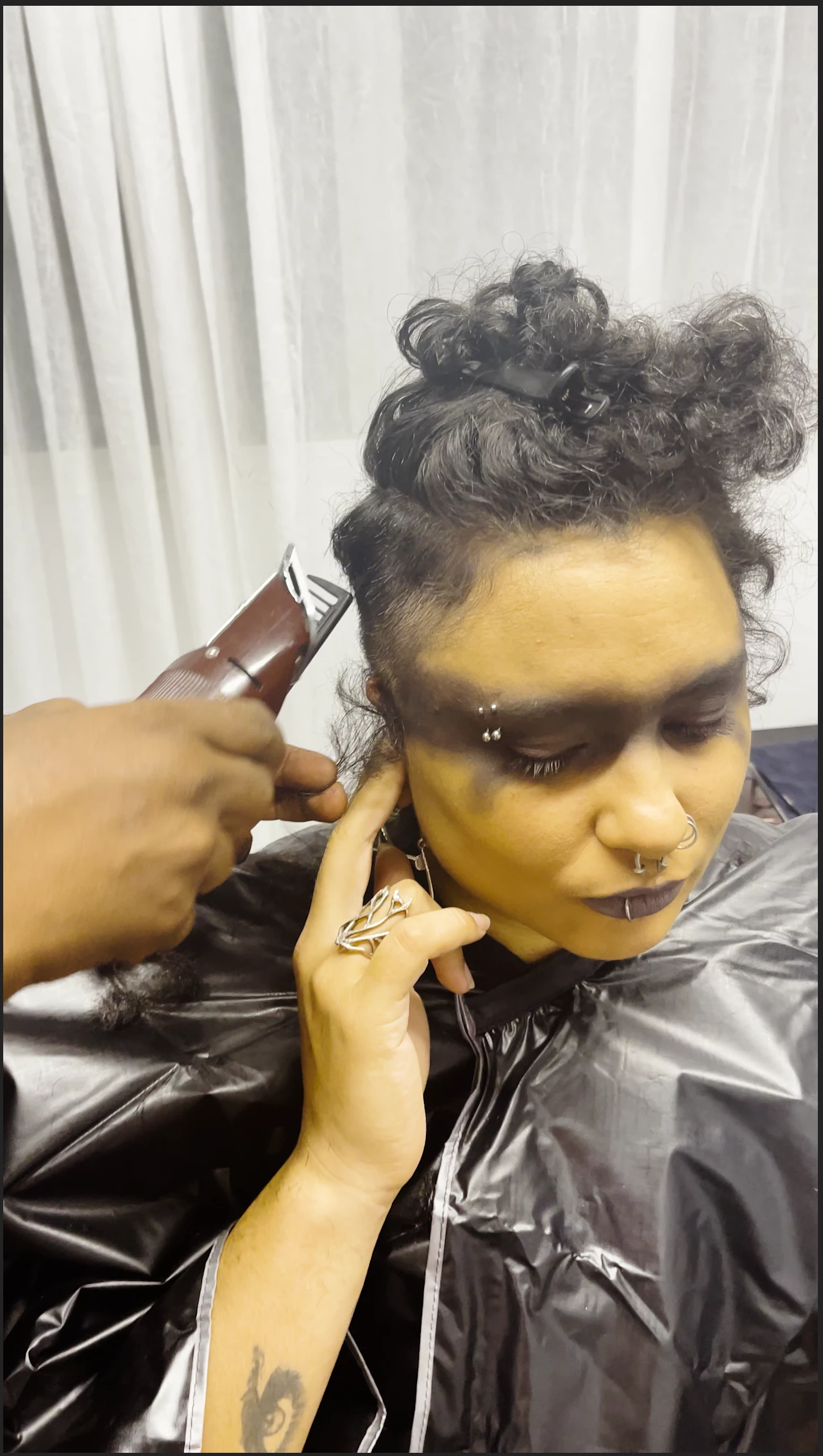
Image as it looks exported as an MP4/H.264 and MOV/ProRes 422 HQ. Whites are clipped, colours are breaking, and the saturation is all wrong.
The same frame exported from DaVinci Resolve
 AdChoices