

Answered
Adobe Dynamic Link in Premiere Pro CC 2017
Hi Everyone,
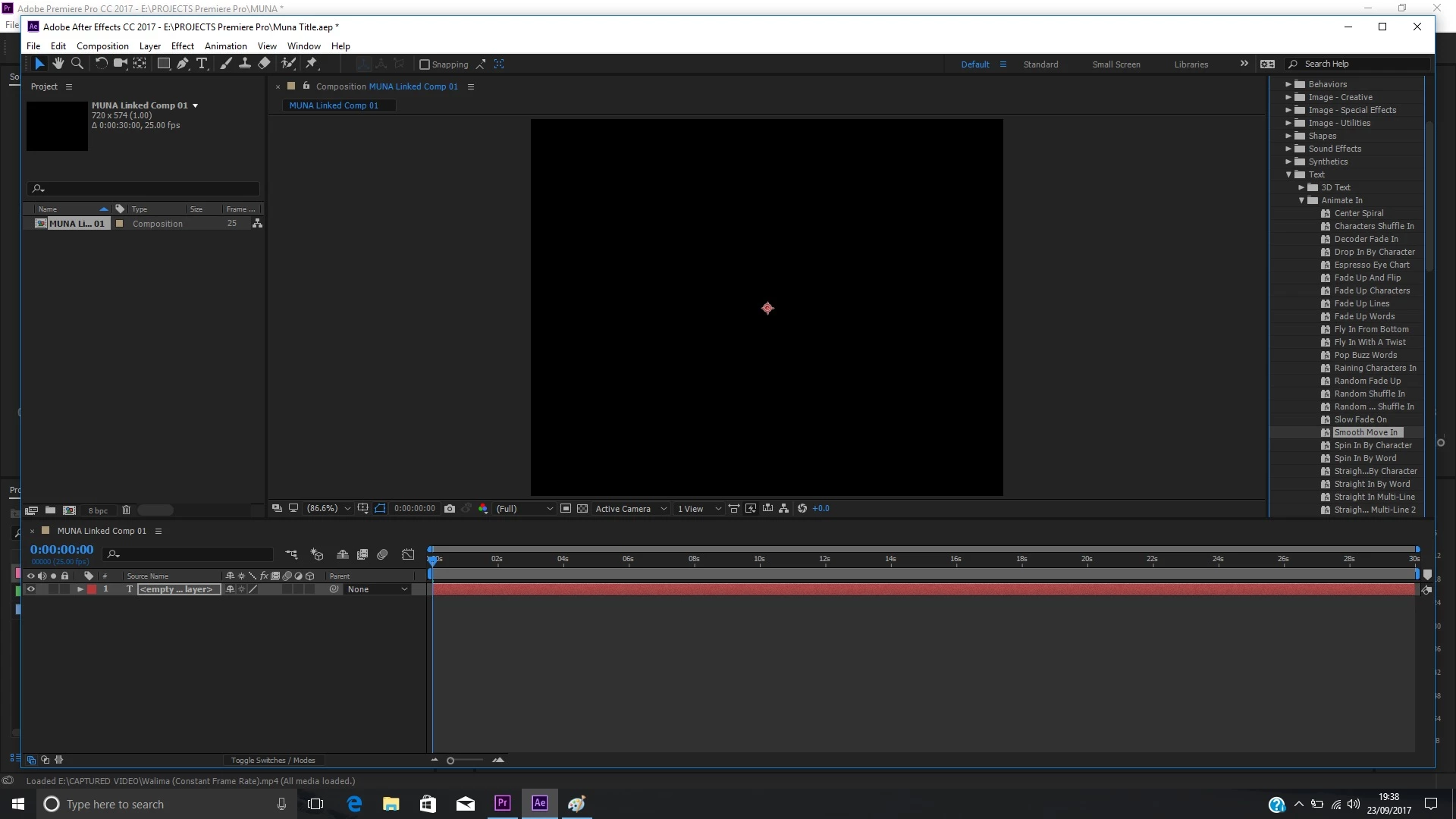
I will be very grateful if someone can solve my problem. I am trying to use the Text Presets in After Effects by using the Adobe Dynamic Link in Premiere Pro. So in Premiere Pro, I go to File, Adobe Dynamic Link and New After Effects Composition. When I am in After Effects and I have selected one of the Text Presets from Effects and Presets, I cannot see the sample text or the anchor points in the window for any Preset I select. I can't even see the animation when I move the play head in the time line and I can't enter new text either. When double clicking on a Preset, the Preset appears in the Window as shown in the screen shot below. Any help will be very much appreciated.
 AdChoices