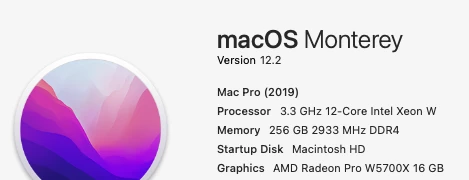
Participant
February 3, 2022
Answered

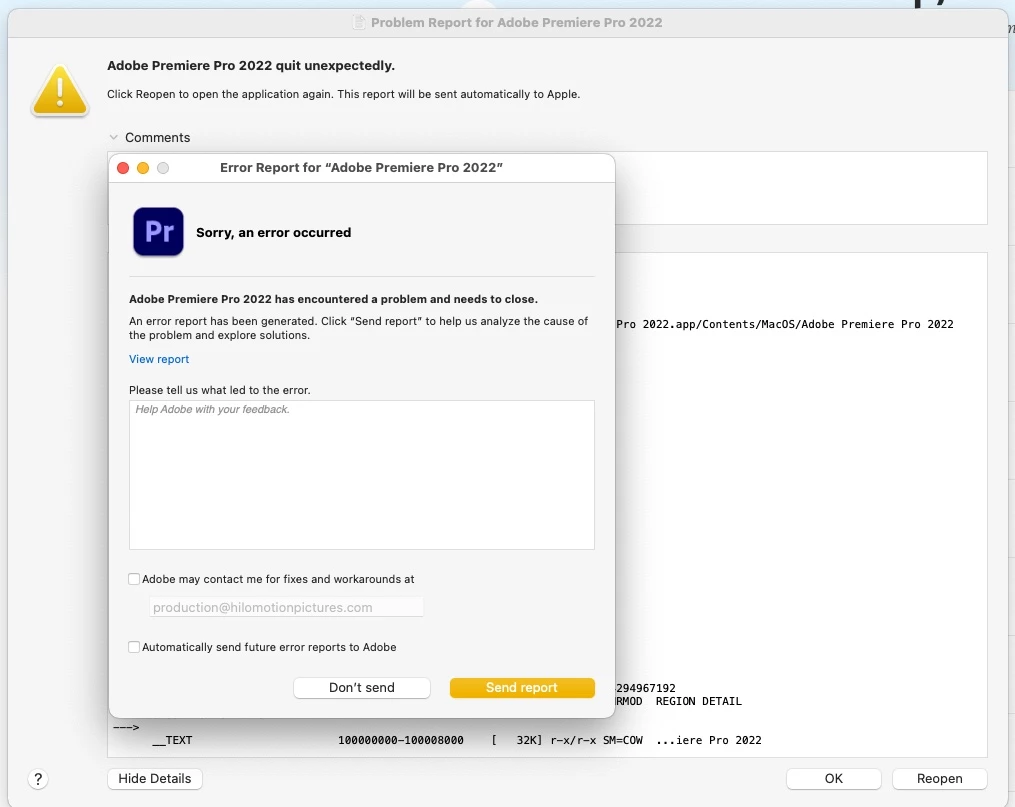
Adobe Premier Pro shuts down when I go into preferences

  • February 3, 2022
  • 3 replies
  • 2655 views

Adobe has been on with me multiple times trying to trouble shoot and fix this new bug.    


1. I open premier pro 2022 or 2021 or 2020.    

2. I go to prefrences to change the media cache folder

3. Instalnty it shuts down and gives me the screen below.


--I have tried full unistalls

--adobe cleaner

--reinstall

-created new users

-adobe has been on screenshare for hours on end trying to remove prefrences and do the normal plugin removal and basically taking everything that worked before and making it into a mess.   Now nothing works..  

They left me high and dry and wont return my emails and when I call, no call back.   

Adobe made a new user with core level acess or something and it messed up my whole system so now I cannot even reinstall the OS, which they told me not to do becausee it wasnt an OS problem.   


Anyone have any similar issues?   Solved??   


https://youtu.be/9c97npXVMSs 


This topic has been closed for replies.
Correct answer GrahamWillcox

Thanks - will try this the next time the malfunction arises.

Appreciate your help.


Update: we have confirmed that the issue is related to the TB2 optical cable itself, not Premiere ---  after happening upon this tip on another forum.  It seems our specific hardware combo can lead to cable malfunction over long periods.  We'll expermient with using optical tb3 + adapters if we can get those, and I'll report back.  Thanks for all of your help, Mitch and Bruce.

3 replies

Participating Frequently
July 12, 2022

Very similar issue with opening Preferences locking up Premiere Pro.  Reopening application does not resolve, full system reboot to fix. Very frustrating, happens intermittently and unpredictably.  For 2 months now, Mac OS monterey OS 12, PPRO 2022.

Bruce Bullis
Legend
July 12, 2022

Graham,

Do you have any 3rd party plug-ins installed, Tourbox or otherwise? 

/Library/Application Support/Adobe/Common/Plug-ins/

Note: That's the system root /Library folder, not your User account's ~/Library folder.


Participating Frequently
July 12, 2022

Yes, several Maxon/RG plugins and also Blackmagic Ultrastudio in Mercury Transmit.

All have the latest versions/drivers installed.


Bruce Bullis
Legend
February 8, 2022

Hello HiLo,


We've contacted TourBox about the issue; they've asked that you follow their instructions for gathering logs, and send the resultant files to support@tourboxtech.com


Participant
February 8, 2022

really?   I don't have tourbox or use it on my system.    Do I need to remove some drivers or data?     Please asvize 

Bruce Bullis
Legend
February 8, 2022

I don't have tourbox or use it on my system.


Well, based on the crash report in the "Untitled copy.txt" you posted, you definitely have their drivers / plug-ins installed on your system. 🙂

You can remove their Control Surface plug-in, "TourBox.bundle", from 

/Library/Application Support/Adobe/Common/Plug-ins/ControlSurface

Note: That's the system root /Library folder, not your User account's ~/Library folder.

Kartika Rawat
Community Manager
Community Manager
February 7, 2022

Hi there!

Sorry for the frustration. I'll share the post with product team.

Stand by.

Thanks,

Kartika