
Answered
Adobe Premiere Audio Export Issues
- August 27, 2024
- 2 replies
- 2767 views
Hello All,
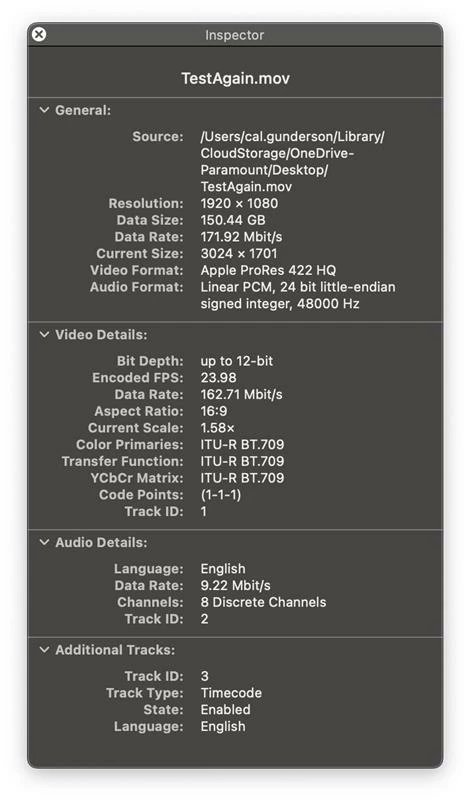
I'm importing a Apple ProRes 422 HQ file with discrete 5.1 + Lt/Rt audio on channels 1-8 (L, R, C, LFE, Ls, Rs, Lt, Rt). Please see attached image for original audio import reference. When I export the file after making a couple edits to the picture, it's not allowing me to retain the source audio as discrete tracks on the revised file. Instead, it's exporting an interleaved stereo audio track on Channel 1. I've tried multiple ways to fix this, including going through Media Encoder and creating a new sequence and assigning 8 audio tracks, but nothing is working. Any advice on how to fix this?
Thanks!
LostinLaPostProduction
 AdChoices