
Exit
  • Global community
    • Language:
      • Deutsch
      • English
      • Español
      • Français
      • Português
  • 日本語コミュニティ
  • 한국 커뮤니티
0

Adobe Premiere Pro 2020 Error please help

New Here ,
Apr 30, 2020 Apr 30, 2020
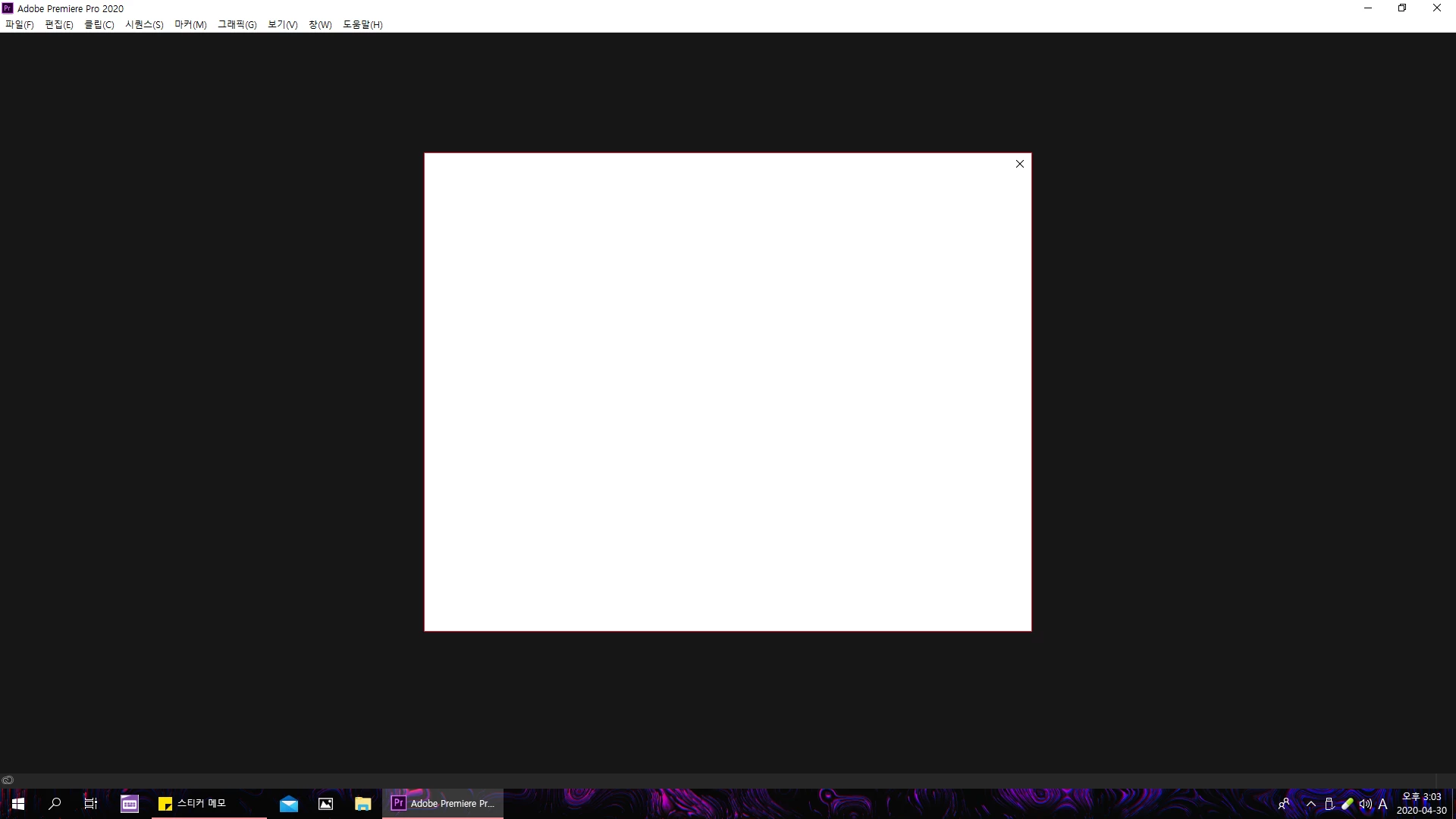
When I entered Premiere Pro to edit a video, it pops up like this, and when I close the white one in front, Premiere Pro turns off
Try updating the graphics card driver, and downloading Premier Pro again will not change. How can I solve it?
제목 없음.png 

TOPICS
Crash , Error or problem
191
Translate
Report
Community guidelines
Be kind and respectful, give credit to the original source of content, and search for duplicates before posting. Learn more
community guidelines
Adobe Employee ,
May 01, 2020 May 01, 2020
LATEST

Hi there,


Sorry for your issue. I understand that you are not able to launch Premiere Pro properly.

Few suggestions that you can try:

  1. If you are using any antivirus, disable it and try to launch Premiere Pro.
  2. Try resetting the preferences: https://community.adobe.com/t5/premiere-pro/faq-how-to-reset-trash-preferences-in-premiere-pro/td-p/...
  3. Check if the Creative Cloud desktop app is working properly. If not, let us know what's happening. In some cases, the Creative Cloud desktop app can cause such issues.


Looking forward to your response.


Thanks,

Nishu

Translate
Report
Community guidelines
Be kind and respectful, give credit to the original source of content, and search for duplicates before posting. Learn more
community guidelines