

Adobe premiere pro 2020!!!! problems importing MOV (Apple Quick Time File) !!!! how do I fix it????
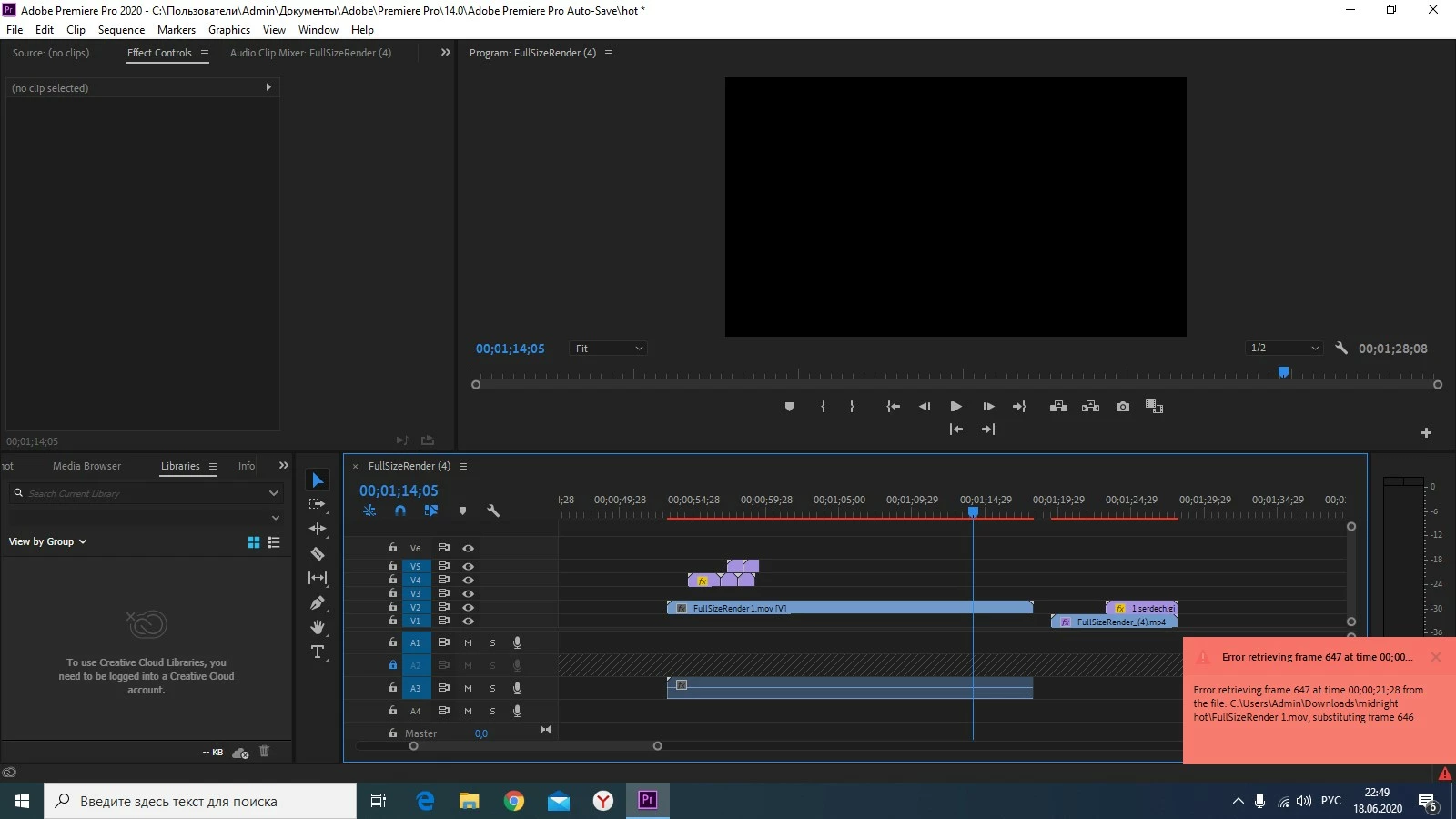
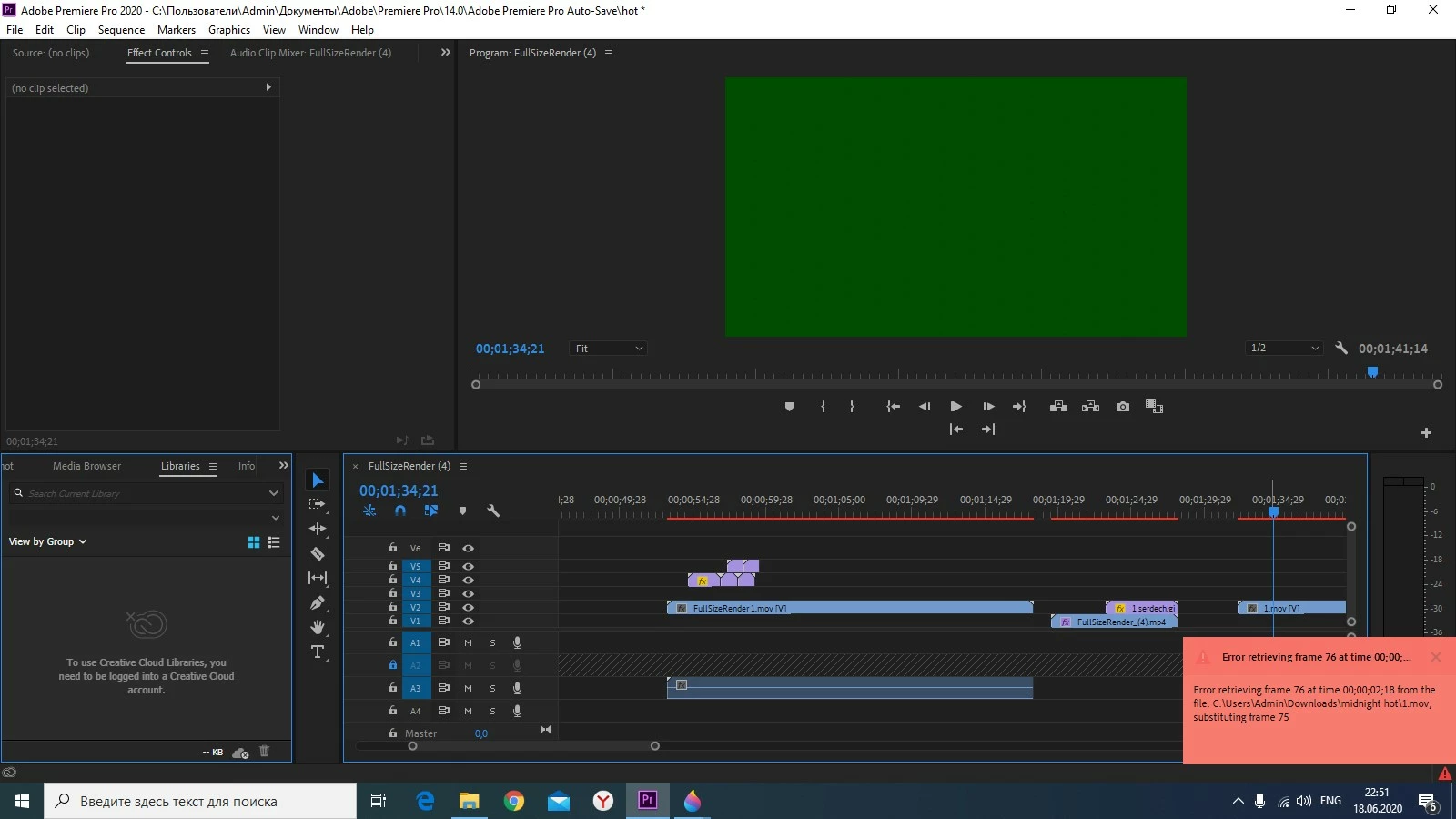
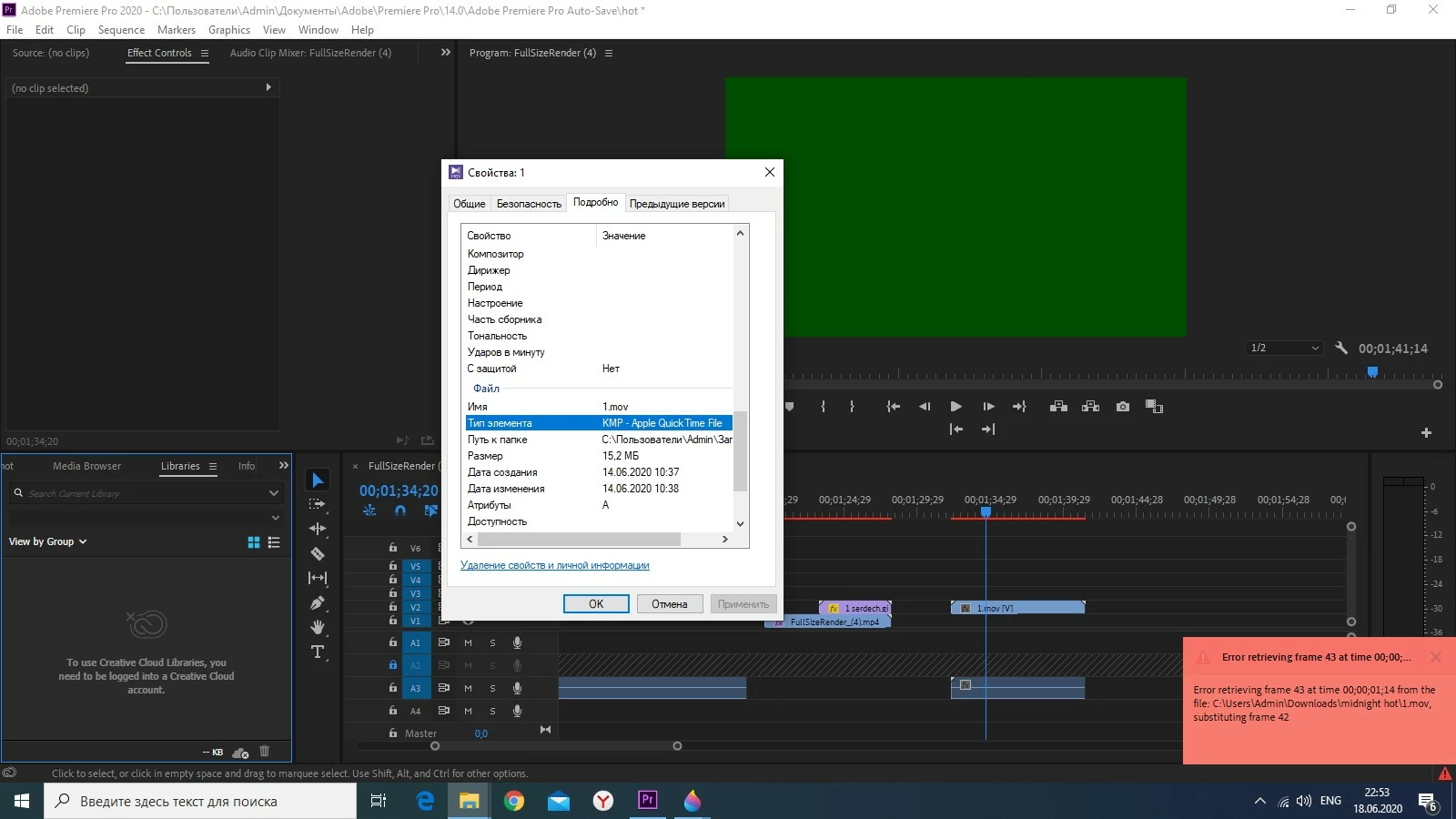
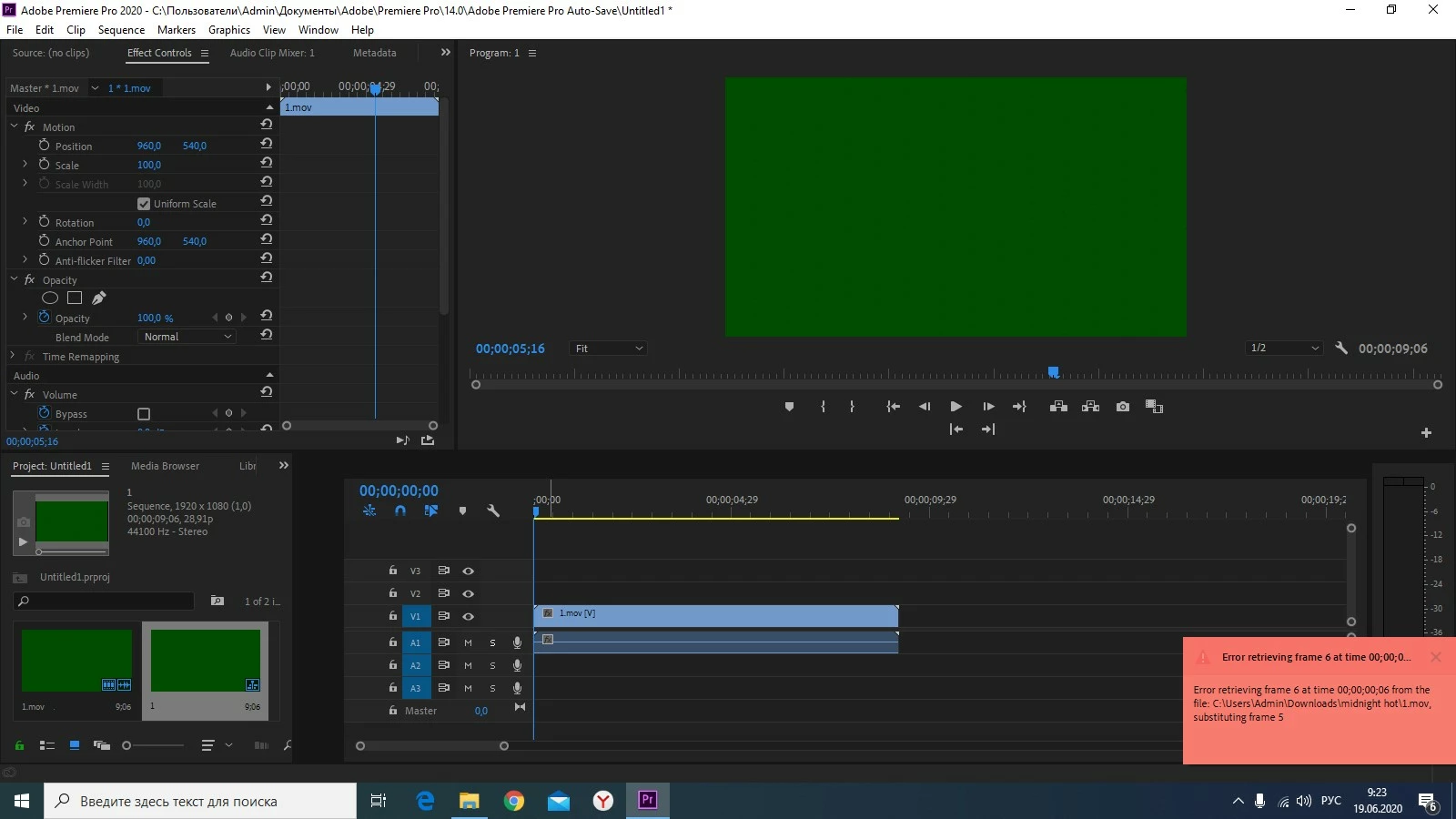
Adobe premiere pro 2020!!!! why is there a black screen or a green screen and a message on a pink background in the lower right corner of the preview window when importing files with the mov extension??????
Message : """"" Error retrieving frame (**number**) at time (**time**) from the file (**name file...location**) """""""
+++++++++++++++++++++++++++++++++++++++++++++ RUS
+++++++++++++++++++++++++++++++++++++++++++++ РУССКИЙ
Adobe premiere pro 2020!!!! проблемы с импортом MOV (Apple QuickTime File)!!!! как мне это исправить???? Adobe premiere pro 2020!!!! почему при импорте файлов с расширением mov в правом нижнем углу окна предварительного просмотра появляется черный или зеленый экран и сообщение на розовом фоне? : ""Ошибка извлечения кадра (**номер**) во время (**время**) из файла (**имя файла...местоположение**) """"
 AdChoices