
September 6, 2013
Answered

Adobe Premiere Pro Automatically Crops Source Video Upon Import

  • September 6, 2013
  • 12 replies
  • 40816 views

This is really confusing me and I've never had this kind of trouble before.  I have source videos that are 720x480, but as soon as I import them into Premiere, they are cropped to 540x480.  It's not a problem with sequence settings or anything, because the imported source file is cropped before it's even in a sequence.  I tried looking on-line for a solution, but couldn't find any.  Does anyone know how this can be fixed...maybe some import settings that I don't know about?

Here are some screenshots to visually represent what I was saying:

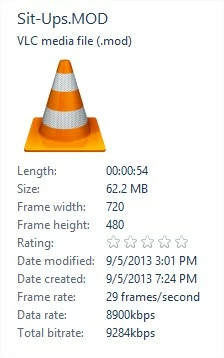
This is properties of the video
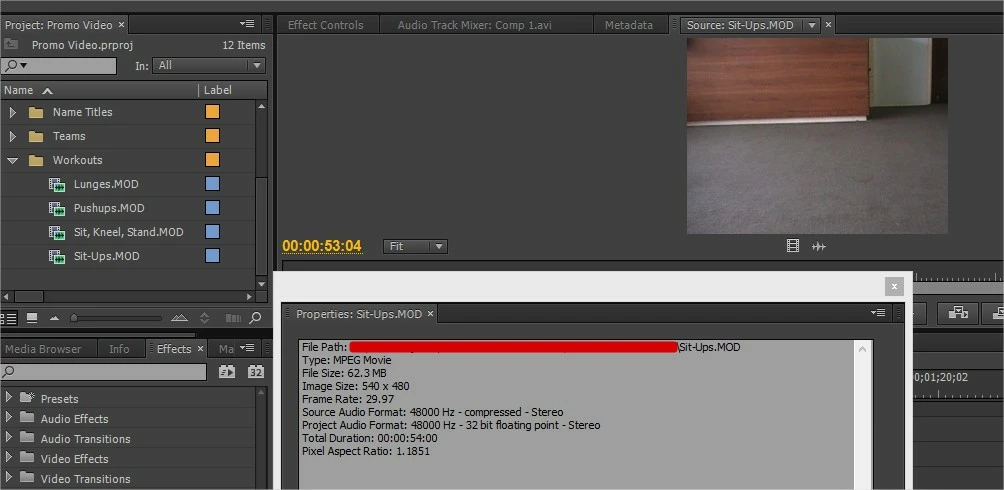
This is what Premiere automatically does right after the video is imported as a source
This is a screenshot when played with VLC:

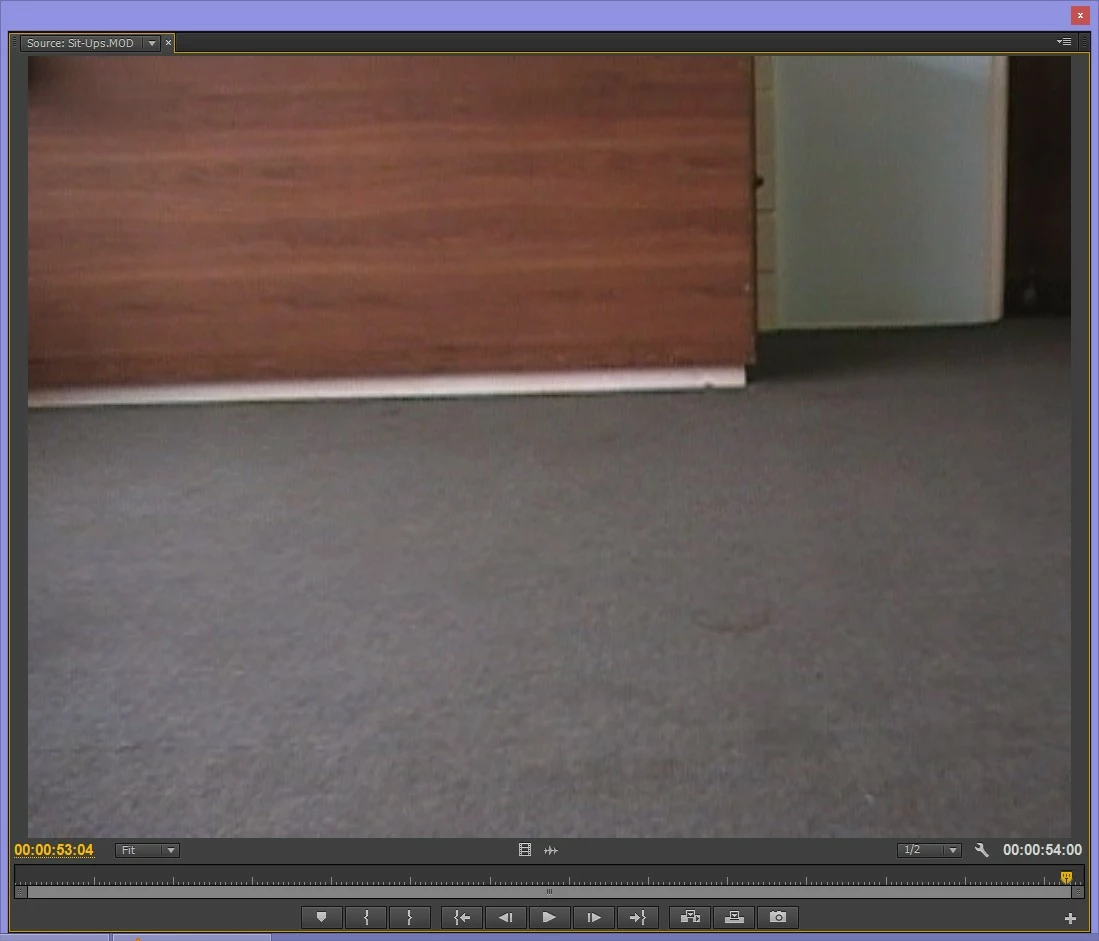
This is a screenshot when played from the source in Premiere:
Any help with this would be greatly appreciated.  This video is due Saturday and all my footage is cropped, please help me.  Thank you!

This topic has been closed for replies.
Correct answer Ann Bens

Premiere does not support .MOD files. Never has. If they worked in the past, you were lucky.

Changing the extentie to mpg might work or else convert. (even heard mts and avi)

http://pagesperso-orange.fr/gilles.bihan/converio_095.htm

Have seen this before with someone who wanted to use .MOD files in CC.

I have a few .MOD files and tested it in CC and yes they get cropped.

Good alternative for these files would be Adobe Elements.

or file a bugreport.

http://www.adobe.com/cfusion/mmform/index.cfm?name=wishform

12 replies

an931s
Participant
December 30, 2014

same here  the program cant see 720x before import go: file->get properties for->file   and it just see 540x576 not 720x576 hmmm.....

Participating Frequently
February 7, 2015

Actual PP CC2014 (Feb. 2015) fixed this problem. Now I can import VOBs with full scale.

Ann Bens
Community Expert
Ann BensCommunity ExpertCorrect answer
Community Expert
September 6, 2013

Premiere does not support .MOD files. Never has. If they worked in the past, you were lucky.

Changing the extentie to mpg might work or else convert. (even heard mts and avi)

http://pagesperso-orange.fr/gilles.bihan/converio_095.htm

Have seen this before with someone who wanted to use .MOD files in CC.

I have a few .MOD files and tested it in CC and yes they get cropped.

Good alternative for these files would be Adobe Elements.

or file a bugreport.

http://www.adobe.com/cfusion/mmform/index.cfm?name=wishform

Participating Frequently
September 6, 2013

Besides Ann's suggestions, I notice that the Premiere monitor window looks like 4:3, but your footage is aparently widescreen judging by the VLC screen shot. What are the sequence settings being used? What happens if you choose "DV Widescreen" for the sequence, place your clip in the timeline, and then use Motion to change the scaling - if you scale down, can you then see the rest of the image that was previously cropped? You might also right-click a clip in the bin and check Modify > Interpret and see what the settings are. If it says "1.0" pixel aspect, you can change that to widescreen if need be.

Hope this helps. I had a client give me .mod files once, not fun.

Thanks

Jeff Pulera

Safe Harbor Computers

Ann Bens
Community Expert
Community Expert
September 6, 2013

The clips get cropped on import. Premiere does not interprete them correct and you cannot correct that.