
Question
Adobe Premiere Pro Missing Clip when export
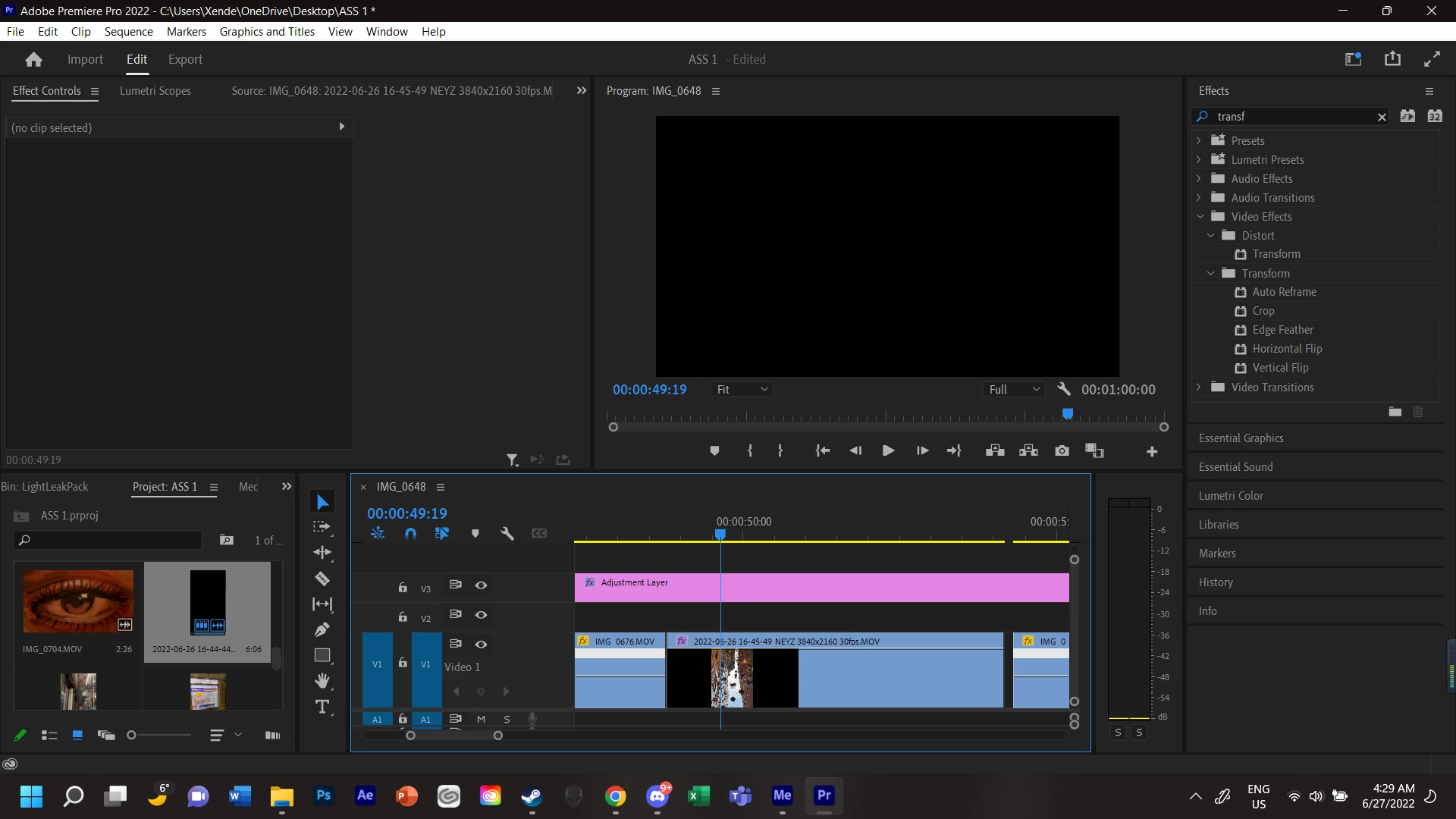
Hi, I am very new to Premiere Pro, I was on my way to finalizing and exporting my first project, however when I started to export the my Video, there is this one clip that is just always missing no matter what. The clip can be seen in the editor mode but not when I exported it. The only thing i have noticed about this clip in editor is that i am only able to see the clip on the timeline when i play the clip, but i cant see the clip at on if i was just clicking onto them.
 AdChoices